Want to win more jobs with less effort?
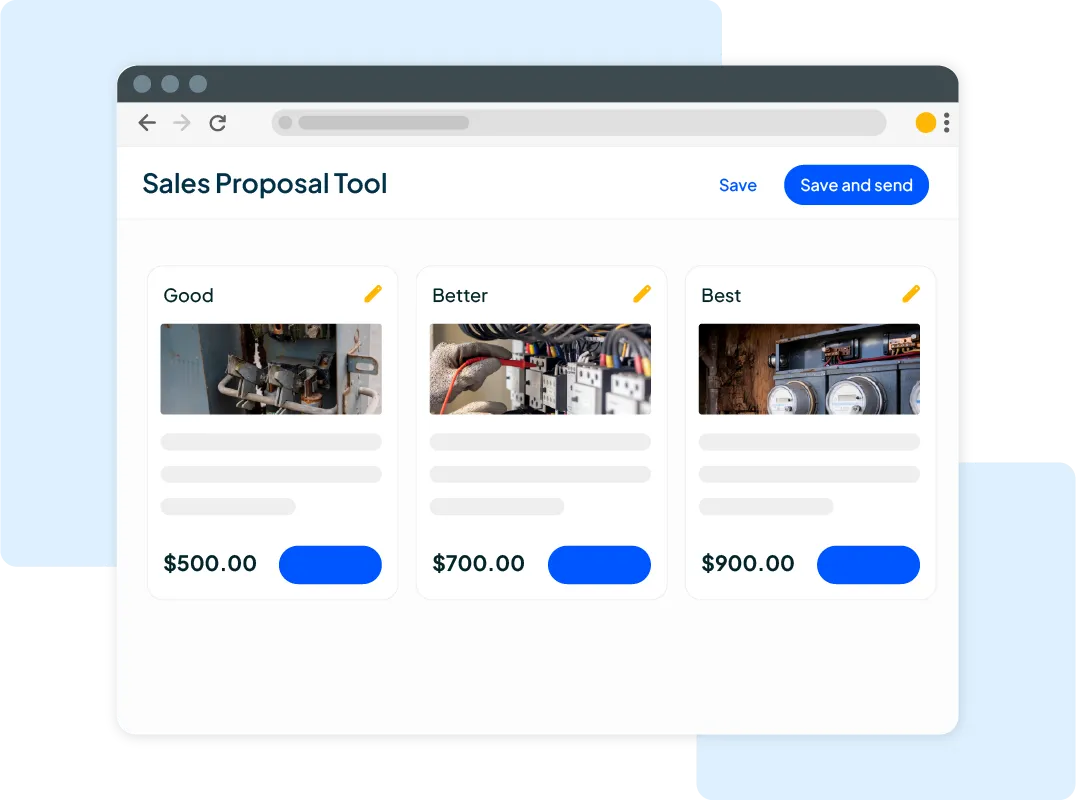
Grow your business and send quick quotes with our home service software.

Want to see your potential revenue?
See what businesses like yours earn with Housecall Pro in 1 - 2 minutes.
A packed schedule can change fast when a customer calls with no heat or a broken AC. You’re finding a tech who can get there, checking what’s been repaired before, and figuring out how to fit the call around tune-ups and installations already on the calendar. It’s a lot to keep track of, especially when the details are scattered across texts, spreadsheets, and paper files.
HVAC business management software gives your office and techs one place to manage that work. Here’s what it can help with, which features to look for, and when you’ll need separate tools for load calculations and system design.
Quick answer: What is HVAC software?
HVAC software includes tools for managing an HVAC business, designing systems, or diagnosing equipment problems. Business management software helps your team schedule jobs, organize customer records, prepare estimates, and collect payments. Load calculation, design, and diagnostic tools support the technical side of HVAC work, such as sizing equipment and troubleshooting systems.
Table of contents
- What types of HVAC software are available?
- HVAC business and field service management software
- What does HVAC business software do?
- How does HVAC software work during a service call?
- Who can benefit from HVAC business software?
- What should you check before choosing HVAC software?
- How does Housecall Pro support HVAC businesses?
What types of HVAC software are available?
“HVAC software” can mean a few different things. Some tools help you run your business, while others help you design systems or troubleshoot equipment.
Depending on the services your business provides, you may need more than one type to get the work done.
| Software type | Main purpose | Who uses it |
| HVAC business management software | Manage schedules, customers, estimates, and invoices | Owners, office staff, dispatchers, technicians |
| Load calculation and system design software | Calculate loads, size equipment, and design systems | Designers, engineers, installation contractors |
| Diagnostic tools and equipment-specific apps | Troubleshoot equipment and check performance | Service technicians, installers |
HVAC business and field service management software
HVAC business management software helps you handle the daily work of running your company. You can schedule service calls, assign technicians, keep customer records and job details organized, and create estimates and invoices without switching between spreadsheets and paperwork.
It can also help you manage recurring maintenance visits, track completed work, and follow up with customers when their next service appointment is due.
This type of software falls under the broader category of field service management software, which is used by businesses that send employees to customer locations. HVAC business software focuses on heating and cooling contractors, while field service management platforms may also support plumbing, electrical, appliance repair, and other trades.
Load calculation, system design, and simulation software
Load calculation and design software helps HVAC contractors and engineers determine the right equipment size, design ductwork, and evaluate a building’s heating and cooling requirements. Contractors primarily use these tools when planning new installations or replacing existing systems.
For example, Manual J calculations determine how much heating and cooling a home needs based on factors like square footage, insulation, windows, and climate. The Air Conditioning Contractors of America (ACCA) maintains a list of approved software for performing Manual J calculations that meet its standards.
Housecall Pro doesn’t perform load calculations. It focuses on managing the business side of HVAC work, including scheduling installations, preparing estimates, and billing customers.
Diagnostic tools and equipment-specific apps
Diagnostic software helps HVAC technicians troubleshoot problems, monitor equipment performance, and identify potential repairs. These tools may connect to testing equipment or provide readings such as refrigerant pressures, temperatures, and system performance data.
Some manufacturers also offer apps designed specifically for their equipment. Technicians use these to access fault codes, adjust settings, and review service information.
Together, these tools help technicians diagnose and service HVAC systems, while business management software handles scheduling, customer records, and billing.
What does HVAC business software do?
HVAC business software helps you manage service calls from the moment a customer books an appointment through final payment. It connects scheduling, customer records, estimates, invoicing, and follow-up tasks so your office staff and technicians can work from the same job information.
Features vary by provider and plan. Use the table below to identify the tools you need and the details to check before choosing a platform.
| Feature | How it helps | What varies by product or plan |
| Scheduling and dispatching | View appointments and assign technicians | Location tracking and route planning tools |
| Customer and job records | Store contact details, service history, and notes | Equipment records, warranty details, and photo storage |
| Estimates and invoicing | Create and send estimates and invoices | Digital approvals, reminders, and progress billing |
| Maintenance management | Schedule repeat appointments | Service plans, renewal reminders, recurring payments |
| Field access and communication | Access job details and schedules from the field | Customer texts, GPS tracking, and offline access |
| Payments, accounting, and reporting | Track payments and business performance | Processing fees, accounting sync, and reporting options |
Schedule service calls and assign technicians
When temperatures climb and the phones start ringing with AC repair requests, you need to know which technicians are available and where to send them. HVAC scheduling software lets you review your calendar, see assigned jobs, and make adjustments as new calls come in.
Before assigning a job, check the expected service time, customer location, technician qualifications, and existing appointments. Housecall Pro offers a drag-and-drop scheduling calendar and a map view to help dispatchers manage appointments and technician assignments.
Keep customer and equipment information organized
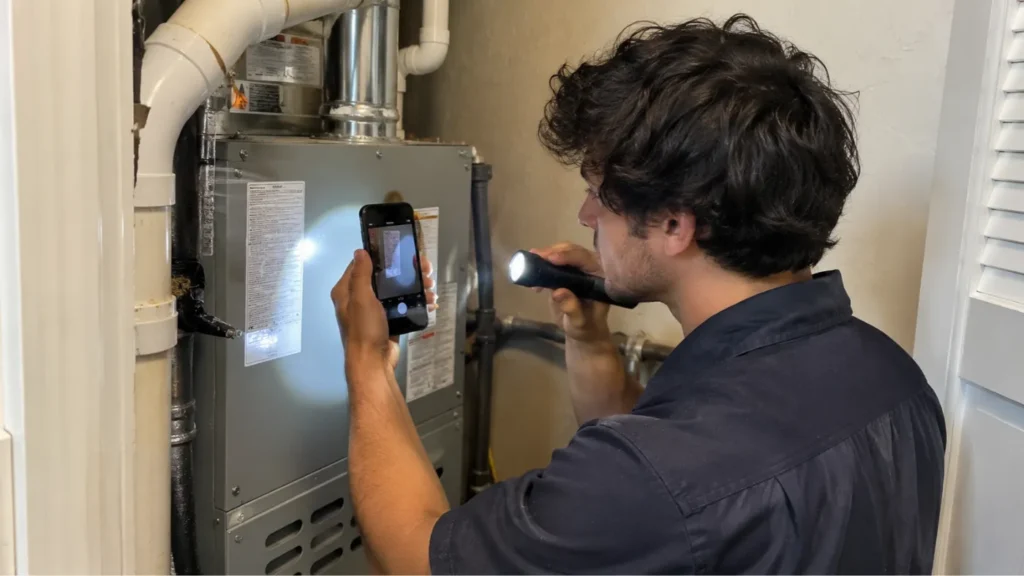
Your technicians shouldn’t have to call the office to ask what happened during a customer’s last service visit. HVAC business software stores contact information, service history, job notes, and, where supported, photos in customer records.
For example, a technician responding to a furnace repair can review notes from a previous visit before arriving. Housecall Pro also offers equipment tracking. When comparing tools, check which equipment details you can store, such as installation dates and warranty information, and how easily techs can find them.
Prepare estimates and invoices
HVAC estimating software helps you document proposed work, send estimates for customer approval, and turn approved work into jobs. If the customer approves additional repairs during the visit, update the job record to reflect the changes before preparing the final invoice.
Housecall Pro lets contractors create estimates, convert them into jobs, and send invoices by email or text after the work is completed. This keeps the billing process connected to the original service request and approved work.
Manage maintenance visits and service plans
Routine maintenance can help keep your schedule steady between emergency repairs and equipment installations. HVAC software helps organize this recurring work, including:
- Repeat appointments: Schedule seasonal tune-ups and other maintenance visits.
- Plan details: Record which services and how many visits are included in each agreement.
- Renewal follow-up: Track expiring agreements and remind customers when renewal is due.
- Recurring charges: Collect payments according to the customer’s agreed billing schedule.
Housecall Pro’s Service Plans feature supports these activities, including tracking unscheduled visits, sending renewal reminders, and collecting recurring card payments for eligible plans.
Read more: HVAC service agreement software
Support field work and customer communication
Your techs need job details on hand while they’re at a customer’s property. Mobile HVAC software lets them check schedules, review customer history, and record job updates from their phones.
Customer communication features also help keep homeowners informed when appointments are scheduled or technicians are on their way. Housecall Pro offers a mobile app, automated appointment reminders, and On My Way texts, reducing the routine updates your office staff needs to send manually.
Connect payments, accounting, and reporting
Once a technician finishes a repair, HVAC business software can help you collect payment and keep your records up to date. Depending on the platform, you can send an invoice, record a payment, and transfer financial information into your accounting software.
Housecall Pro supports payment collection, QuickBooks integration, and reporting on business activity, including revenue and technician performance. Check which accounting records sync, which direction information moves, and which reports are included in the plan you’re considering.
Get In Touch: 858-842-5746
Let us earn your trust
On average, Pros increase monthly revenue generated through Housecall Pro by more than 35% after their first year.
See plan options and feature breakdown on our pricing page.
How does HVAC software work during a service call?
Here’s how an HVAC team might use the software when a homeowner calls because their AC isn’t cooling:
- Book the appointment: Office staff enter the customer’s information and schedule the repair.
- Assign a technician: The dispatcher checks availability and assigns the job.
- Review service history: The technician uses the mobile app to review previous repairs and equipment notes.
- Document the repair: The technician records the problem, recommended repairs, and customer-approved work.
- Send the invoice: After the repair, the technician completes the job and sends an invoice through the software.
- Collect payment: The customer pays electronically, and the software records the transaction.
You can also set up a follow-up when the customer’s next maintenance visit is due.
Who can benefit from HVAC business software?
HVAC business software can help solo contractors and larger teams. The right features depend on the jobs you handle and how your team works.
- One-person businesses: Manage appointments, customer information, estimates, and payments without spending evenings on paperwork.
- Growing residential teams: Coordinate multiple technicians, schedule service calls, and keep the office informed about job progress.
- Commercial service contractors: Manage recurring maintenance, multiple customer locations, service agreements, and detailed billing requirements.
If your business handles complex commercial contracts, equipment across multiple sites, construction projects, or extensive inventory, ask the provider to walk through those needs before you commit.
For more guidance, read Housecall Pro’s commercial service management guide.
What should you check before choosing HVAC software?
Choose HVAC software based on how your team works today and what you’ll need as your business grows. Before committing, review these factors:
- Mobile access: Can technicians easily use it on their phones?
- Job types: Does it support repairs, installations, and maintenance?
- Maintenance plans: Can it track visits, agreements, and renewals?
- Accounting: Does it connect with your current system?
- Total cost: What are the subscription, setup, and additional fees?
- Support: What training and customer assistance are available?
- Data management: Can you import records and export them later?
- Security: How are customer data and employee access protected?
Have someone from your office and a technician try the software using a typical repair call and maintenance visit. Check how easily they can find job details, update records, and complete their part of the work. For more details, see Housecall Pro’s field service software comparison guide.
How does Housecall Pro support HVAC businesses?
If your team spends too much time tracking down job details, sending appointment updates, or preparing invoices, Housecall Pro can help bring that work together. Its HVAC business software connects the office and field so your team can manage jobs from booking through payment.
- Scheduling and dispatching: Manage appointments, assign technicians, and keep job information organized in one place.
- Estimates and invoicing: Create and send estimates, get customer approvals, and invoice customers once work is complete.
- Service plans: Manage recurring maintenance agreements, schedule visits, and handle renewal reminders.
Ready to see how it fits your day? Sign up for Housecall Pro’s free 14-day trial and try it with the tasks your team handles most often.
HVAC software FAQ
Can a one-person HVAC business use HVAC software?
Yes, a one-person HVAC business can use HVAC software to manage appointments, customer records, estimates, invoices, and payments. Even without office staff, you can schedule service calls, track completed jobs, and handle administrative tasks from your phone.
Does HVAC business software replace accounting software?
HVAC business software doesn’t typically replace accounting software. It manages service operations, invoicing, and payments, while accounting software handles bookkeeping, financial statements, and tax records. Many platforms, including Housecall Pro, integrate with QuickBooks to transfer financial information between systems.
Can HVAC software handle both residential and commercial work?
Yes, HVAC software can support residential and commercial work, including service calls, installations, and maintenance contracts. But commercial contractors should make sure the software fits their needs, such as multiple service locations, complex contracts, equipment records, and specialized billing.
Does HVAC software do Manual J load calculations?
HVAC business management software does not perform Manual J load calculations, and Housecall Pro doesn’t offer this functionality. Manual J calculations determine a home’s heating and cooling requirements and require specialized design software. The Air Conditioning Contractors of America (ACCA) maintains a list of approved Manual J software.
Can HVAC software track job costs and profit?
Some can. Look for tools that let you review labor and material costs for each job, so you can see which job types leave the most profit and which may be underpriced. Housecall Pro offers HVAC job costing for reviewing job-level costs.
What is the best HVAC software for a small business?
The best HVAC software for a small business depends on your team size, daily workload, budget, and the services you provide. Look for software that handles scheduling, customer records, estimates, invoicing, and mobile payments without adding unnecessary complexity. To compare options, have an office team member and a technician each run the same repair call and maintenance visit in every platform you’re considering. Housecall Pro’s HVAC software comparison guide can help you evaluate different platforms.
Is there HVAC software for scheduling and dispatching?
Yes, HVAC scheduling and dispatching software helps companies to book appointments, schedule technicians, and manage daily service schedules. Many platforms also include shared calendars, job status updates, and mobile access, so technicians can review assignments while working in the field. Some even offer route planning and GPS tracking tools.
Can customers book HVAC appointments online?
Yes, some HVAC software includes online booking, so customers can request or schedule a visit without calling your office. Check which services customers can book, how you control availability, and whether bookings appear on your dispatch calendar. Housecall Pro offers HVAC online booking.
How much does HVAC software cost?
HVAC software costs vary by provider, number of users, features, and billing terms. Plans range from entry-level options for a single user to higher-priced plans for larger teams, and some providers require custom quotes.
For example, Housecall Pro’s Basic plan starts at $59 per month when billed annually, or $79 with monthly billing. Additional users, advanced features, and payment processing may increase the total cost. Review the current pricing and plan details before purchasing.