Want to win more jobs with less effort?
Grow your business and send quick quotes with our home service software.

Want to see your potential revenue?
See what businesses like yours earn with Housecall Pro in 1 - 2 minutes.
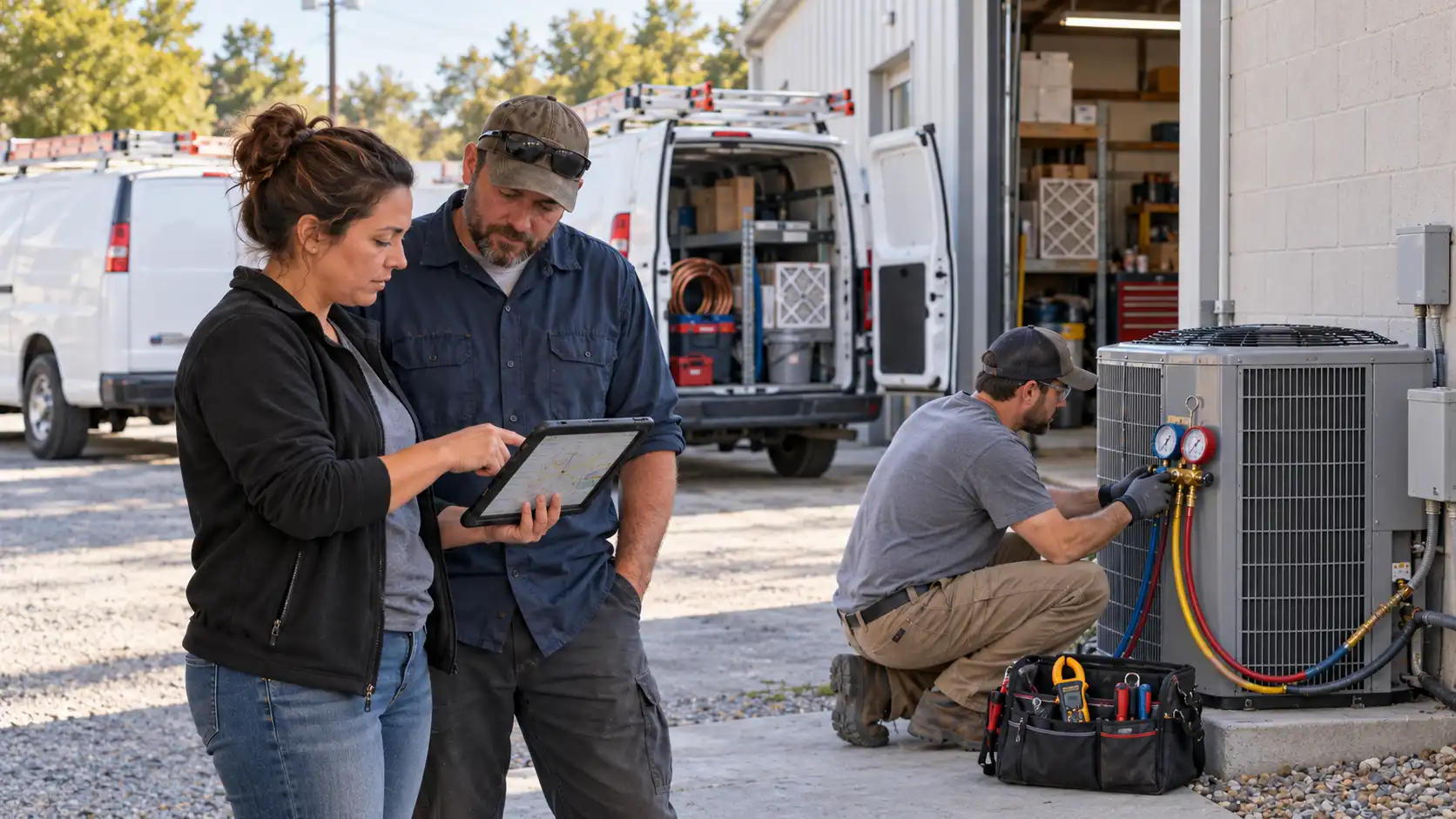
A three-tech HVAC company may be able to run on texts, phone calls, and a dispatcher who knows everyone’s route. With 10+ technicians in the field, it gets harder to keep up. Your dispatcher spends more time asking for updates, and arrival windows get harder to pin down.
GPS tracking connected to your dispatch board gives the office a clearer way to manage the day. Dispatchers can see technician locations alongside scheduled jobs, then use that information to assign new calls and adjust when a job runs long.
Quick answer: How do HVAC companies with 10+ technicians manage GPS tracking and dispatch?
HVAC companies with 10+ technicians can manage dispatch by viewing technician locations alongside scheduled jobs and job status updates. That helps the office spot delays, assign nearby available technicians, and keep customers informed when arrival times change. Housecall Pro’s HCP Map shows technicians and scheduled jobs in one place, while actions in the mobile app—On My Way, Start, and Finish—update job status for the office in real time.
Key takeaways
Here’s how connected GPS tracking and dispatch tools help a 10+ technician HVAC team.
Connect location to jobs: See technician locations beside the day’s scheduled calls.
Stop chasing status updates: Use mobile app job activity to see when technicians are on their way, on-site, or finished.
Reassign work faster: Check which qualified technicians are nearby and available when a job runs long.
Protect customer ETAs: Send On My Way texts without adding another office task.
Keep routes flexible: Update assignments when priority calls, cancellations, and delays change the plan.
Use one shared view: Give dispatch and technicians access to current job information, and keep customers informed about their appointments.
Table of contents
What gets harder to manage once you cross 10 technicians
A full schedule rarely stays on plan. A repair takes longer than expected, a customer cancels, or an urgent no-cool call comes in. With more technicians in the field, each change can affect several appointments. Here’s where dispatch can lose time:
- Finding a nearby technician takes longer. Without a current view of the field, dispatchers may need to call around before assigning a new job.
- Status checks become phone calls. Finding out whether a tech is driving, working, or wrapping up requires another text or call.
- Late jobs disrupt later appointments. One delay can push back the next call if no one spots it and adjusts the schedule.
- Customer ETAs become less accurate. Dispatchers have less information to give customers a useful arrival window. This isn’t a small issue–in Housecall Pro’s 2025 survey of 1,000+ U.S. homeowners, 1 in 3 named late arrival as a top frustration with service providers.
- Drive time increases. When assignments don’t account for location, techs can cross paths or drive farther than they need to. Route optimization helps you plan more efficient routes between jobs to cut drive time and unnecessary mileage.
Across a day of appointments, those changes can mean more calls for the office, extra miles for technicians, and longer waits for customers.
What GPS tracking inside the dispatch platform actually does
Standalone GPS answers one question: Where is the vehicle?
For an HVAC company with several technicians, dispatch also needs to know which job the technician is handling and what’s next. Housecall Pro connects location with the schedule and job updates so that information is easier to use.
- Live map view: See where each technician sits relative to the jobs already on the board, without switching to a separate GPS app to check each vehicle.
- Job-status updates: Mobile app activity helps dispatch see when a tech is heading to an appointment, working on-site, or wrapping up.
- Customer arrival texts: Send customers On My Way updates without another task for the dispatcher.
- Route adjustments: When a job runs long, gets canceled, or a new call comes in, dispatchers can compare technician locations with the current schedule before assigning the next appointment.
A dispatcher’s day with GPS tracking built in
Here’s how location and job updates could help a dispatcher adjust a busy day.
- 7:30 a.m.: Review the day’s calls. The map shows technicians and scheduled jobs, so the dispatcher can check coverage before appointments begin.
- 9:15 a.m.: Catch a delay. One repair is running 45 minutes long, putting that technician’s next appointment at risk. The dispatcher checks whether a nearby tech is available to take the call.
- 10:40 a.m.: Fit in a priority call. A no-cool call comes in. The dispatcher checks technician locations, availability, and existing appointments before assigning it.
- 12 p.m.: Update the customer. As a technician heads toward a 1 p.m. appointment, the customer receives an On My Way message.
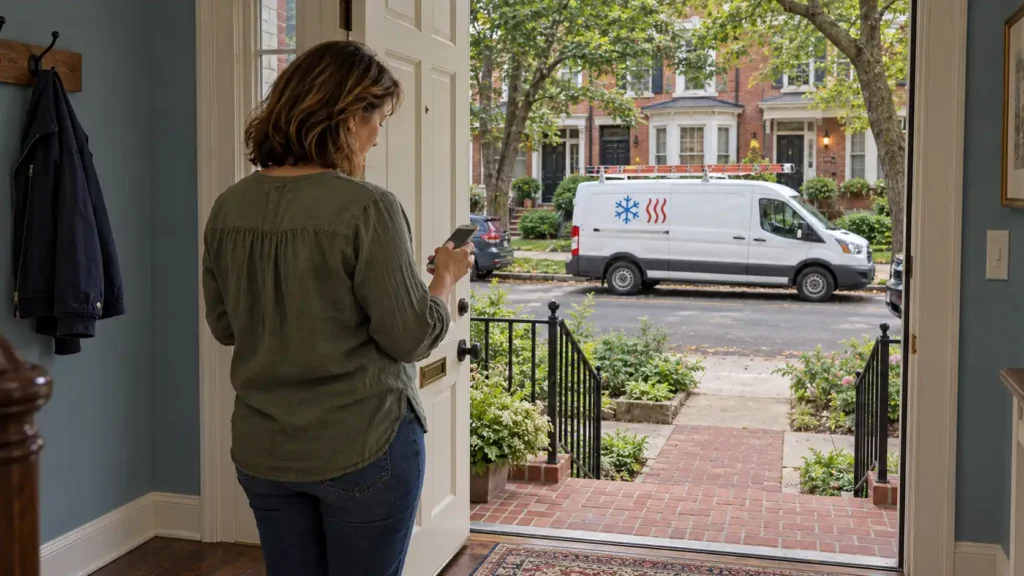
What to look for in GPS and dispatch software for HVAC teams
For an HVAC company with 10+ technicians, GPS should help dispatchers make assignments and keep appointments on track. When comparing platforms, look at how location data connects with scheduling, job status, technician assignments, and customer communication.
Ask these questions as you compare options:
- GPS connection: Is GPS built into the field service management (FSM) platform, or does it require a separate integration?
- Dispatcher map: Can dispatchers view all technicians, locations, assigned jobs, and job statuses together?
- Automatic status updates: Does activity in the technician’s mobile app update the dispatch board without another call or text?
- Customer arrival texts: Do customers automatically receive arrival updates when their technician is on the way?
- Mid-day routing: How easily can dispatchers reassign work when an appointment shifts, gets canceled, or a new call comes in?
- Assignment filters: Can dispatchers check technicians by service area and availability when reassigning a call?
- Technician mobile app: Is the app easy for technicians to use as they move from job to job?
How Housecall Pro handles GPS tracking and dispatch for HVAC teams
Housecall Pro’s HVAC software brings location, scheduled jobs, and job updates into one workflow. The office can check where technicians are and what’s on the schedule, while customers get automatic appointment updates.
Housecall Pro includes:
- Employee GPS Tracking: Uses location data from the Housecall Pro mobile app to show technicians’ locations during set business hours.
- HCP Map: Shows technician locations and the day’s scheduled jobs on a map, including service-address pins and assigned technicians.
- Vehicle GPS Tracking: Displays tracked vehicles on the HCP Map and identifies whether they are offline, parked, or en route.
- Customer notifications: Housecall Pro can send scheduled, reminder, On My Way, finished, and canceled job notifications. The On My Way text can also include technician information, and Vehicle GPS Tracking accounts can share a location link with the customer.
Want to see how Housecall Pro can work for your team? Start a free 14-day trial, no credit card is required.
Get In Touch: 858-842-5746
Let us earn your trust
On average, Pros increase monthly revenue generated through Housecall Pro by more than 35% after their first year.
See plan options and feature breakdown on our pricing page.
FAQs
How can HVAC businesses reduce wasted drive time between jobs?
The HCP Map and Housecall Pro’s GPS tracking help HVAC businesses reduce wasted drive time by showing technician locations alongside scheduled jobs. For a team with 10+ technicians, dispatchers can use that information when assigning a new call or reassigning a delayed appointment, rather than sending a technician across the service area simply because that person was next on the original schedule.
What should growing field service teams look for in vehicle tracking software?
Growing field service teams should look for GPS data that’s integrated with the dispatch board rather than a standalone tracking tool. Teams with 10+ technicians should look for GPS data integrated with the dispatch board, technician and job locations on a single map, mobile job status updates, customer arrival notifications, and vehicle statuses such as parked, offline, or en route. The software should help dispatchers decide who should handle the next job, not just identify each vehicle’s location. Housecall Pro is built this way: HCP Map, Vehicle GPS Tracking, and the dispatch board share the same view instead of living in separate tools.
Which routing approach actually reduces drive time for HVAC teams?
The HCP Map supports location-based dispatching, where HVAC teams assign or reassign calls based on technicians’ locations and the current schedule, rather than relying solely on routes planned at the start of the day. If a 90-minute repair takes two hours, for example, the dispatcher can review nearby technicians before deciding who should handle the affected appointment, rather than automatically sending the originally assigned tech.
What fleet management tools work best for a growing HVAC team?
For a growing HVAC team, Housecall Pro integrates GPS tracking, the HCP Map, the dispatch board, the mobile app, and customer notifications into a single workflow. Once a company has 10+ technicians, these tools provide dispatchers with location, schedule, and job progress information in one place. At the same time, automated notifications keep customers informed of appointment updates without requiring the dispatcher to send each message manually.
Do technicians need to agree to GPS tracking?
Housecall Pro’s Employee GPS Tracking only reports a technician’s location during set business hours, and only after that technician allows location access in the mobile app—it isn’t tracked automatically in the background or outside those hours. Vehicle GPS Tracking, which runs through an installed device rather than the app, works differently and is worth reviewing separately with your team before rollout. Check your state’s specific notice and consent requirements for employee location tracking before turning it on.