Want to win more jobs with less effort?
Grow your business and send quick quotes with our home service software.

Want to see your potential revenue?
See what businesses like yours earn with Housecall Pro in 1 - 2 minutes.
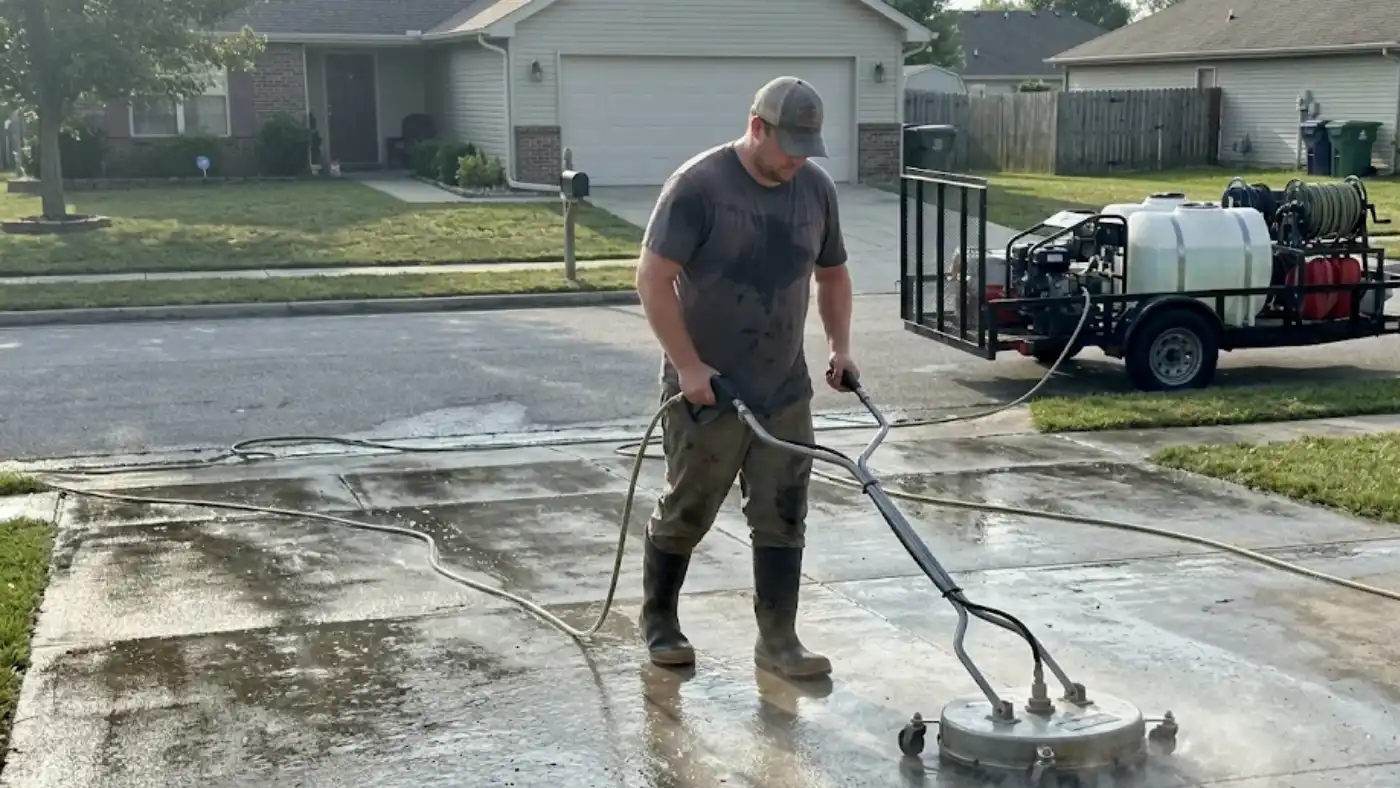
After a day of pressure washing, you may still have estimates to send, payments to collect, and tomorrow’s jobs to schedule. The right apps can help you get through that work faster and keep the details organized.
This guide compares eight apps for pressure washing businesses, from chemical calculators and photo tools to bookkeeping and crew scheduling. You’ll find what each one does, what it costs, and what to consider before signing up.
Quick answer: What are the best apps for pressure washing businesses?
The best app for your pressure washing business depends on where you need help. CompanyCam organizes job photos, QuickBooks Online tracks income, expenses, and invoices, and various Pressure Washing Calculators can handle chemical mixing math. Square, Broadly, NiceJob, When I Work, and Everlance cover payments, customer communication, reviews, employee scheduling, and mileage tracking. If you’d rather not juggle several apps, Housecall Pro brings job scheduling, estimates, invoicing, payments, and review requests together in one app for pressure washing businesses.
Table of contents
- What to look for in a pressure washing app
- Best pressure washing apps compared
- Pressure washing apps for chemical mixing and documentation
- Pressure washing apps for accounting and payments
- Pressure washing apps for marketing and reputation
- Pressure washing apps for team scheduling and mileage
- Housecall Pro: scheduling, invoicing, payments, and reviews for pressure washing businesses
What to look for in a pressure washing app
Before downloading several apps or signing up for monthly subscriptions, think about what your pressure washing business actually needs. Here are four things to consider:
- Does it solve the problems you need help with? Look for features that address the work you need help with, whether that’s scheduling jobs, creating estimates, tracking expenses, or requesting reviews.
- Is it easy to use in the field? Try the app on the phone or tablet you’ll use at work. Check whether you can read the screen outdoors, find job details quickly, and use key features when reception is poor.
- Does the price fit your budget? Add up subscription fees, charges for each employee, and any extras you’ll need. Compare the total with the time you expect the app to save.
- Will it still be useful as your business grows? Check whether you can add employees, export your records, and connect the app to software you already use or may need later. For example, if you hire your first crew member, check whether the app charges per user and whether your records carry over to a higher plan.
Use a free trial, when available, to try the app on a few real jobs. See whether it saves you time and whether your crew finds it easy to use.
Best pressure washing apps compared
Use this table to compare each app’s main purpose, price, and fit for your business. You’ll find more detail on features and limitations below.
| App | Category | Price | Best for |
| Pressure Washing Calculator | Calculator and estimate app | Free download; paid upgrades vary by app | Calculating job costs and preparing pressure washing estimates |
| CompanyCam | Jobsite photo documentation | Core starts at $63/mo when billed annually or $79 month-to-month | Organizing before-and-after photos and documenting completed work |
| QuickBooks Online | Accounting and bookkeeping | Starts at $11.40/mo for first three months, then $38/mo | Tracking income, expenses, and business finances |
| Square | Payments | Free plan plus payment processing fees | Accepting card payments in person or online |
| Broadly | Customer communication and marketing | Plans from $199/mo to $699/mo, plus one-time setup fee | Managing incoming leads, customer messages, and online marketing |
| NiceJob | Customer reviews | Starts at $75/mo | Collecting reviews and building an online reputation |
| When I Work | Employee scheduling | Essentials from $2.50/user/mo; Pro from $5/user/mo | Scheduling employees, tracking attendance, and team communication |
| Everlance | Mileage and expense tracking | Free Basic plan; Paid plans start at $89.99/yr or $10.99/mo | Tracking business mileage, expenses, and tax records |
Pressure washing apps for chemical mixing and documentation
Getting chemical mixtures right and keeping accurate records of each job are key to running a pressure washing business. These apps reduce guesswork and provide records to reference if a customer questions the completed work.
Pressure Washing Calculator app
A pressure washing calculator app can help you estimate job costs and calculate chemical mixtures. One example is Pressure Washing Calculator by Tillar Technologies, available on Google Play. This app allows users to create quotes, calculate cleaning solutions, and save estimates.
- Best for: Solo operators and small crews that need help preparing job estimates and calculating chemical mixtures.
- Standout feature: A batch mix calculator that works out how much chemical solution, water, and surfactant to add, based on the mix you enter. It also works offline, making it useful at job sites without internet access.
- Pricing: Free to download, including mixing and estimating tools and up to five saved estimates. A one-time Pro purchase unlocks unlimited saved estimates and profit margin calculations.
- Watch out for: Chemical concentrations vary by surface, contamination, and temperature. Always follow the product label and supplier’s Safety Data Sheet (SDS) for handling precautions, and confirm the recommended dilution with your supplier. The calculator handles the math, but it doesn’t determine the right mixture for a particular jobs.
CompanyCam
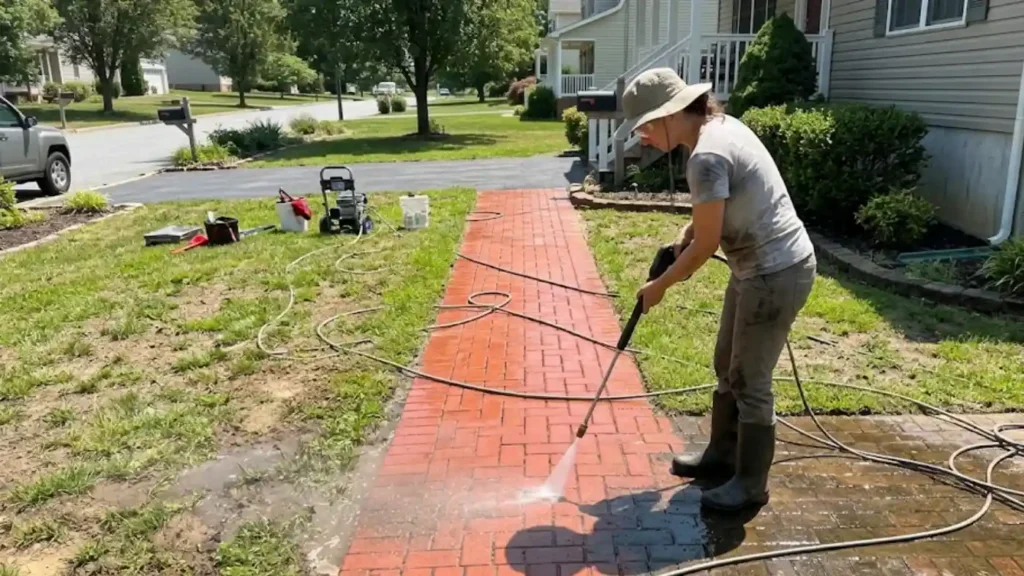
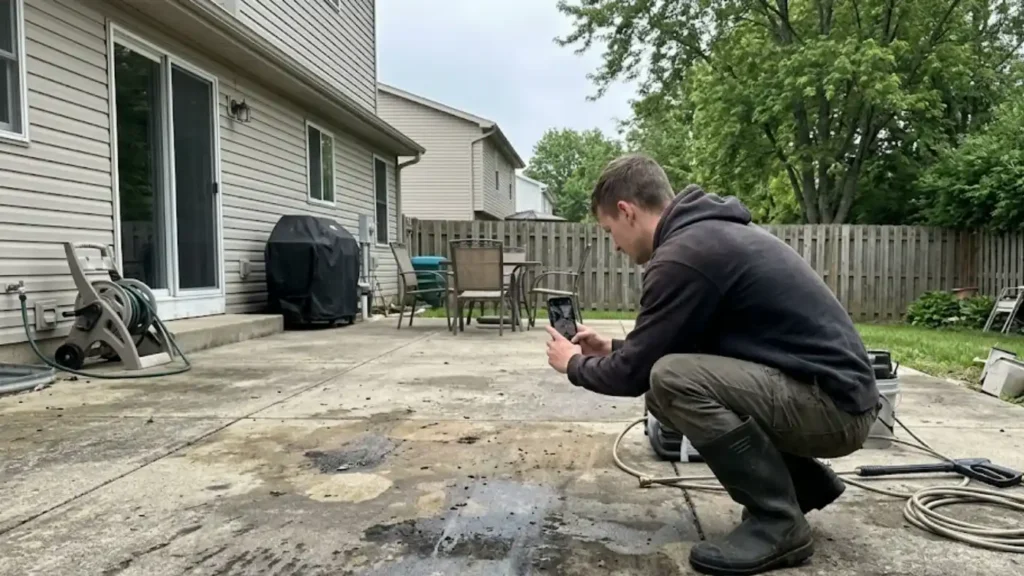
CompanyCam helps pressure washing businesses organize job site photos and videos in one place. You can take photos of driveway stains, existing siding damage, and other property conditions before you start, then capture the finished work. You can also photograph the steps you take to control runoff.
- Best for: Pressure washing businesses that need organized photo records for customer communication, job documentation, and resolving disputes.
- Standout feature: Automatically time-stamped and GPS-tagged photos that are organized by project, making it easier to locate before-and-after images.
- Pricing: Core starts at $63/month, billed annually ($79 month-to-month), and includes one user. Core allows up to two users. Additional users cost $29/month each on annual billing. Teams of three or more need a higher plan.
- Watch out for: CompanyCam focuses primarily on jobsite documentation. Businesses needing employee scheduling, customer management, and other daily operations may still need a separate management platform.
Pressure washing apps for accounting and payments
Accounting and payment apps help you track your expenses, send invoices, collect customer payments, and keep financials in order. They also make it easier to see how much money your business brings in and where it goes.
QuickBooks Online
QuickBooks Online helps you track income and expenses, send invoices, and keep records ready for your accountant. You can connect your business bank accounts to import transactions automatically.
- Best for: Pressure washing business owners who need to keep their books organized and see how the business is doing.
- Standout feature: You can give your accountant direct access to your financial records. Even the Simple Start plan includes access for two accountants, making it easier to prepare taxes and review business finances.
- Pricing: Simple Start costs $38/month, with an intro offer of $11.40/month for the first three months. It includes one user and access for two accountants. Higher plans are Essentials ($85), Plus ($140), and Advanced ($340) per month. A free plan exists, but it caps you at two invoices a month and doesn’t include accountant access.
- Watch out for: Simple Start gives you access for one user, but it doesn’t track inventory or profit by project. If someone else on your team needs access, you’ll need Essentials or a higher plan.
Square
Square lets you accept credit cards, debit cards, and digital payments. You can collect payment at the job using your phone, or send an invoice with a link the customer can use to pay online.
- Best for: Solo pressure washers and small crews that want to accept card payments using equipment they already have.
- Standout feature: Square’s Tap to Pay feature lets you accept contactless card payments directly from a compatible smartphone without a separate card reader.
- Pricing: Square Free costs $0/month. Payment processing fees are 2.6% + 15 cents for in-person card transactions and 3.3% + 30 cents for online payments and invoices.
- Watch out for: Transaction fees apply to every card payment, even with the free plan. These charges can add up when collecting payments for larger commercial pressure washing projects.
Pressure washing apps for marketing and reputation
When you’re on a job, it’s easy to miss a new customer’s message or forget to ask for a review. These apps help you respond to inquiries, request reviews, and stay in touch with customers.
Read more: How to market your pressure washing business: 16 ideas to grow
Broadly
Broadly helps local service businesses respond to potential customers, keep track of conversations, request reviews, and send marketing messages.
- Best for: Businesses that want to handle customer messages, new inquiries, and marketing campaigns in one place.
- Standout feature: An AI receptionist that answers calls 24/7, captures customer details, and logs every conversation in a built-in CRM. Higher plans add appointment booking and automated review requests and replies.
- Pricing: AI Voice costs $199/month, AI Front Desk costs $299/month, and the full 24/7 AI Workforce costs $699/month. Plans come with a 12-month agreement and a one-time setup fee ($99 to $500). Prepaying for the year lowers the monthly price.
- Watch out for: Broadly requires a 12-month agreement plus a setup fee, so it’s a bigger commitment than the other apps here. Start with AI Voice if you mainly want missed calls answered. Review requests and appointment booking start at AI Front Desk.
Read more: Best AI tools for home services
NiceJob
NiceJob sends review requests after completed jobs and follows up with customers who haven’t responded. That can help you ask consistently without remembering to send every message yourself.
- Best for: Pressure washing businesses that want to collect more Google reviews and use customer feedback to attract new clients.
- Standout feature: Automated review requests sent through text and email, with follow-up reminders. NiceJob can also share positive customer reviews on your website and social media accounts.
- Pricing: The Starter plan costs $75/month. The Pro plan costs $125/month and adds features such as referral campaigns, repeat booking reminders, and automated review replies.
- Watch out for: The Starter plan focuses primarily on collecting and sharing reviews. Businesses wanting referral campaigns, repeat-booking reminders, or AI review replies will need the more expensive Pro plan.
Pressure washing apps for team scheduling and mileage
As you add employees and cover more ground, schedules and mileage logs can get harder to keep up with. These apps help your crew keep track of shifts and help you record business driving throughout the day.
When I Work
When I Work helps you plan employee shifts, track attendance, and share schedule changes. Your crew can check schedules, request time off, and receive updates on their phones.
- Best for: Owners who need to coordinate employee shifts and track hours across a team.
- Standout feature: Employees can clock in and out using their phones, while managers can create schedules, handle shift changes, and communicate with team members.
- Pricing: The Essentials plan starts at $2.50/user/month, while Pro starts at $5/user/month. Time tracking and attendance features may cost extra.
- Watch out for: When I Work focuses on employee scheduling rather than customer appointments or job management. You’ll need another platform to handle estimates, invoices, and customer records.
Everlance
Everlance helps you record business driving and expenses, including trips between jobs, supply stores, and equipment rental locations. Those records can make bookkeeping and tax preparation easier.
- Best for: Solo pressure washing operators and small business owners who use their personal vehicles for work and need accurate mileage and expense records.
- Standout feature: Automatic mileage tracking records trips using your phone’s GPS, allowing you to classify drives as business or personal without manually entering each trip.
- Pricing: Everlance Basic is free, with 30 automatically detected trips per month. Starter costs $89.99/year or $10.99/month and adds unlimited automatic tracking. Professional costs $119.99/year or $19.99/month and adds tax filing and audit defense.
- Watch out for: The free plan limits automatic trip detection to 30 trips per month. Businesses with frequent daily travel may need a paid subscription for unlimited automatic tracking.
Get In Touch: 858-842-5746
Let us earn your trust
On average, Pros increase monthly revenue generated through Housecall Pro by more than 35% after their first year.
See plan options and feature breakdown on our pricing page.
Housecall Pro: scheduling, invoicing, payments, and reviews for pressure washing businesses
As your pressure washing business grows, managing several different apps can become another job in itself. Instead of switching between platforms, Housecall Pro helps you manage scheduling, invoices, payments, and review requests in one place.
Here’s how that can help with your day-to-day work:
- Online booking and scheduling: Let customers book online. Assign jobs to crews and send customers appointment reminders.
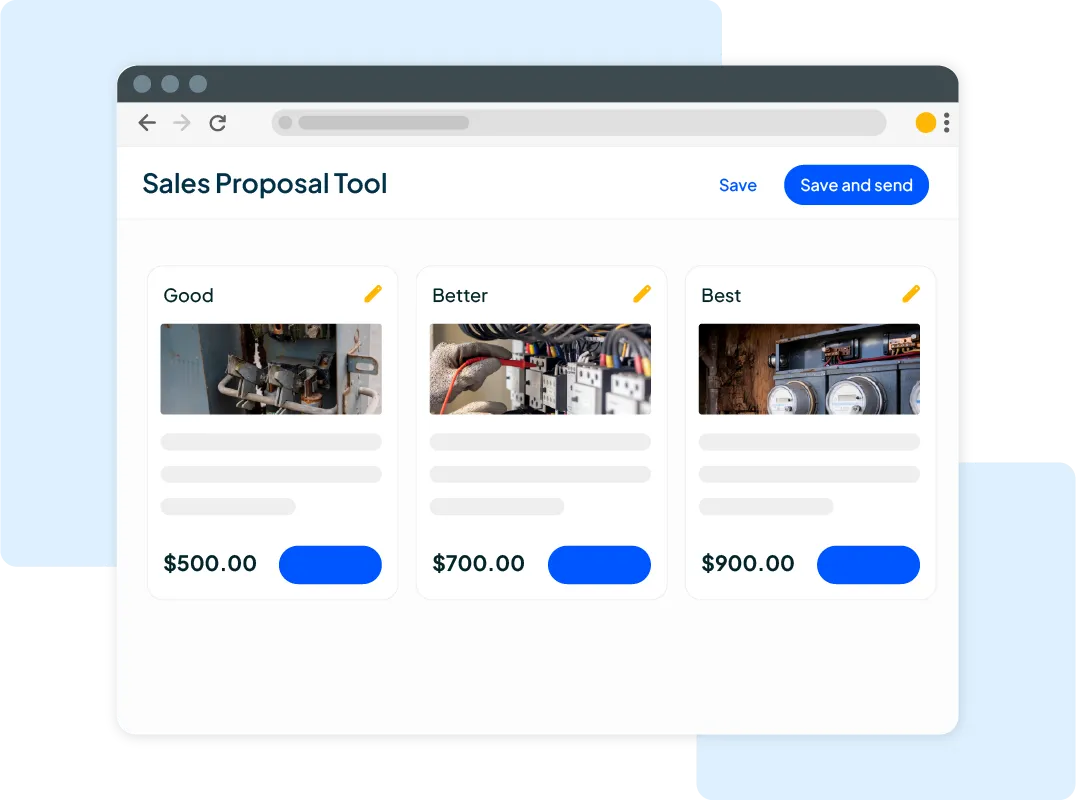
- Estimates: Use Housecall Pro as a pressure washing estimate app that goes beyond the quote. Offer good, better, best pricing options, then turn approved estimates into jobs and collect deposits.
- Invoicing and payments: Create and send invoices after a job, and collect payments before you leave.
- Automated review requests: Automatically ask customers for a review after a completed job to help build your online reputation.
Housecall Pro already sends automatic review requests and follow-ups, and lets you respond to Google and Facebook reviews from one dashboard. If you want more, like NiceJob’s referral campaigns or Broadly’s directory listings and social posts, both connect to Housecall Pro.
You can also use a specialized tool, such as a chemical calculator, alongside Housecall Pro’s pressure washing software. Start with the tasks you need help with most, then check which features and add-ons fit your business.
Try it with your own schedule and jobs with a free 14-day Housecall Pro trial.
Read more: How to get pressure washing jobs
Pressure Washing Apps FAQs
What's the best app for a pressure washing business?
The best app for a pressure washing business depends on which tasks you need help managing. Housecall Pro is a strong choice for scheduling jobs, sending invoices, collecting payments, and requesting customer reviews. For specialized tasks, Pressure Washing Calculator by Tillar Technologies handles chemical mixing calculations, while CompanyCam organizes before-and-after jobsite photos.
What software helps with pressure washing quotes and invoicing?
QuickBooks Online helps pressure washing contractors create professional invoices, track outstanding payments, and maintain financial records. Pressure Washing Calculator by Tillar Technologies also includes estimating tools that let contractors calculate job costs and save quotes. Housecall Pro lets you send both estimates and invoices from one app.
What’s the best pressure washing estimate app?
It depends on how much you want the app to do. A pressure washing calculator app, such as Pressure Washing Calculator by Tillar Technologies, is a free way to price jobs and save up to five estimates. If you want estimates tied to scheduling and invoicing, Housecall Pro lets you send estimates with good, better, best pricing options, turn approved estimates into jobs, and invoice from the same app.
Is there a free app for pressure washing businesses?
Yes, several free apps are available for pressure washing businesses. Pressure Washing Calculator by Tillar Technologies offers free chemical mixing and estimating tools, with a limit of five saved estimates. Square also has a free plan for accepting customer payments, although transaction fees apply. Everlance offers a free Basic plan for tracking business mileage and expenses.
What app do pressure washing contractors use for scheduling?
Pressure washing contractors can use When I Work to create employee schedules, track attendance, and communicate shift changes. Employees can view assigned shifts, request time off, and clock in and out from their phones. The app works well for managing crew availability, but it doesn’t schedule customer appointments or manage individual jobs. For that, Housecall Pro lets you assign jobs to crews and send customers appointment reminders.
How much do pressure washing apps cost?
Pressure washing apps range from free to several hundred dollars a month, depending on what the app does and how big your team is. Pressure Washing Calculator, Square, and Everlance have free options, though Square charges processing fees. Single-purpose paid apps are often modest: When I Work starts at $2.50 per user per month, QuickBooks Online at $38 per month after its intro offer, CompanyCam at $63 per month billed annually, and NiceJob at $75 per month. All-in-one field service platforms like Housecall Pro, Jobber, and ServiceTitan, or full-service packages like Broadly’s at $799 per month, can cost more as you add users, features, and add-ons. Add up subscription fees and per-user charges before you commit.