Want to win more jobs with less effort?
Grow your business and send quick quotes with our home service software.

Want to see your potential revenue?
See what businesses like yours earn with Housecall Pro in 1 - 2 minutes.
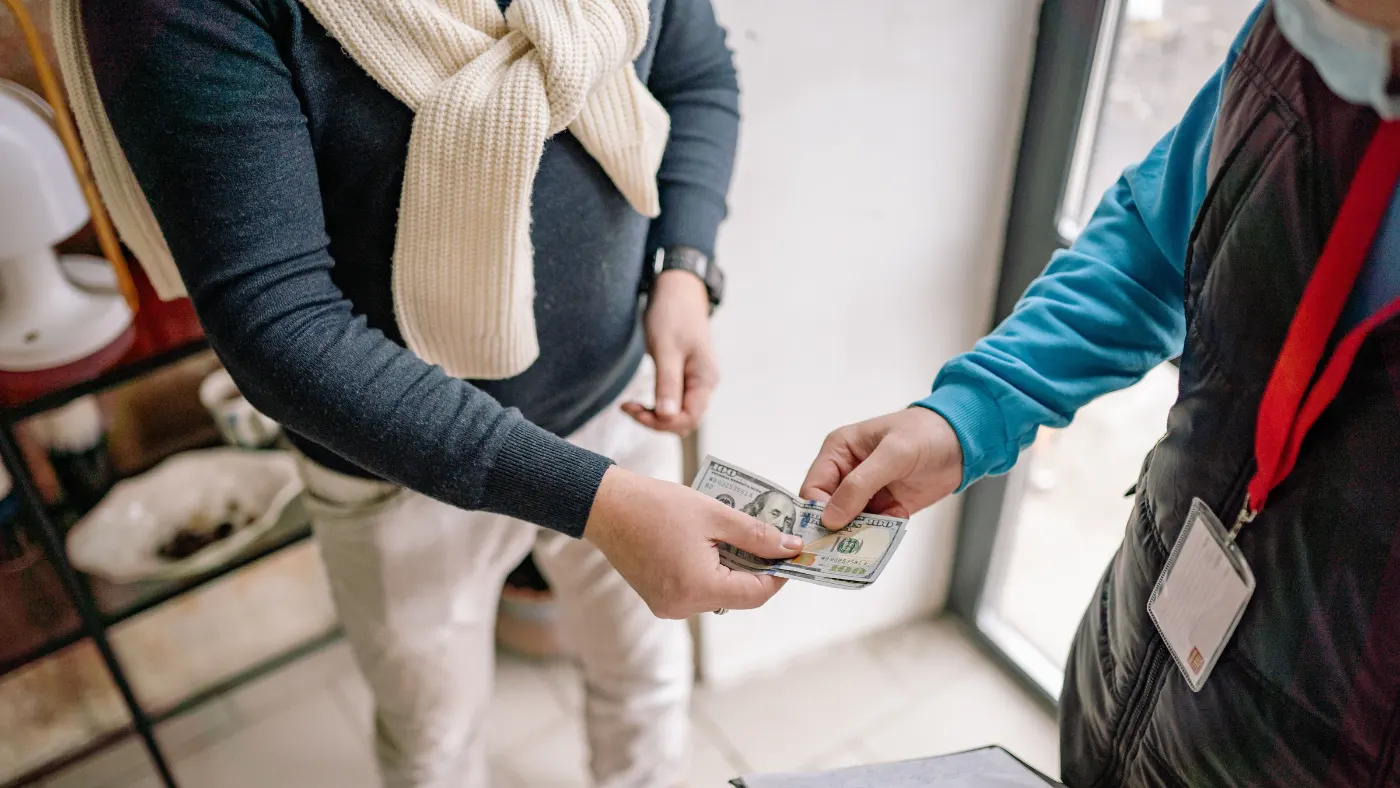
Finishing a plumbing job isn’t the finish line—getting paid is. But if you’re still waiting on checks, chasing unpaid invoices, or following up with customers days after the work is done, your payment process is slowing you down.
The good news is that getting paid faster doesn’t have to mean working harder. A few simple changes—like sending invoices right away, offering convenient payment options, and automating follow-up—can help you spend less time chasing payments and more time running your business. In this guide, you’ll learn practical ways to collect payments faster and simplify billing with tools like Housecall Pro.
Table of contents
Payment challenges for plumbing companies
Slow payments can put pressure on your cash flow, especially when you’re waiting on payment for larger jobs. Say a customer approves a $6,500 sewer line repair and pays a deposit up front. The remaining balance goes unpaid for a few weeks. That gap becomes real money you can’t put toward your next parts order, this week’s payroll, or fuel for the van heading to tomorrow’s emergency calls.
The problem grows as overdue invoices pile up. Cash gets tied up in completed work, your team spends more time following up with customers, and it’s harder to plan for day-to-day expenses.
Most of this traces back to the same few habits: invoices that don’t go out the moment the job ends, no clear terms set before the work starts, and no system flagging what’s gone unpaid. Fix those, and you cut off most late-payment problems before they start.
How to accept payments for plumbing jobs
Collecting payment starts long before you send an invoice. The way you communicate with customers, present payment options, and follow up after a job can all influence how quickly you get paid. Here are six practical ways to make payment collection simpler for both your plumbing business and your customers.
1. Set clear plumbing payment terms from the start
Customers are more likely to pay on time when they know exactly what to expect. Before you start the job, explain your payment terms, including any deposit, when the remaining balance is due, and which payment methods you accept.
Be specific. Instead of saying “Payment due soon,” write “50% deposit due before work begins. Remaining balance due upon job completion. We accept credit cards, ACH, checks, and cash.”
With Housecall Pro, you can build these terms into your estimate templates so you don’t have to re-enter them every time.
Read more: How to ask for a deposit
Recurring vs. one-time plumbing jobs
A drain-clearing call and a maintenance plan shouldn’t be billed the same way. Collect in full the moment a repair or service call wraps. For ongoing maintenance or inspection plans, set up recurring billing tied to each visit instead.
For larger projects, such as whole-home repiping or water heater replacement, collect a deposit before work begins. If a customer hesitates because of the price, offer Housecall Pro’s consumer financing and buy-now, pay-later plans. Having these options can help you get bigger jobs approved more often, and you still get paid in full up front.
Read more: How to offer customer financing
2. Choose the right plumbing payment options
Giving customers a few different ways to pay can help you collect payment sooner. Accept credit and debit cards as the default—they’re familiar to customers and easy to use.
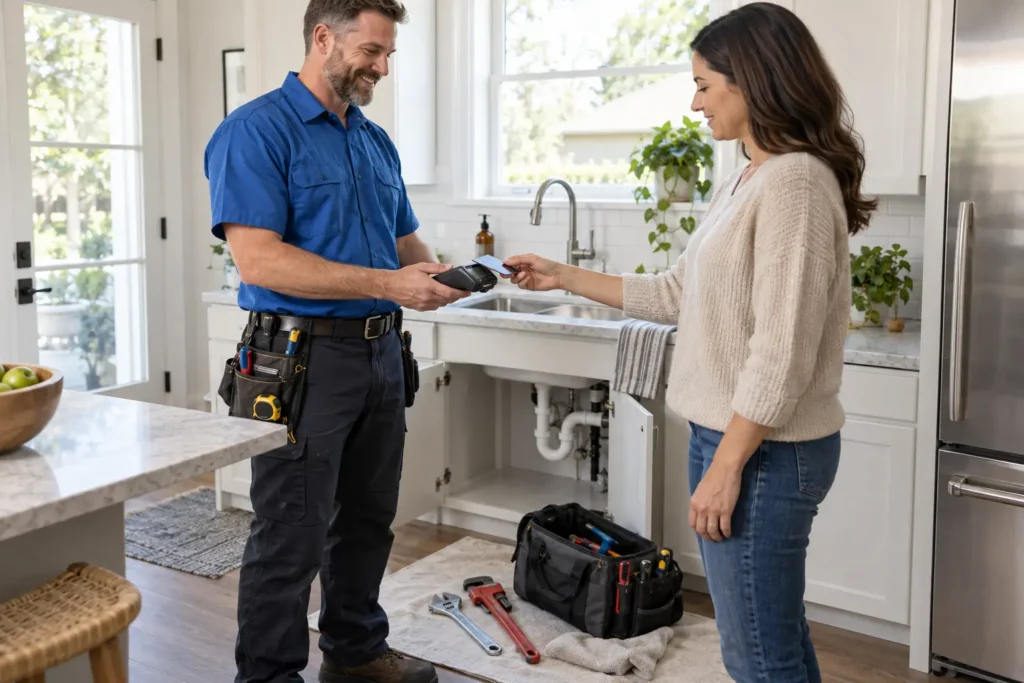
Add mobile payment methods like Apple Pay and Google Pay for technicians collecting payment before leaving the job site. For bigger projects like whole-home repiping, sewer line replacement, or commercial plumbing work, offer ACH bank transfers: they work well for larger transactions and reduce the need to collect or deposit paper checks.
Housecall Pro Payments brings all of these payment methods in one system, so you’re not juggling separate card readers and software for each job. Pros who use Payments with Housecall Pro get paid 2X faster.*
*Avg. experience of Pros processing at least half of their payments with Housecall Pro over the past year.
Should you still take cash or checks?
Yes, but don’t build your process around them. Preferences have shifted: about 90% of consumers now prefer other payment methods over checks, and 66% don’t always carry cash.
Checks also mean a trip to the bank. Cash means a technician driving around with money in the truck. Both mean more manual recordkeeping. So, treat them as a fallback, not the plan.
3. Create a plumbing invoice that looks professional
Professional invoices create a natural extension of your brand. Include your company logo, business name, contact information, and an itemized breakdown of the work completed. Rather than using vague descriptions, explain exactly what the customer is paying for. “Replaced 50-gallon water heater” and “cleared main drain line” tell a customer exactly what they paid for; “plumbing repair” invites a phone call.
Check your state’s rules on whether plumbing labor and materials are taxable, and give tax its own line item. An unclear or missing tax line can lead to extra questions from a customer before they pay.
Invoice templates save time and look sharp
Creating every invoice from scratch takes time that could be spent on the next job. Use a plumbing invoice template to keep every invoice consistent no matter who on the team sends it. Housecall Pro’s invoicing software pre-fills each invoice with the job and customer details so no one’s retyping what’s already on file.
4. Send your plumbing invoice the right way
Don’t wait until the end of the day—or the end of the week—to send an invoice. Once the job is finished and the customer has approved the work, send the invoice while the service is still fresh in their mind. Faster invoicing usually leads to faster payment.
Make it easy for customers to pay by offering the delivery method they prefer:
- Text message so they can review and pay from their phone before you leave.
- Email for customers who want a digital record for their files.
- Customer portal for repeat customers who want to view invoices, payment history, and past service in one place.
For larger plumbing projects—such as sewer line replacements, repipes, or bathroom remodels—use Progress Invoicing to collect payment at key milestones, such as the deposit, rough-in, and final completion. That way, you’re keeping cash flowing throughout the project instead of waiting until the job is finished.
Pro tip: Set up automatic payment reminders so invoices don’t sit unpaid just because you forgot to follow up.
5. Keep cards on file (with permission)
If you provide recurring services—like drain maintenance, water treatment, backflow testing, or membership plans—ask customers if they’d like to save a payment method for future visits. That way, you don’t have to collect card information every time.
Housecall Pro’s Card on File feature securely stores the customer’s payment method and automatically charges for jobs as soon as they’re marked completed.
Be transparent about how the card will be used. Follow PCI Security Standards Council guidance, and let customers know they’ll only be charged for approved work. They should also be able to update or remove their payment method at any time.
When asking for permission:
- Explain that the card will only be used for approved services or scheduled maintenance visits.
- Get the customer’s authorization before storing their payment information.
- Let them know they can update or remove their payment method whenever they choose.
6. Use plumbing payment software to save hours each week
Manual invoices cost more than time—every entry is a chance to get a price or line item wrong, and every mistake means a slower payment while it gets sorted out.
Housecall Pro closes that gap by running invoicing and payment collection through the same system you already use to manage jobs. An invoice generates and sends itself the moment work is marked complete. Customers pay however suits them—card, ACH, Apple Pay, Google Pay, or a card already on file. Payments sync with QuickBooks, so nothing gets entered twice. And for anything still unpaid, Housecall Pro follows up automatically, so nobody’s making collection calls between service appointments.
Need funds faster? Instapay turns eligible card and ACH payments into cash in minutes instead of the standard two business days. Pros have collected $3.5B+ through it.
Final tips for collecting on-time payments for plumbing jobs
Getting paid faster doesn’t usually come down to one big change. Instead, it’s the result of several simple habits that make paying easier for your customers while reducing extra work for your team.

Follow these best practices:
- Invoice the moment the job ends, not at the end of the day or week.
- Set payment expectations before work starts, not after.
- Offer the payment methods customers already use day to day.
- Let software chase overdue invoices instead of your team.
Reliable cash flow means payroll, parts, and equipment stop competing for the same dollars. Housecall Pro customers save an average of over eight hours a week. Start your free trial today and see what that time’s worth to your business.
Read more: How to collect unpaid invoices
Get In Touch: 858-842-5746
Let us earn your trust
On average, Pros increase monthly revenue generated through Housecall Pro by more than 35% after their first year.
See plan options and feature breakdown on our pricing page.
FAQs
What software helps plumbing businesses collect payments faster?
Housecall Pro combines invoicing, payment collection, and follow-up in one system built for plumbers and other field service businesses. It auto-generates invoices when a job is marked complete, lets customers pay by card, ACH, or a card on file, deposits eligible payments in minutes through Instapay, and automatically flags and follows up on overdue invoices — so nothing sits waiting on a callback between service calls.
Should I send plumbing invoices by email, text, or a customer portal?
The best approach is to let customers choose their preferred delivery method. Email works well for customers who want a detailed record of the completed work, while text messages are often opened more quickly and can lead to faster payments. For repeat customers, a customer portal provides one place to view invoices, payment history, and outstanding balances.
Is it safe to keep a customer's card on file?
Yes, storing a customer’s card on file is a common practice when you have their permission and follow applicable payment security standards. This can be especially helpful for recurring plumbing maintenance plans or customers who schedule service regularly. It also reduces the need to collect payment information after every visit while making future billing much simpler
Should plumbing companies ask for a deposit before starting a job?
It’s quite common for plumbing companies to ask for deposits, especially for larger plumbing projects with high material costs or that will require significant time and labor. Jobs such as whole-home repiping, sewer line replacement, or major plumbing remodels may require ordering expensive materials before work begins. Collecting a deposit helps cover upfront costs and shows that both parties are committed to the project.
What's the best way to reduce late payments for plumbing jobs?
Sending invoices immediately after the job is completed is one of the simplest ways to reduce late payments. Clear payment terms, multiple payment options, automatic reminders, and professional invoices also encourage customers to pay sooner. Together, these small improvements can help create a more predictable payment process and healthier cash flow for your plumbing business.
What if a customer disputes a card charge on a plumbing invoice?
Start by pulling the signed estimate, the completed invoice, and any before-and-after job photos—most disputes get resolved once the customer sees the documented scope of work. If the charge still gets disputed with the card issuer (a chargeback), respond by the deadline in the notice and submit that same documentation. Processing it through a platform like Housecall Pro keeps job records, signatures, and payment history in one place, which makes responding to a dispute faster.