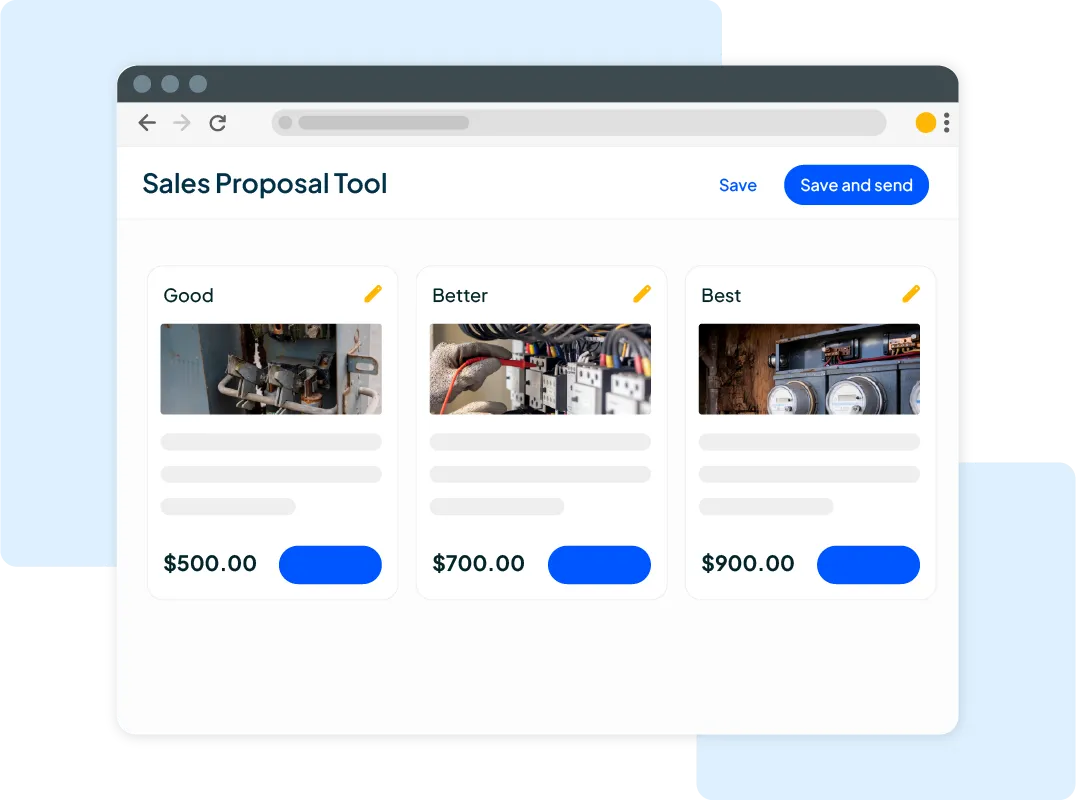
Want to win more jobs with less effort?
Grow your business and send quick quotes with our home service software.

Want to see your potential revenue?
See what businesses like yours earn with Housecall Pro in 1 - 2 minutes.
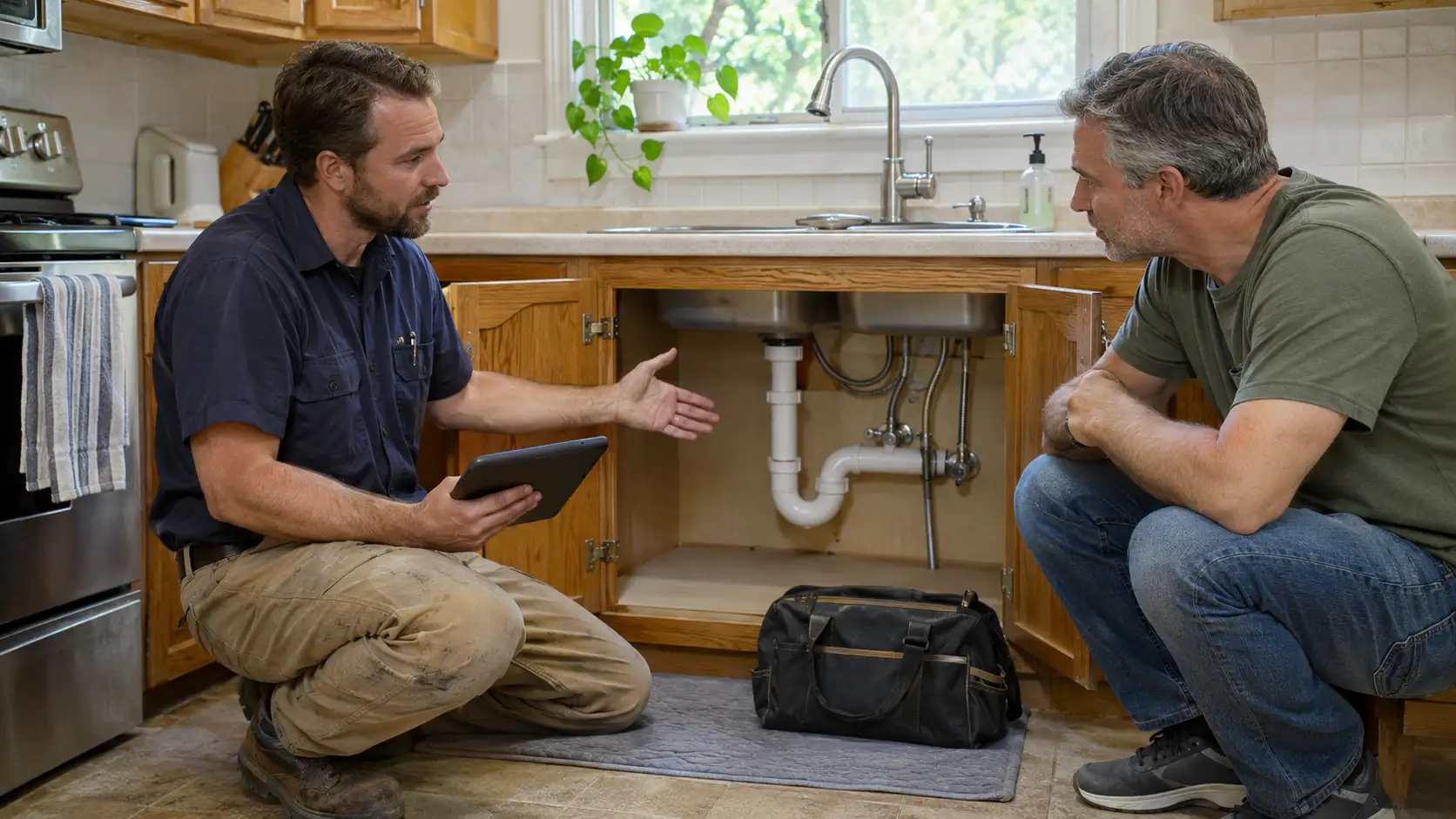
Your tech repairs a burst pipe, walks the customer through the work, and drives off. The job’s done, but payment may still be days away if the invoice hasn’t gone out.
According to QuickBooks, more than half of small businesses have invoices pending for 30 days. Sending an invoice as soon as the job is complete gives customers a chance to review and pay it right away.
This guide covers what to include on a plumbing invoice, when to send it, and how to follow up on unpaid balances. It also shows how Housecall Pro’s plumbing software can help your team move from completed work to payment faster.
Read more: How to price plumbing jobs
Table of contents
- Quick answer: What are plumbing invoicing best practices?
- What goes wrong when plumbing invoicing is delayed?
- What every plumbing invoice should include
- How to send plumbing invoices from the field
- How to handle staged payments on larger plumbing jobs
- How automated payment reminders reduce unpaid plumbing invoices
- How to handle disputed plumbing invoices
- How Housecall Pro simplifies plumbing invoicing from job to payment
Quick answer: What are plumbing invoicing best practices?
Send a clear invoice as soon as the job is complete. List the work performed, parts, labor, total due, due date, and a direct way to pay. For larger jobs, agree on payment milestones upfront. If an invoice goes unpaid, follow up with a short reminder and a payment link.
If you want to close out jobs faster, Housecall Pro lets pros create invoices from completed jobs, send payment links, and automate reminders. Pros who processed at least half their payments with Housecall Pro over the past year got paid, on average, 2X faster.
What goes wrong when plumbing invoicing is delayed?
The longer you wait to invoice, the longer you may wait to get paid. Your tech may also forget a detail that would’ve helped explain the bill, and the customer may have questions about work that’s no longer fresh in their mind.
That can be especially frustrating after an emergency call. The customer wants the immediate problem fixed, and your team needs an accurate record of what it took to fix it. Sending the invoice before leaving the site gives both sides a chance to review the charges while the job is still fresh.
What every plumbing invoice should include
Every plumbing invoice should include the customer’s name and service address, your company’s details, the job description, the associated costs, the total amount due, and the payment due date.
Use the following checklist as a guide when creating a plumbing invoice:
- Customer name, service address, email, and phone number
- Company details (business name, logo, phone number, email, and address)
- Job date and description
- Materials and parts, with quantities and prices
- Total work hours and your hourly or flat rate
- Diagnostic, service, or trip fee (if applicable)
- Applicable taxes
- Total amount due
- Accepted payment methods and a direct payment link
- Payment due date
Avoid vague work descriptions such as “plumbing repair.” A line item like “replaced flapper valve and fill assembly, 1.5 hours labor” helps the customer understand what they’re paying for.
How to send plumbing invoices from the field
Once the work is complete, your tech can open the job in the Housecall Pro mobile app and tap the Invoice icon. Before sending, they can review what the customer will see, check the charges, and add job photos or other attachments if needed.
From there, they tap Next, confirm the payment options, choose email or text, and send the invoice before leaving the site. If online payments are enabled, the customer can pay directly from the invoice. Text delivery requires a mobile number on the customer’s record and text messaging enabled on your account.
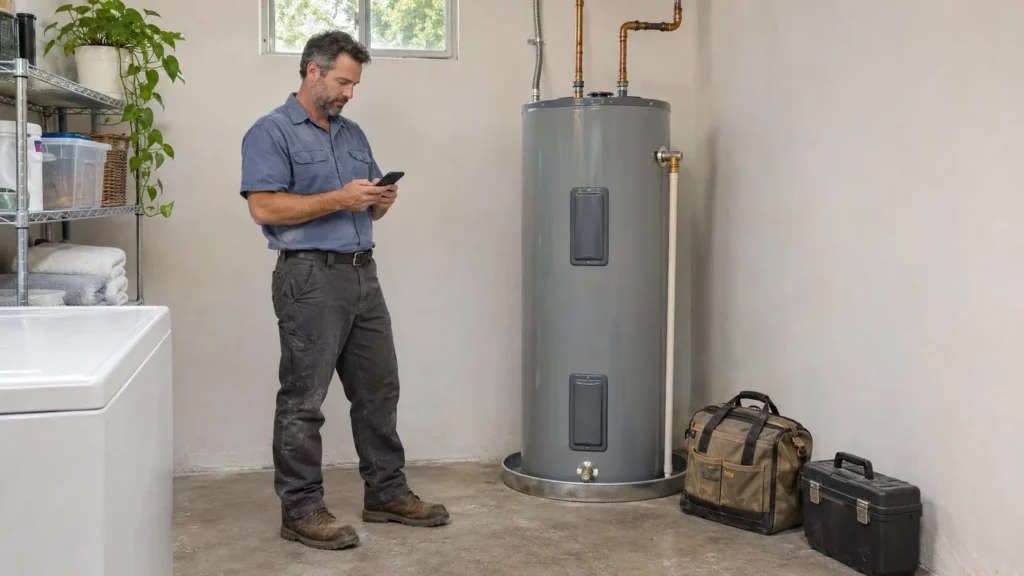
For emergency calls, make sure any after-hours or service fees are clear before work begins, then review the final charges with the customer before sending the invoice.
How to handle staged payments on larger plumbing jobs
Staged payments work well for larger plumbing jobs, such as repiping, water heater installation, and sewer line replacement. Instead of waiting until the entire job is finished, you get paid at agreed-upon points throughout the project. That protects your cash flow so you’re not floating the cost of a $6,000 water heater install for three weeks.
Here’s how it works:
- Collect a deposit to cover upfront costs, such as parts or equipment, if your agreement calls for one.
- Invoice for a progress payment at an agreed-upon milestone.
- Invoice for the remaining balance when the work is complete.
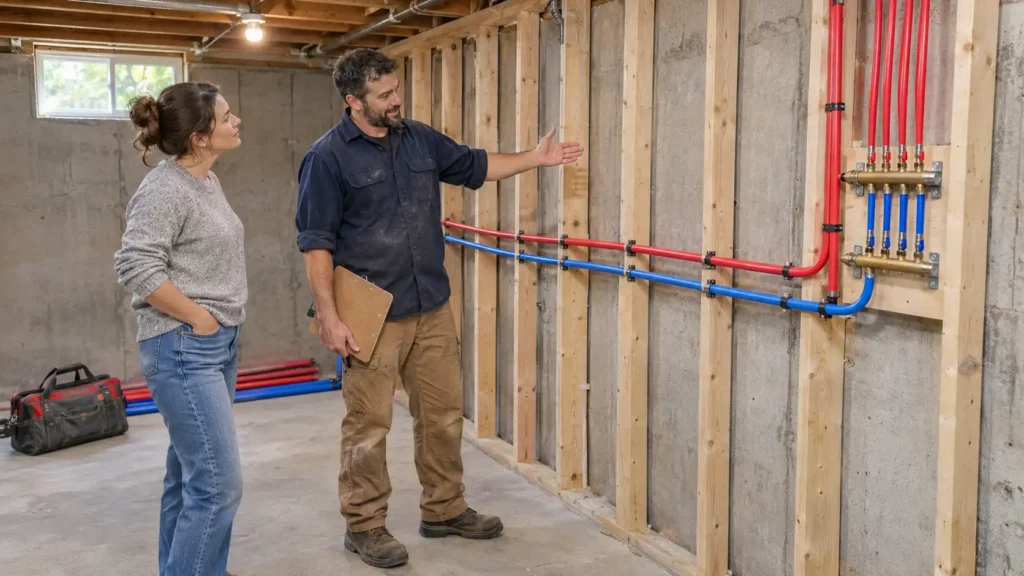
Put each payment amount and due date in the agreement so the customer knows what to expect before work begins.
Pro tip: Tracking milestones and balances by hand gets harder when you have several jobs underway. Housecall Pro’s invoicing software supports progress invoicing for jobs with multiple payment stages, helping you cut down on manual work.
How automated payment reminders reduce unpaid plumbing invoices
Automated payment reminders can help you get paid faster by sending customers the amount due and a payment link at set intervals. Housecall Pro can send those reminders automatically, so your office doesn’t have to track every unpaid invoice by hand.
Turn on Invoice Reminders and set:
- How often reminders go out—choose a cadence from every day up to every 30 days.
- How many to send—up to 10 reminders total.
Housecall Pro starts sending once the invoice is overdue and stops automatically as soon as it’s paid.
A 2025 Housecall Pro survey of 1,000+ U.S. homeowners found that 62% expect to pay digitally, so the payment link matters as much as the reminder itself. It lets customers take care of the balance without calling your office to ask how.
Read more: How to collect unpaid invoices
Get In Touch: 858-842-5746
Let us earn your trust
On average, Pros increase monthly revenue generated through Housecall Pro by more than 35% after their first year.
See plan options and feature breakdown on our pricing page.
How to handle disputed plumbing invoices
An invoice may be disputed when a customer didn’t expect a specific fee, doesn’t recognize a part or labor charge, or questions work added after the original estimate. Clear records help your team explain what was approved and what was done.
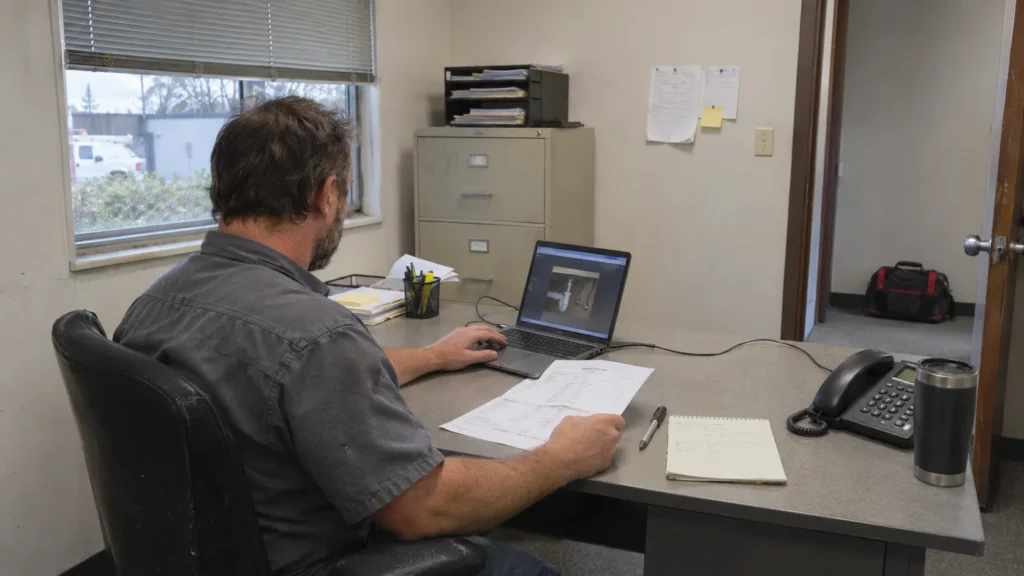
Keep these details together for each job:
- Document the original job scope: Store the approved estimate so your team can check the work and price the customer agreed to.
- Record scope changes: Document additional work and get customer approval before proceeding.
- Break down the invoice: Show parts, labor, and other charges clearly so customers can see how you reached the total.
Pro tip: Housecall Pro keeps job estimates, job details, and invoices connected. If a customer has a question, your team can check the record instead of relying on a tech’s memory.
Read more: What to do when a customer refuses to pay
How Housecall Pro simplifies plumbing invoicing from job to payment
Housecall Pro’s plumbing software keeps job and customer details connected from estimate through payment. Your team can use the information already on the job to create an invoice and follow up on an unpaid balance.
Here’s what that workflow can look like:
- Estimate approved: The customer approves the estimate, and your team can reference the agreed-upon job details in Housecall Pro.
- Job completed: Your technician finishes the plumbing job and marks it as complete in the Housecall Pro mobile app.
- Invoice created: Your tech creates an invoice from the completed job and sends it to the customer with a direct payment link.
- Payment collected: The customer pays through the available payment options.
- Payment reminder sent: If the invoice remains unpaid, Housecall Pro sends automated reminders by text or email.
- Payment recorded: Once the customer pays, the payment is recorded with the job, so your team can see the updated status.
Ready to spend less time following up on plumbing invoices? Start a 14-day free trial of Housecall Pro’s invoicing software today.
FAQs
What are plumbing invoicing best practices?
Plumbing invoicing best practices include sending invoices from the field, offering digital payment options, automating reminders for unpaid balances, and charging cards on file for recurring services. Always include direct payment links in your overdue reminders so customers can pay with ease.
How do plumbing companies send invoices from the field?
Plumbing companies send invoices from the field using invoicing software such as Housecall Pro. You can create branded invoices with one click by automatically pre-filling templates with job and customer details. Then, send the invoice by text or email before leaving the job site.
What should be included on a plumbing invoice?
A plumbing invoice should include the customer’s contact details, job description, payment terms, applicable taxes, your business details, and the total amount due. Also, include the materials used, their unit prices, and the payment methods you accept. Itemizing charges, such as a replacement part and labor, helps the customer understand the invoice and prevents payment disputes.
How do plumbers collect payment on emergency jobs?
Plumbers collect payment for emergency jobs by sending an invoice as soon as they complete the service. Requesting payment at the end of a burst-pipe repair, drain emergency, or water heater service keeps the payment request tied to the completed work rather than creating a follow-up task for the office.
How do plumbing companies handle unpaid invoices?
Plumbing companies handle unpaid invoices by automating payment reminders using software like Housecall Pro. You decide how often you want to request payment. After the initial setup, HCP automatically sends reminders to customers, eliminating the need for office staff to manually track every overdue invoice.
What software do plumbers use for invoicing?
Plumbers use field service software, like Housecall Pro’s invoicing tool, to create and send professional invoices. It connects job estimates, field invoicing, payment collection, and payment reminders into a single workflow. That way, you can easily create an invoice for a completed job in the mobile app, and customers can pay securely by card, bank transfer, or financing.