Want to win more jobs with less effort?
Grow your business and send quick quotes with our home service software.

Want to see your potential revenue?
See what businesses like yours earn with Housecall Pro in 1 - 2 minutes.
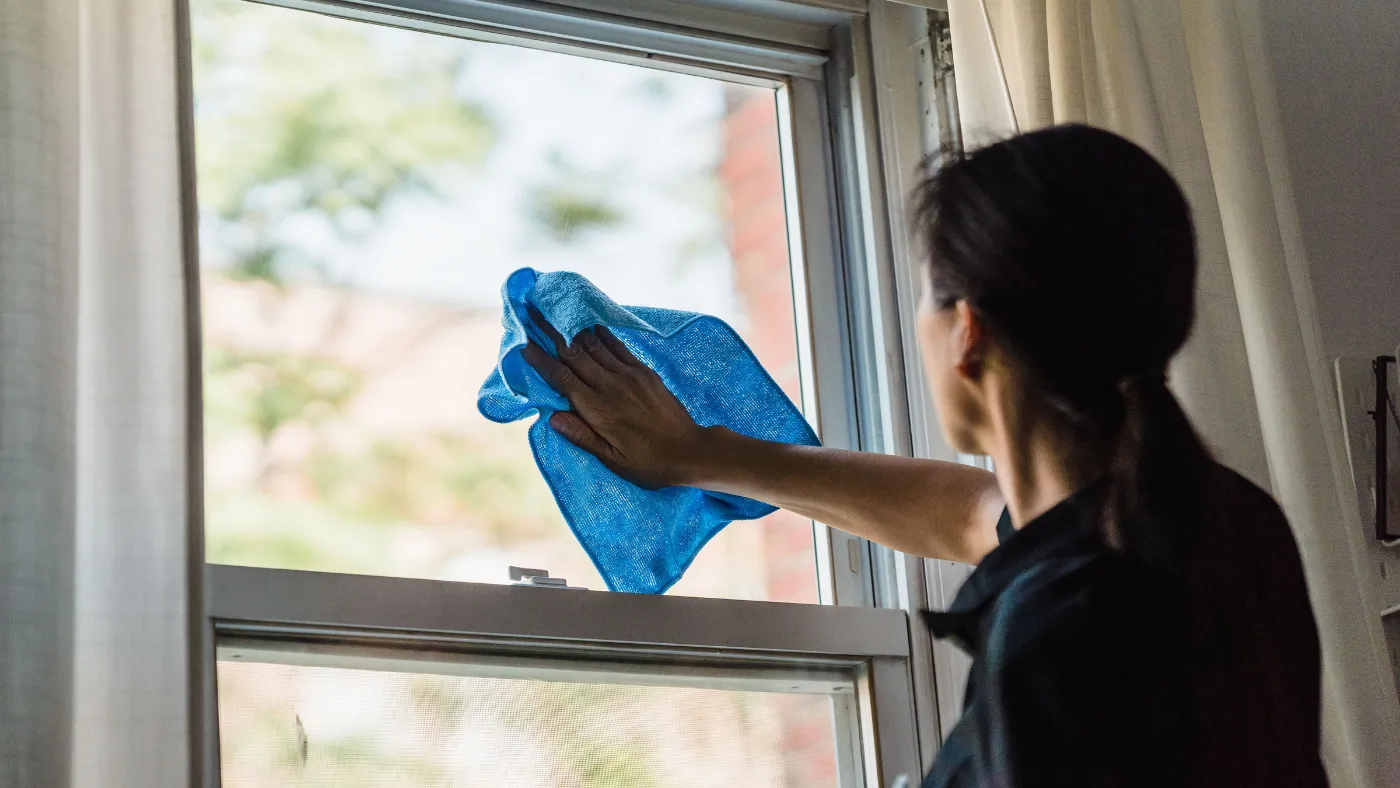
Cleaning businesses run on repeat work. The same customers expect you every week, every other week, or every month. That makes your payment routines just as important as the cleaning itself.
When invoices go out late, it’s easy for balances to pile up. A few overdue invoices may not seem like a problem at first, but unpaid jobs can turn into a cash flow headache, more admin, and less money for supplies, payroll, and growth.
In this guide, you’ll learn how to set clear payment terms, offer the payment methods your customers already use, send invoices faster, and simplify billing with tools like Housecall Pro.
Quick answer: What’s the best way to collect payments for a cleaning service?
The easiest way to collect cleaning payments is to make billing a part of every job instead of something you do later. Set payment expectations before the appointment, send invoices as soon as the cleaning is finished, and make it easy for recurring customers to pay with a saved payment method. Payment software can automate invoicing and reminders, so you spend less time following up on unpaid invoices.
Table of contents
Key takeaways
A few small shifts in your billing routine can make collecting payments much more predictable:
Set expectations early: Tell customers when payment is due, which payment methods you accept, and whether deposits or late fees apply before the appointment.
Match your payment schedule to the job: Recurring cleanings often work best with payment after each visit, while larger one-time jobs, like move-out cleans, may call for a deposit.
Make paying convenient: Accept payment methods your customers already use, be it credit cards, mobile wallets, or ACH.
Don’t wait to send invoices: Send out invoices as soon as the job is complete to help keep payments moving and reduce the chance they’ll be forgotten.
Let automation handle the follow-up: Automatic invoices, recurring billing, and payment reminders can reduce manual work as your customer list grows.
Payment challenges for cleaning companies
One unpaid invoice isn’t usually what hurts a cleaning business. It’s five, 10, or 20 unpaid invoices spread across a busy month. Say 15 biweekly cleanings at $150 each sit unpaid for a few weeks—that’s $2,250 you can’t put toward supplies, payroll, or your next hire.
Recurring customers make this worse. New invoices go out every week while older balances stay open, so a few missed payments turn into a real cash flow gap fast—especially once your schedule fills up. And chasing down outstanding invoices and sending reminders becomes its own job on top of the actual cleaning.
Luckily, a few changes to how you handle payments can fix most of this.
Read more: How to improve business cash flow
How to easily accept payments for cleaning jobs
Collecting payments shouldn’t take longer than the cleaning itself. A few simple habits can help you spend less time sifting through invoices and more time getting ready for the next job.
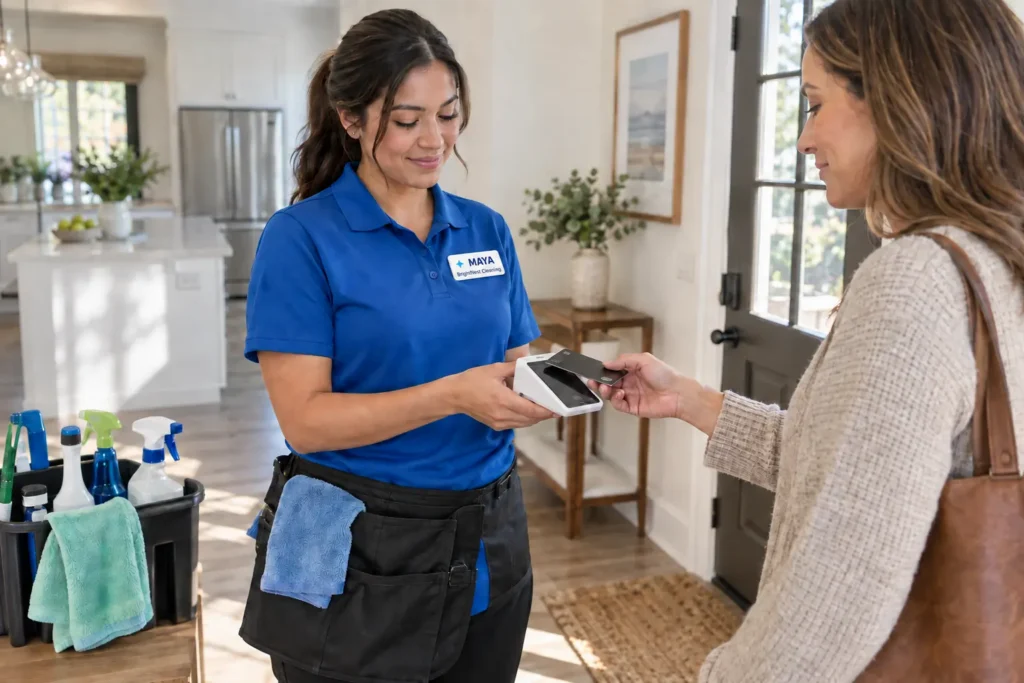
1. Set clear cleaning payment terms from the start
Questions about payment are much easier to answer before cleaning than after it. Let customers know when payment is due, which payment methods you accept, whether you charge late fees, and what happens if a payment doesn’t go through.
Share the same payment policy with every customer, whether it’s in an estimate, booking confirmation, or service agreement. When everyone on your team follows the same process, customers know what to expect every time they book a cleaning.
Read more: How to charge late fees on invoices
Recurring vs. one-time cleaning jobs
Bill weekly, biweekly, and monthly cleaning jobs after each visit, and charge the customer as soon as you mark the appointment complete. Waiting and batching invoices later gives balances more time to pile up, and it’s easier to lose track of who’s paid and who hasn’t once you’re juggling a full week of appointments. A recurring service plan set up in advance keeps this consistent without you having to think about it each visit.
For larger one-time jobs like move-out cleans or whole-house deep cleans, charge a deposit before you start and collect it when the customer books. These jobs eat up a bigger chunk of your schedule—often several hours or multiple cleaners—so a deposit protects that time if the customer cancels last minute. Collect the remaining balance the moment the job is done, before you leave the house, while the customer can still see the finished result and there’s no chance the invoice gets lost in the shuffle once you’re on to the next appointment.
Read more: How to ask for a deposit
2. Choose the right cleaning payment options
Most customers already have a preferred way to pay. Giving them that option makes paying feel routine. Credit and debit cards work well for most residential cleaning services, while Apple Pay and Google Pay give customers a quick way to pay from their phone. Automated Clearing House (ACH), an electronic money transfer from bank to bank, can be a good option for recurring commercial accounts or larger residential invoices.
Housecall Pro Payments brings all of these payment methods into one system, so you’re not juggling separate card readers, ACH processors, and mobile wallet setups for each job. Pros who use Payments with Housecall Pro get paid 2X faster.*
*Avg. experience of Pros processing at least half of their payments with Housecall Pro over the past year.
Should you still take cash or checks?
Yes, you should still accept cash or checks, just don’t make them your default payment method. Long-time residential clients may still prefer to leave cash on the counter, and some commercial customers have established payment procedures that rely on checks.
The downside is extra handling. Someone has to deposit the cash, wait for checks to clear, and manually match every payment to the correct invoice. That process takes time, and mistakes become more likely as your customer list grows and your plate continues to fill up.
Electronic payments are easier to track because every payment is tied to the invoice automatically. Many cleaning companies still accept cash and checks when customers ask, but rely mostly on digital payments for their day-to-day billing. So, accept cash or a check when a customer asks for it, but run your day-to-day billing through digital payments.
3. Create a cleaning invoice that looks professional
A customer shouldn’t have to guess what they’re paying for. Your invoice should be easy to read, accurate, and specific enough that customers can immediately recognize the work you completed.
Include the basics on every invoice:
- Your business name and contact information
- The invoice number and service date
- Payment due date
- An itemized list of services
- The total amount due
The service description matters just as much as the total. Instead of a generic line like “House cleaning,” describe exactly what you did.
Here’s an example invoice for a single bi-weekly cleaning visit with add-ons:
| Service | Price |
| Bi-weekly 3BR/2BA cleaning | $180 |
| Inside oven cleaning | $40 |
| Inside refrigerator cleaning | $25 |
| Total due | $245 |
If the customer requests different add-ons throughout the year, those details help them connect the invoice to the work your team completed. They also give you a clear record if questions come up later.
While you’re creating your invoice, use the same logo, colors, and layout. That’ll create a consistent experience for your customers. Whether it’s their second appointment or their twentieth, they’ll know the invoice came from your business before they even open it.
Use invoice templates to save time
Creating every invoice from scratch takes time you could spend on the next job. Use a cleaning invoice template to keep every invoice consistent no matter who on your team sends it. Housecall Pro’s invoicing software pre-fills each invoice with the job and customer details already on file, so nobody’s retyping what’s already there.
4. Send your cleaning service invoice the right way
Getting the invoice out quickly matters, but so does sending it in a way that your customers will actually see.
Match the delivery method to the customer:
- Email: Best when customers want a detailed record of the service, especially for commercial accounts or one-time jobs.
- Text message: Best for residential customers who want to pay from their phone before moving on with the rest of their day.
- Customer portal: Best if you clean the same few homes every other week. It gives customers one place to view invoices, payment history, and upcoming charges instead of digging through old emails or texts.
Not every customer will have the same preference. Giving them a choice can make paying feel like part of the service instead of another task to remember.
Pro tip: Set up automatic payment reminders so invoices don’t sit unpaid just because you forgot to follow up.
5. Keep cards on file (with permission)
Recurring cleaning customers shouldn’t have to pull out their wallet after every visit. Housecall Pro’s Card on File feature lets you securely save a customer’s payment method with their permission, so you’re not asking for it again at every appointment.
When a job is marked complete, the invoice generates automatically, and customers with a saved payment method get charged according to the payment terms they’ve already agreed to. No re-entering card details, no waiting on an email to open and pay.
That works especially well for weekly, bi-weekly, and monthly cleaning services, where the payment process becomes part of the routine, just like the service itself. It also means your team spends less time sending reminders or chasing down unpaid invoices.
Remember to follow PCI Security Standards Council guidance: only retain card data for as long as it serves a legitimate business or legal purpose, tell the customer upfront that the card will only be charged for approved services, and let them update or remove it whenever they want.
6. Use cleaning payment software to save hours every week
Most cleaning business owners didn’t start their company because they love building invoices at the end of a long day.
Every invoice you create by hand takes time away from scheduling jobs, managing your team, or serving customers. It also creates more opportunities for small mistakes, whether that’s forgetting a last-minute add-on service or following up on a payment that already came through.
Those jobs still need to get done. Software simply handles them in the background instead of relying on someone to remember every step.
What the right software handles for you
Good payment software takes care of many of those repetitive tasks automatically. You can generate invoices as soon as a job is marked complete, customers can pay with the payment method that works best for them, and overdue reminders can go out on the schedule you choose instead of relying on manual follow-up.
If you use accounting software like QuickBooks, syncing invoices and payments also cuts out duplicate data entry. Once a payment comes in, your records stay up to date without entering the same information twice.
Housecall Pro brings those tools together. It automatically:
- Creates invoices after completed jobs
- Accepts credit cards, ACH, Apple Pay, Google Pay, and Card on File payments
- Syncs with QuickBooks
- Sends automated reminders for overdue invoices
Instead of cobbling multiple independent systems together, you can manage the entire payment process from the same platform you use to run the rest of your business.
Try Housecall Pro free for 14 days and see how much time it saves your team.
Pro tip: Need funds faster? Instapay deposits eligible card and ACH payments in minutes for a small per-transaction fee, instead of making you wait the standard two business days. Pros have collected $3.5B+ through it.
Final tips for collecting on-time payments for cleaning jobs
Every cleaning company develops its own routine. The payment side of the job should feel just as predictable.
Keep these habits consistent:
- Set payment expectations before the appointment, including due dates, accepted methods, and deposit requirements for bigger jobs.
- Send invoices as soon as the job is completed, while the experience is still fresh in the customer’s mind.
- Offer payment methods customers already use, including cards, ACH, Apple Pay, and Google Pay.
- Keep payment methods on file for recurring customers who give permission, so billing happens automatically after each visit.
- Let software handle the follow-up instead of chasing down every overdue invoice yourself.
As your schedule fills up, that consistency becomes more important. That same payment process should work whether you’re cleaning 20 homes a month or 200.
Read more: How to collect unpaid invoices
Get In Touch: 858-842-5746
Let us earn your trust
On average, Pros increase monthly revenue generated through Housecall Pro by more than 35% after their first year.
See plan options and feature breakdown on our pricing page.
FAQ
What software helps cleaning businesses collect payments faster?
Housecall Pro combines invoicing, payment collection, and follow-up in one system built for cleaning businesses and other field service companies. It auto-generates invoices when a job is marked complete, lets customers pay by card, ACH, Apple Pay, Google Pay, or a card on file, deposits eligible payments in minutes through Instapay, and automatically flags and follows up on overdue invoices.
Should I charge customers before or after cleaning?
You can charge before or after cleaning, but most cleaning companies collect payment after cleaning is complete, especially for recurring residential services. For larger one-time jobs, such as move-out or deep cleans, it’s common to collect a deposit when the appointment is booked, and the remaining balance after the work is finished. Choose a payment schedule that fits your services, then apply it consistently so customers know what to expect.l
Is it safe to keep a customer’s card on file?
Yes, it is safe to keep a customer’s card on file when you use a secure payment processor, and the customer has given permission. Storing payment information makes recurring billing much easier for both you and the customer.
Should I send cleaning invoices by text, email, or customer portal?
Whether you should send cleaning invoices by text, email, or customer portal depends on how your customers prefer to communicate. Email provides a detailed record of the invoice, text messages make it easy to pay from a phone, and a customer portal gives recurring customers one place to view invoices and payment history. Giving customers multiple options often works better than relying on a single delivery method.e
How do I collect payments for recurring cleaning services?
The easiest way to collect payment for recurring cleaning services is to use automatic invoicing and keep a customer’s payment method on file with their permission. That way, every scheduled visit follows the same billing process, whether you clean once a week, every other week, or once a month.
What if a customer disputes a card charge on a cleaning invoice?
Start by pulling the signed estimate, the completed invoice, and any before-and-after job photos. Most disputes get resolved once the customer sees the documented scope of work. If the charge still gets disputed with the card issuer (a chargeback), respond by the deadline in the notice and submit that same documentation. Processing it through a platform like Housecall Pro keeps job records, photos, and payment history in one place, which makes responding to a dispute faster.