Want to win more jobs with less effort?
Grow your business and send quick quotes with our home service software.

Want to see your potential revenue?
See what businesses like yours earn with Housecall Pro in 1 - 2 minutes.
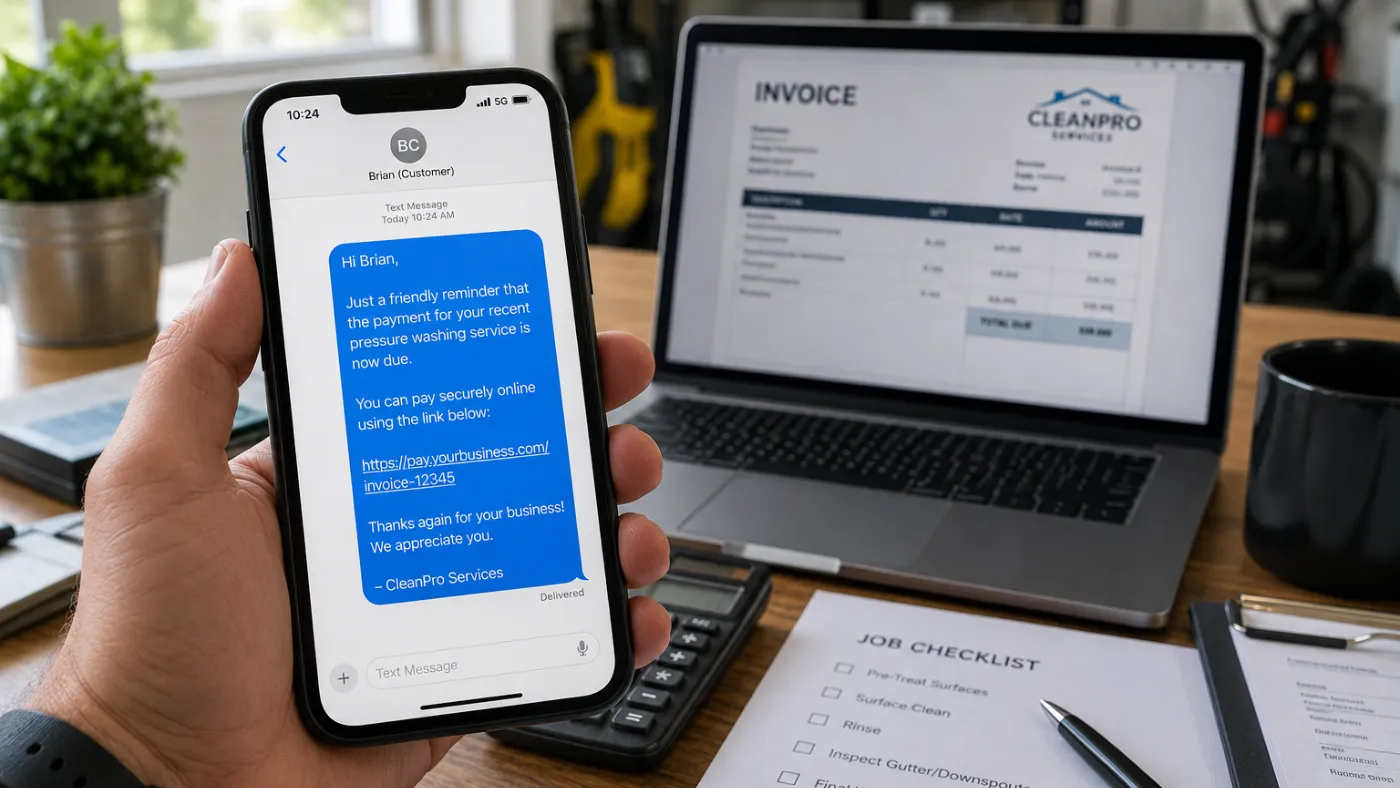
Most home service companies don’t skip follow-up because they don’t care. They skip it because they’re too busy: the job gets done, the next call comes in, and follow-up falls through the cracks.
That’s a huge missed opportunity: According to a 2025 Housecall Pro survey, 73% of homeowners would refer a business after excellent service, and most (68%) say they’d hire the same company again. Automated customer follow-up is what makes both happen consistently—without adding more to your team’s plate. Here’s how it works.
Quick answer: What is automated customer follow-up for home service businesses?
Automated customer follow-up is a set of pre-written texts or emails that send after a specific customer action or job milestone. For home service businesses, the most common follow-ups are review requests, payment reminders, and rebooking prompts.
The timing and trigger are set once, then the system runs automatically. For example, a review request can be sent after a completed job, payment reminders can be sent after an invoice goes unpaid, and seasonal tune-up reminders can be scheduled based on the last service date.
Key takeaways
Here’s how to use automated follow-up to move customers to the next step:
Automate the right moments: Trigger follow-up after completed jobs, invoice updates, payments, or recurring service dates.
Personalize each message: Match the message to the customer’s stage, whether you’re requesting a review, collecting payment, or reminding them to book again.
Keep humans involved: Automate routine messages, but have your team handle complaints, warranty issues, and complex questions.
Measure what matters: Track reviews, payment collection, repeat bookings, and opt-out rates to improve results.
Make action easy: Include one clear link for reviews, payments, or booking.
Table of contents
When should you use automated customer follow-up?
Home service companies should use automated customer follow-up when a customer is ready for the next step. The three most common triggers are job completion, invoice sent, and payment received.
- Job marked complete: The customer receives a thank-you message or review request after the tech finishes the work.
- Invoice sent or overdue: The customer receives a payment link or reminder so they know what is due and how to pay.
- Payment received: The customer receives a thank-you message, receipt, or rebooking prompt based on the service they just completed.
Some platforms, including Housecall Pro’s customer management tools, also let you automate follow-up messages if a customer doesn’t take action. For example, you can send a review request as soon as a job is complete, then automatically send a reminder a few days later if the customer hasn’t left a review. If you use Housecall Pro Pipeline, you can also build custom automation workflows with additional timing and trigger options.
Text messages usually work best for fast actions like review requests, payment links, and appointment reminders. Email works better for longer messages, seasonal maintenance reminders, service plan offers, or rebooking prompts that need more context.
Read more: AI in customer service: How to use it to save time and win more jobs
How do home service companies use automated customer follow-up?
Home service companies use automated customer follow-up by linking messages to jobs, invoices, and customer activity within their field service software. Once the trigger occurs, the system sends the appropriate text or email without anyone on your team having to stop and do it manually.
More than half of home service pros who use AI (52%) use it for customer communication, according to a 2026 Housecall Pro survey. Here’s what that looks like in practice.
- A plumber finishes a water heater repair and marks the job complete in the app. The customer automatically receives a review request that says: “Hi [Name], thanks for having us out today. If everything went well, would you mind leaving us a quick review? [review link]”
- Three days later, if the customer hasn’t booked another service, they get a short email: “Thanks again for choosing [Company Name]. If you need help with another plumbing issue, you can book online here: [booking link].”
The customer doesn’t see the system behind it. They just see a company that followed up quickly, made the next step easy, and stayed professional after the job was done.
Pro tip: Not every follow-up should be automated. If a customer replies with a complaint, warranty issue, angry message, or question about a complex estimate, the workflow should route that conversation to a real person. Automation handles the repeatable work. Your team handles the conversations that need judgment.
Review requests
Automated review requests are messages sent after a job is marked complete. They usually go out by text or email and include a direct link to Google or another review platform.
As a general rule, send review requests within 24 hours of the job while the customer still remembers the work, the technician, and the overall experience. The best review requests include the customer’s name, your company name, and one direct review link.
A simple review request can say:
“Hi [Name], thanks for choosing [Company Name]. If you were happy with your service today, could you leave us a quick review? It really helps our small business. [link]”
Housecall Pro’s review management software automatically sends review requests after a job is complete, so every customer gets a consistent follow-up without your team having to remember. You can personalize requests with AI or your own template and automatically send follow-up reminders if a customer doesn’t leave a review.
Payment reminders
Automated payment reminders are messages sent when an invoice is unpaid. They’re usually triggered by invoice status and sent at set intervals, such as every three days and every seven days.
A payment reminder doesn’t need to be pushy. The best messages are short, clear, and easy to act on.
For example:
“Hi [Name], this is a quick reminder that invoice #[Invoice Number] from [Company Name] is still open. You can review and pay it here: [payment link]. Thank you.”
When an invoice goes unpaid, Housecall Pro can send scheduled reminders so your office team doesn’t have to manually chase every balance. Even five unpaid invoices can turn into five reminder calls, five follow-up emails, and extra bookkeeping time at the end of the week.
Automated payment reminders are especially helpful for businesses that send a high volume of invoices. Even if most customers pay on time, reminders help prevent missed payments from becoming a bigger admin problem.
Rebooking prompts
Rebooking prompts are messages that remind customers to schedule their next service based on time elapsed, service type, or customer history. These are useful for work that happens on a recurring or seasonal basis.
For example, a cleaning company might send a rebooking prompt four weeks after the last visit. An HVAC company might send a tune-up reminder six months after the last service. A pest control company might send a quarterly service reminder before the next treatment window.
A rebooking prompt can say:
“Hi [Name], it’s been about six months since your last HVAC tune-up with [Company Name]. Want to get your next visit on the calendar? Book here: [booking link].”
For repeat services, Housecall Pro can use service history, online booking, and automated marketing to remind customers when it’s time to book again. Instead of waiting for customers to remember they need another visit, you can automatically reach them with email, text messages, or even postcards based on their last service date. That helps you stay top of mind and bring customers back at the right time.
Pro tip: Rebooking messages work best when they’re tied to a real need. A quarterly pest-control reminder is useful; a random “book again soon” message two days after a repair is not.
What automated follow-up looks like when it runs itself
When automated follow-up runs itself, every completed job triggers the right message at the right time without anyone on your team stopping to send it. Housecall Pro keeps customer history, invoices, booking links, and marketing messages connected in one place, so your team can respond faster, stay on top of customer activity, and follow up without adding more office work.
For business owners, that means follow-up no longer depends on memory, sticky notes, or someone staying late to send texts. For customers, the experience feels simple. They receive a thank-you message, a direct payment link, a review request, or a booking link when appropriate.
As Brett C. of Chimney Monkey puts it: “Housecall Pro manages our whole business. The automation that’s built in from day one is a huge improvement over answering a call on the rooftop and having to remember later to send an email or text.”
Ready to spend less time chasing follow-ups? Sign up for Housecall Pro’s free 14-day trial.
Get In Touch: 858-842-5746
Let us earn your trust
On average, Pros increase monthly revenue generated through Housecall Pro by more than 35% after their first year.
See plan options and feature breakdown on our pricing page.
How to set up automated follow-up in Housecall Pro
Housecall Pro includes automated customer follow-up out of the box, so you don’t have to build every workflow from scratch. You can review the automations already available, customize the messages to match your business, and enable or disable them as needed. If you use Housecall Pro Pipeline, you can also create custom automations with additional triggers, timing, and conditions.
Step 1. Review your customer notifications
Start by looking at the customer notifications already enabled in your account. Housecall Pro can automatically send messages for key moments like scheduled jobs, technicians on the way, completed jobs, review requests, invoices, and marketing campaigns. Enable or disable the notifications that fit your workflow.
Step 2. Customize your messages
Update the message templates to match your brand and communication style. Keep each message short, explain why the customer is hearing from you, and include one clear next step, whether that’s leaving a review, paying an invoice, or booking another service.
Step 3. Test the customer experience
Before relying on automated follow-up, send test messages to make sure the wording, links, and delivery feel right. Check that everything works well on mobile and that the call to action is easy to complete.
Step 4. Monitor and refine
Watch how customers respond over time. If review requests, payment reminders, or marketing campaigns aren’t getting the results you expect, update the message or adjust your approach to improve engagement.
Automated customer follow-up FAQ
Which tools help contractors respond to customers faster?
The tools that help contractors respond to customers faster include Housecall Pro’s CSR AI, automated follow-up, online booking, customer management, and automated marketing tools. CSR AI helps before and during intake, automated follow-up helps after the job, and online booking helps customers take action without calling your office.
Together, these tools reduce response time because your team doesn’t have to manually handle every message. Customers can call, book, pay, review, or schedule again with fewer delays.
How long after a job should you send a follow-up message?
You should send a follow-up message within 2–24 hours after a job if the goal is to thank the customer or ask for a review. Many home service businesses send their first message within a few hours, while the service experience is still fresh.
For unpaid invoices, a reminder often makes sense 3–7 days after the due date. For rebooking reminders, the timing should match the service cycle, such as four weeks for cleaning, three months for pest control, or six months for HVAC maintenance.
What’s the best type of follow-up message to send after a service call?
The best follow-up message after a service call is a short message that gives the customer one clear next step. For paid jobs, that may be a review request. For unpaid jobs, it should usually start with a payment reminder. For recurring services, it may be a rebooking prompt.
A good review message could say: “Hi [Name], thanks for choosing [Company Name]. If everything went well today, would you mind leaving us a quick review? [link]” Keep the message simple and make the link easy to tap from a phone.
How do automated review requests work?
Automated review requests work by sending a text or email after a job is marked complete. The message thanks the customer, asks for feedback, and includes a direct link to Google or another review platform.
Once review requests are enabled, they’re sent automatically for eligible jobs. That helps businesses ask consistently without relying on techs or office staff to remember.
Can you automate rebooking reminders for recurring services?
Yes, you can automate rebooking reminders for recurring services by setting messages to be sent after a set period since the customer’s last service. The reminder should match the service cycle, such as monthly cleanings, quarterly pest control, seasonal HVAC tune-ups, annual inspections, or recurring maintenance visits.
Housecall Pro’s recurring service plan and automated marketing tools can help home service businesses send these reminders automatically. That keeps your company top of mind and makes it easier for customers to schedule the next visit.
To make rebooking even easier, send customers to a booking page instead of asking them to call.
What software do home service companies use to automate customer follow-up?
Home service companies use field service management software to automate customer follow-up. The most useful platforms connect job status, invoices, and customer history so messages go out automatically based on what happens in the field, not based on what someone remembers to send.
Look for software that automatically sends review requests, payment reminders, and rebooking messages based on customer activity. The best platforms also let you customize messages, send follow-up reminders when customers don’t respond, and manage customer communication from one place.
Housecall Pro’s automated marketing, review management, and invoicing tools handle all of these, so follow-up runs automatically whether you have one tech or a full crew.