Step 7: Close the call
End every call with a clear summary and a confident close.
“Great — so we have you scheduled for [Day] between [Time Window]. [Tech Name or ‘one of our licensed technicians’] will be calling you about 30 minutes before arrival. Is there anything else I can help you with today?”
If the customer has additional questions about pricing, warranties, or what to expect, your script should include talking points for common objections:
- “Do you charge by the hour or flat rate?” → “Our technicians provide upfront pricing before starting any work, so you’ll know exactly what it costs before we begin.”
- “Can I get a price over the phone?” → “Because every plumbing issue is a little different, our tech will diagnose the problem and give you an exact price on-site. There’s no obligation to proceed.”
- “How long will the repair take?” → “We won’t know until the tech evaluates the situation, but we’ll give you a full estimate before any work begins.”
7 tips for better plumbing dispatch calls
A script is only as good as the person using it. Here’s how to get the most out of your dispatcher script and turn more calls into booked jobs.
- Train to the tone, not just the words. A script should be conversational, not robotic. Train your team to use the questions as a guide, not a word-for-word recitation. The customer should feel like they’re talking to a person, not a form.
- Never put a stressed customer on hold without warning. If you need to check availability or talk to a tech, say so first: “I want to get you the best appointment time — do you mind holding for just one moment?”
- Listen for the real urgency. Customers don’t always know what’s an emergency. A slow drain that’s been getting worse for two weeks might feel routine to them but could be a main line issue. Train dispatchers to ask follow-up questions when something doesn’t add up.
- Repeat the address back every time. Sending a tech to the wrong address is an expensive mistake. Always read the address back, including apartment or unit number.
- Give a specific call-before-arrival window. “Your tech will call 30 minutes before” is far better than “your tech will call when he’s on his way.” Specificity builds trust.
- Capture the source. Ask every caller how they heard about you. This data is gold for your marketing team and helps you understand which channels are driving real calls.
- Log every call — even the ones that don’t book. Not every caller books on the first call. If you capture their info, your team can follow up. If you don’t, that lead is gone forever.
Beyond the script: How Housecall Pro makes dispatching easier
A great dispatcher script solves the human side of the intake call. But once the call ends, the real work begins — scheduling the job, assigning the right tech, sending confirmation to the customer, tracking the job status, and getting paid. If your team is still doing that manually, you’re burning hours every week on work that should be automatic.
That’s where Housecall Pro comes in.
Housecall Pro is the #1 all-in-one software platform for plumbing businesses. Over 45,000 home service companies use it to run every part of their business — from that first dispatcher call all the way through to the final invoice.
Scheduling and dispatch in one place. See your entire team’s schedule in real time. Drag-and-drop job assignment, GPS-based routing, and instant notifications to techs mean your dispatcher spends seconds booking a job instead of minutes.
Automated customer communications. The moment a job is booked, Housecall Pro automatically sends the customer a confirmation. When the tech is 30 minutes out, an automated “on my way” text goes out — no dispatcher follow-up required. Customers love it, and it dramatically reduces “where is he?” calls.
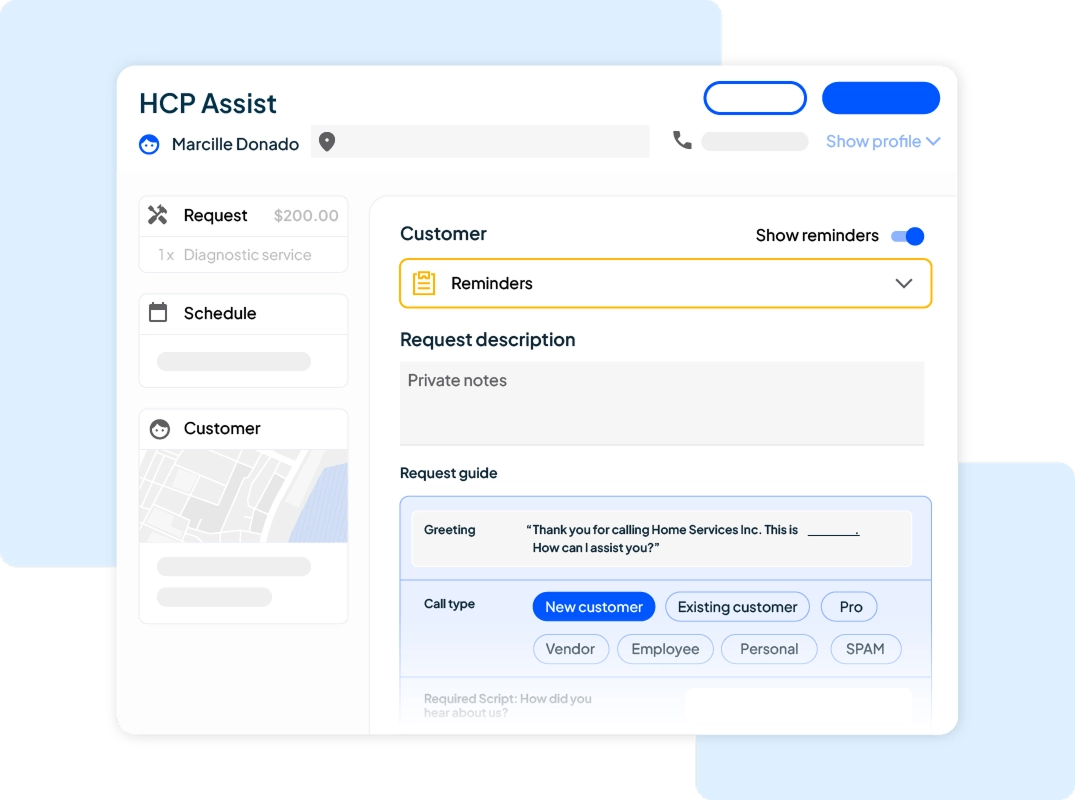
Never miss a call again. With HCP’s CSR AI, calls that come in after hours or when your dispatcher is busy don’t go to voicemail — they get answered, triaged, and booked automatically. No more lost leads because it was 9pm or your phones were ringing off the hook.
Online booking. Not every customer wants to call. Housecall Pro gives you a customizable online booking page so customers can request appointments 24/7 — and your dispatcher only needs to confirm.
Customer history at a glance. When a returning customer calls, Housecall Pro pulls up their entire history instantly — past jobs, notes, preferred tech, payment method. Your dispatcher can greet them by name and have their address already on screen.
Estimates and invoices from the field. Your techs can build and send estimates from their phone the moment they diagnose the problem. Customers approve digitally, and invoicing is automatic when the job is done. No paperwork, no delays.
Reporting that shows what’s working. Track call volume, booking rates, job completion rates, revenue by tech, and more. If your dispatcher conversion rate is lower than it should be, you’ll know — and you’ll know why.
Plumbing businesses that switch to Housecall Pro typically see faster job booking, fewer scheduling errors, and more 5-star reviews because the customer experience improves across the board.
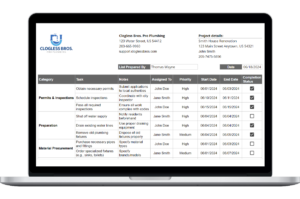
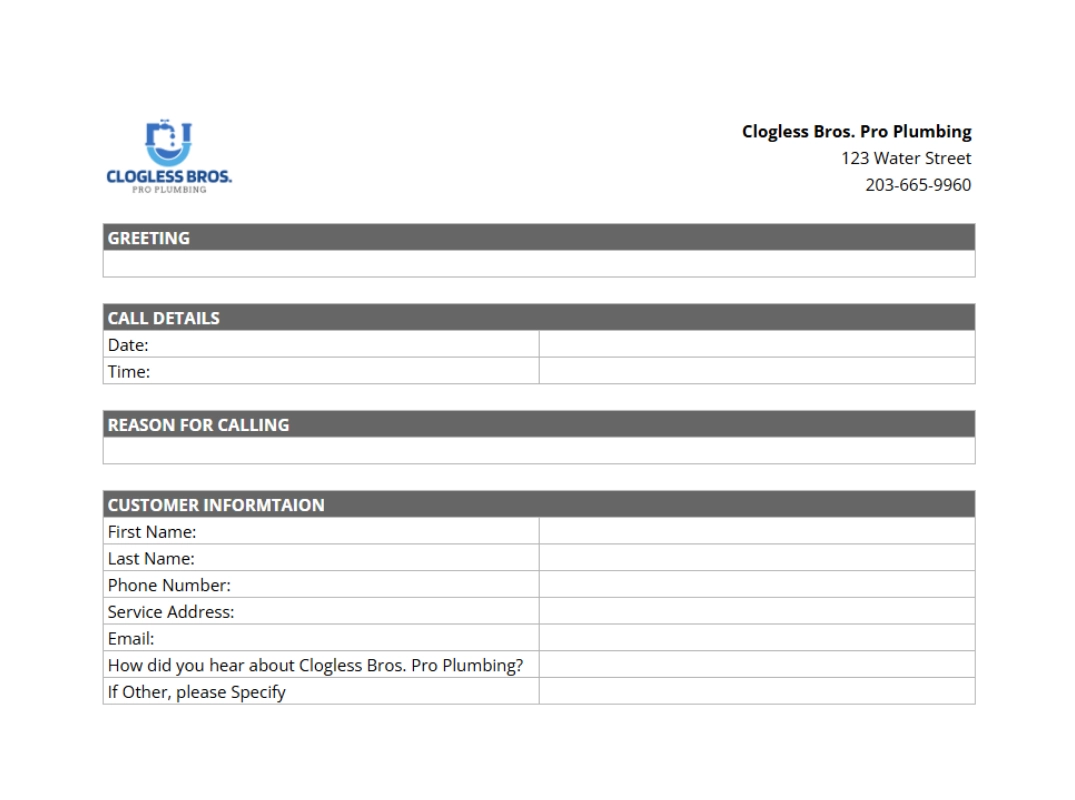
Download your free plumbing dispatcher script template
Stop winging it on intake calls. Give your dispatcher the exact script they need to handle every call professionally, capture every detail, and book more jobs — starting today.
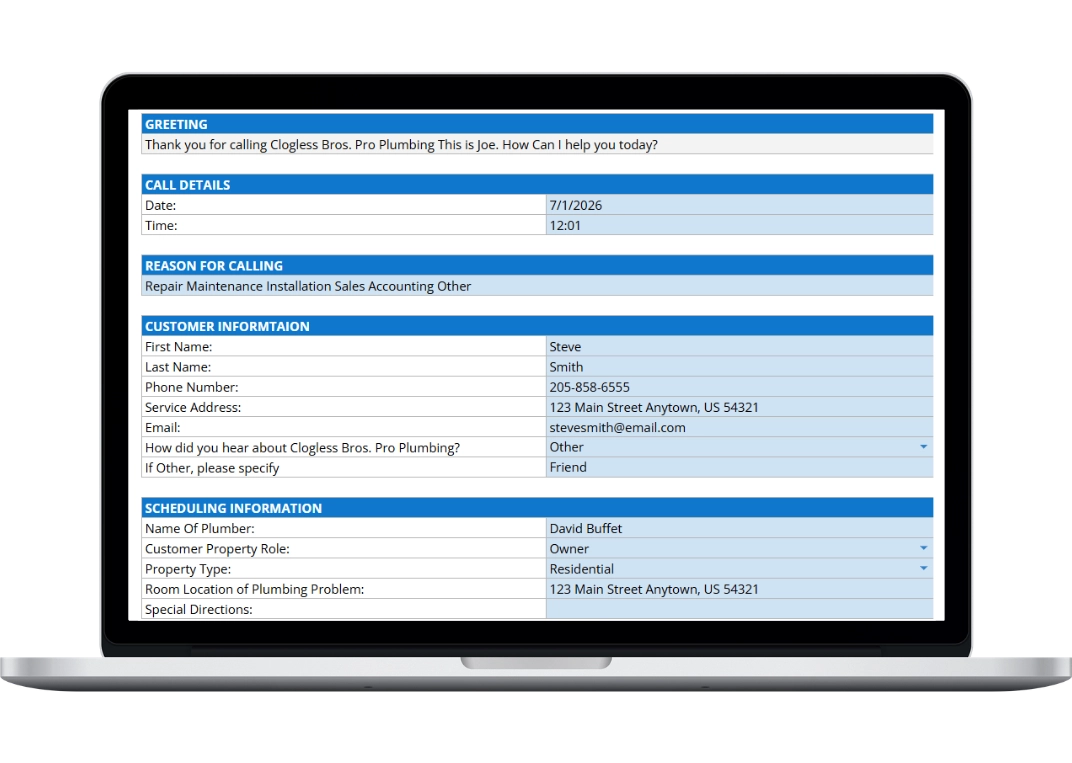
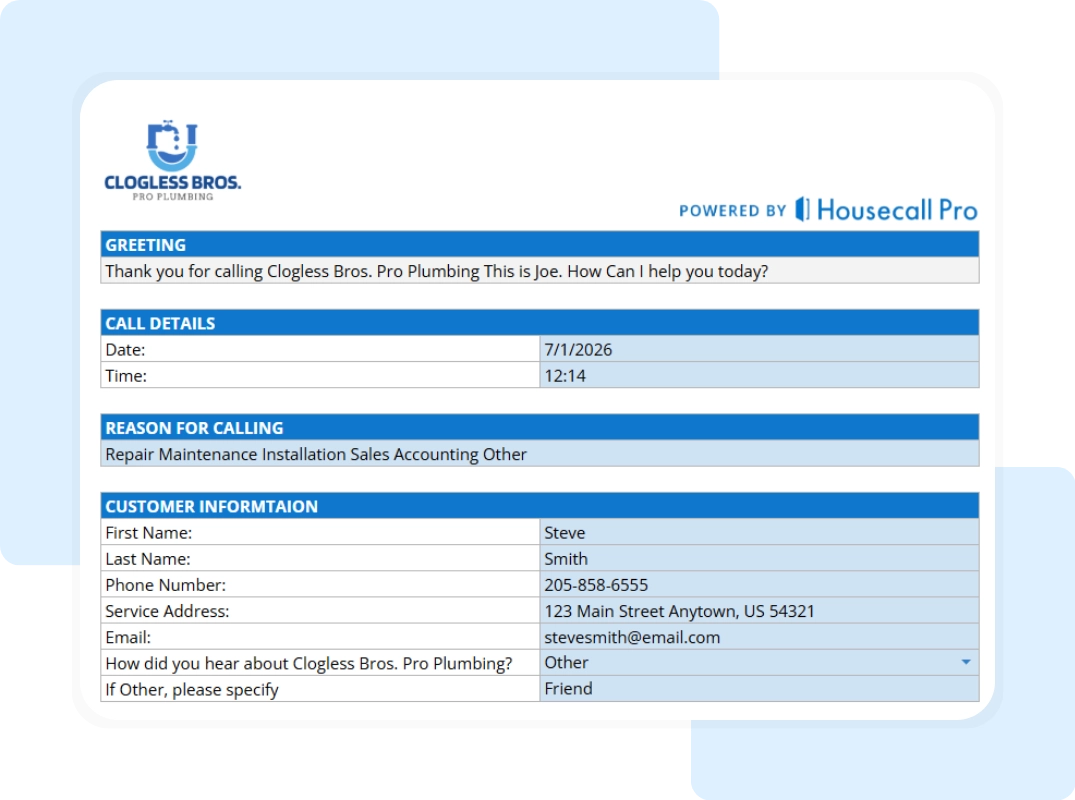
The template includes:
- Complete call script from opening greeting to close
- Emergency triage prompts for active leaks, sewage backups, and other urgent situations
- Plumbing-specific intake questions for all common job types
- Scheduling and access information prompts
- Common objection responses for pricing and timing questions
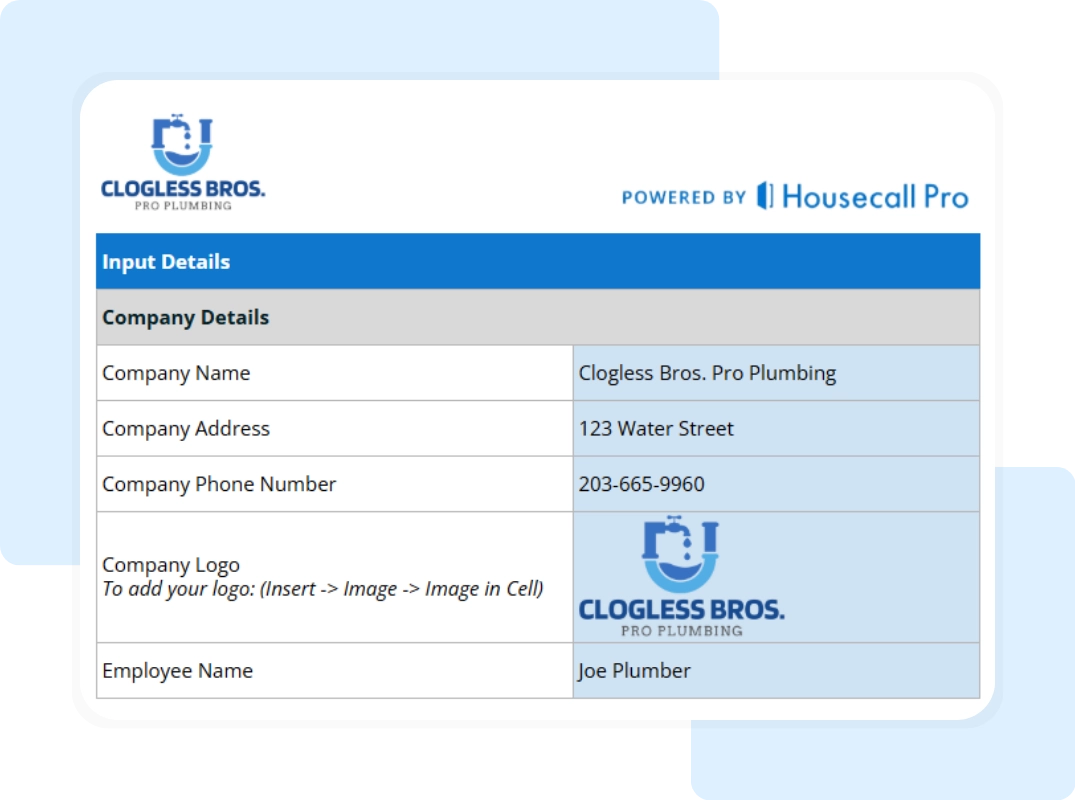
- Customizable fields for your branding
Free. No credit card. Yours to keep and use however you want.
More free resources for plumbing businesses
Ready to take your plumbing business beyond templates? See how Housecall Pro works →