Want to win more jobs with less effort?
Grow your business and send quick quotes with our home service software.

Want to see your potential revenue?
See what businesses like yours earn with Housecall Pro in 1 - 2 minutes.
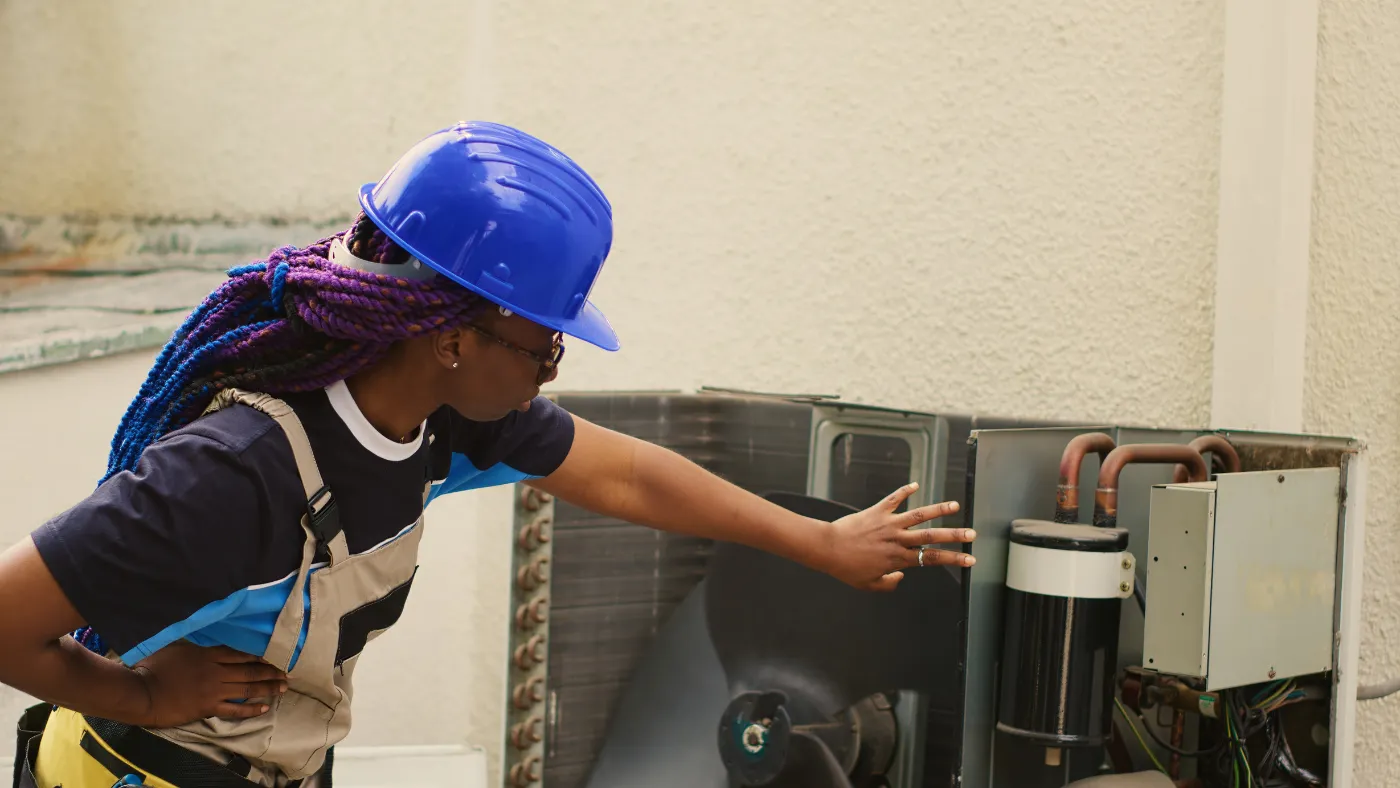
When the furnace quits in February or the AC dies mid-July, homeowners don’t waste time shopping around for an HVAC company. They search for help right now.
That moment is where Google Ads can give you an edge. It puts your HVAC business at the top of search results exactly when someone is ready to book. You’re not paying to reach someone who might need you; you’re paying to reach people who are actively looking for service.
This guide walks you through how to set up Google Ads for your HVAC business, target the right local jobs, and avoid common mistakes that waste your budget.

Score your online presence
See how visible and trustworthy your business looks online.
Quick summary: How Google Ads drive HVAC leads
Google Ads help HVAC businesses capture high-intent local searches when customers need immediate service. By targeting urgent keywords, limiting ads to your service area, and tracking calls and bookings, you can generate consistent leads and turn clicks into paying jobs quickly. Combining Google Ads with fast response times and simple booking options increases your chances of winning more local work.
Key takeaways
Here’s what to remember when you’re using Google Ads to drive local HVAC jobs:
Target urgent local searches: Focus on keywords like “AC repair near me” to reach customers ready to book now.
Use location targeting: Limit ads to the areas you actually serve so you’re not paying for clicks you can’t turn into jobs.
Track calls and conversions: Monitor which keywords and ads generate real jobs, not just clicks.
Improve response speed: Fast replies and easy booking options increase your chances of winning the job.
Table of contents
- What are Google Ads, and how do they work for HVAC?
- Google Ads vs. Local Services Ads for HVAC businesses
- How much do Google Ads cost for HVAC businesses?
- How to set up Google Ads for your HVAC business
- Common Google Ads mistakes to avoid
- How to turn Google Ads clicks into booked HVAC jobs
- How Housecall Pro helps HVAC business owners get more value from Google Ads
What are Google Ads, and how do they work for HVAC?
Most of us use Google every day, and it’s the first place homeowners go when they need an answer fast. What many small business owners don’t realize is that the top results on Google come from paid listings, not regular (organic) results.
Paid Google Ads put your HVAC business front and center when someone nearby searches for help, like “AC repair near me” or “furnace not working.”
Google Ads work well for HVAC contractors because:
- You’re reaching people ready to hire, not just browsing.
- You only pay when someone clicks your ad, so your budget goes toward active buyers—not casual researchers.
- HVAC jobs are local, urgent, and often unplanned.
Types of Google Ads HVAC businesses can use
Not all ads serve the same purpose. Some help you book jobs, while others build awareness over time. Here’s a simple breakdown:
- Search ads: Text-based, pay-per-click (PPC) ads that appear at the top of Google when someone searches for service. These are your best bet for immediate leads. You’re reaching people with a problem right now.
- Display ads: Image or banner ads on websites and apps. They help people recognize your brand over time, but they rarely drive emergency service calls.
- Local Services Ads (LSAs): These appear at the very top—even above search ads—with a “Google Guaranteed” badge. They show your business name, reviews, and phone number. You pay per lead (call), not per click, and setup takes longer because of background checks.
For most HVAC businesses, search ads and LSAs deliver the fastest path to booked jobs. Display ads work best as a secondary tool for brand awareness.
Learn more: 10+ ways to advertise your HVAC business and get more leads
Google Ads vs. Local Services Ads for HVAC businesses
Both options can bring in local jobs, but they work differently. The best choice depends on how fast you want leads, how much control you want, and how your business runs day to day.
Google Ads gives you more control. You choose when ads run, what services to promote, and where clicks go. You pay when someone clicks, even if they don’t call.
LSAs are built for quick contact. They show your business with a badge, reviews, and a call button. You pay per qualified lead, not per click.
The table below shows a quick side‑by‑side comparison of Google Ads vs. Local Service Ads. The cost estimates are based on 2026 HVAC and home services benchmarks from industry marketing reports, including LocaliQ and Searchlight Digital. Actual costs vary by market, competition, and job type (e.g., repair vs. installation).
| Feature | Google Ads | Local Services Ads |
| Where ads appear | Top of regular search results | Very top of the page, above other Google Ads |
| How you pay | Pay per click (PPC) | Pay per lead |
| Lead type | Clicks to your site or landing page | Direct calls and messages |
| Typical cost | $8–$50+ per click | $50–$80 per lead |
| Setup time | Fast (immediate) | Slower (after background check) |
| Control over messaging | High (custom text and keywords) | Limited (automated format) |
| Budget | Flexible daily budgets | Weekly budget cap |
| Best for | Targeted services and promotions | Direct calls and quick contact |
When to use Google Ads:
- You want to start generating HVAC leads right away.
- You want to promote specific high-ticket services (like ductless installation or maintenance plans).
- You want full control over what your ads say.
When to use LSAs:
- You want to pay only for real leads or calls.
- You focus on emergency service and trust (the badge helps).
- You want to dominate the very top of search results in your service area.
Many HVAC businesses use both: Google Ads to capture high-intent searches, and LSAs to catch customers ready to tap “Call.” Together, they help you show up everywhere it matters.
How much do Google Ads cost for HVAC businesses?
Google Ads pricing varies based on your market, services, and competition. A rural area will look very different from a busy metro, and emergency searches usually cost more than routine services.
The goal isn’t to find a “perfect” number—it’s to understand what drives costs so you can set a budget that works for your business.
Average cost per click (CPC) for HVAC keywords
Most HVAC-related searches fall into a wide price range. According to 2026 home services advertising benchmarks from LocaliQ and Searchlight Digital, Google Ad clicks typically cost $8–$50+ each, depending on competition and search intent. Smaller markets tend to be cheaper, while highly competitive metro areas and urgent searches like “24-hour AC repair” cost more.
Prices also change with the seasons. Summer and winter spikes increase competition, which drives up costs.
Typical cost per lead for HVAC businesses
Because not every click turns into a customer, it’s helpful to look at cost per lead. This gives you a clearer picture of what you’re actually paying for real opportunities—not just traffic. Per LocaliQ and Searchlight Digital, leads from Google Ads typically average around $100–$150 per lead, with higher costs for nonbranded keywords and emergency searches that tend to convert faster.
Typical monthly ad budgets for small HVAC businesses
Many small HVAC companies start small to test what works. A common entry point is $30–$50 per day (roughly $900–$1,500 per month). At this budget and the cost per lead range abvoe, you could expect roughly 6–15 leads per month, though actual volume depends heavily on your market and how competitive your ads are.
As jobs come in, you can increase your budget to cover more services or expand into new service areas. Growing companies often scale to several thousand dollars per month once campaigns are consistently producing leads.
Google’s budgeting tool can help estimate expected spend for your industry and service area before you commit.
What affects Google Ad costs the most?
Several factors shape what you pay:
- Competition: More HVAC pros bidding on the same keywords = higher costs
- Urgency: Emergency searches cost more but convert faster
- Location: Dense service areas drive higher prices
- Ad quality: Google rewards relevance. Clear, specific ads and landing pages can actually lower your cost per click.
How to set up Google Ads for your HVAC business
Google Ads can be a reliable way to bring in local jobs without a huge budget. You don’t need a marketing background—just a clear plan.
Choose the right HVAC keywords
Start with the services you want to sell. Focus on searches people use when something breaks, like “AC repair near me” or “furnace repair [your city].”
Avoid broad terms like “air conditioning” or “heating.” They bring in clicks from people who are simply researching, not ready to act.
Target your local service area
Only show ads where you actually work. Use Google’s location targeting to select cities, ZIP codes, or a radius around your shop. This keeps your budget focused on people within your service range.
Write ads that get calls, not just clicks
Clear beats clever every time. When you’re marketing your HVAC services, quickly explain:
- What you do
- Where you work
- How fast you can help
Mention things like emergency service, same-day availability, free estimates, or licensed techs. Avoid vague promises—someone with a broken system wants reassurance and a phone number, not a cute slogan.
Set up conversion tracking
Tracking shows what happens after someone clicks. You’ll see which ads lead to calls, bookings, or form submissions.
Without tracking, you’re guessing. With it, you can double down on what works and cut what doesn’t.
Common Google Ads mistakes to avoid
Google Ads are simple to start, but small mistakes can get expensive fast. Watch for:
- Targeting broad keywords that bring in clicks but not jobs
- Running ads outside your service area
- Missing calls or responding too slowly to new leads
- Skipping call and form tracking
- Letting ads run without regular check-ins or updates
How to turn Google Ads clicks into booked HVAC jobs
A “click” happens when someone taps your ad to call, visit your site, or check your services. That click means interest, but it doesn’t guarantee revenue. What you do next determines whether that lead books or moves on.
Here’s how to convert clicks into actual revenue:
Step 1: Respond to new leads as fast as possible
Speed matters more than price in urgent HVAC jobs. Customers call the first company that responds. Even a quick text—“Got your request, checking availability now”—can win the job.
Step 2: Give customers an easy way to book online
Customers search at all hours—between jobs, late at night, or on weekends. Giving them a way to book instantly keeps them from moving on.
With tools like Housecall Pro’s Online Booking, customers can lock in a time 24/7 without waiting for a callback.
Step 3: Follow up automatically on missed calls and estimates
Missed calls and forgotten estimates happen, especially during busy seasons. Automated follow-ups help you stay on top of every lead.
A quick message like “Sorry we missed you—book here” can recover jobs that would’ve been lost.
How Housecall Pro helps HVAC business owners get more value from Google Ads
Running Google Ads gets you in front of the right customers, but ads alone don’t close jobs. Once a lead comes in, speed and organization determine if that click turns into revenue.
Housecall Pro helps you manage leads in one place so nothing slips through the cracks. Our field service management platform is trusted by over 200,000 home service professionals to:
- Keep leads in one place: Calls, bookings, and form requests flow into one system so nothing gets lost.
- Follow up automatically: Use automated responses to stay connected and win more jobs.
- Book faster: Schedule jobs in seconds or let customers book themselves with Online Booking.
If you’re investing in ads, you need a system that helps you capture, respond, and close. Learn more about our HVAC business software or start your free 14-day trial to see how it fits into your day-to-day work.
Get In Touch: 858-842-5746
Let us earn your trust
On average, Pros increase monthly revenue generated through Housecall Pro by more than 35% after their first year.
See plan options and feature breakdown on our pricing page.
FAQ
-
How can I get more commercial HVAC clients?
-
Focus on searches tied to installs, maintenance contracts, and larger systems. Use Google Ads to target service-specific, location-based keywords businesses search during work hours. Fast follow-up and easy estimate requests help turn interest into long-term contracts.
-
How can I get more leads on Google Local Services Ads?
-
Keep your profile complete and accurate. Add service areas, business hours, and services offered. Respond quickly to calls and consistently request reviews. Google rewards active, responsive businesses with better visibility.
-
How much should I budget for Google Ads?
-
Most HVAC businesses start around $30–$50 per day. This gives you enough data to learn what works without overspending. As results improve, you can scale into new services and areas with confidence