Want to win more jobs with less effort?
Grow your business and send quick quotes with our home service software.

Want to see your potential revenue?
See what businesses like yours earn with Housecall Pro in 1 - 2 minutes.

Every unpaid invoice puts more pressure on your pool service business. You still need to cover chemicals, fuel, equipment, and payroll, even when customer payments are late.
Fortunately, most late-payment issues can be fixed with a few simple habits: sending invoices as soon as the work is done, making it easy for customers to pay, and following up before overdue balances pile up. This guide covers how to get paid faster, cut down on invoicing delays, and streamline billing with software like Housecall Pro.
Table of contents
- Payment challenges for pool service companies
- How to easily collect pool service payments
- 1. Set clear payment terms from the first visit
- 2. Choose the right pool service payment options
- 3. Create professional, easy to read invoices
- Use invoice templates to save time
- 4. Send your invoices the right way
- 5. Keep cards on file (with permission)
- 6. Use pool service payment software to save hours every week
- 1. Set clear payment terms from the first visit
- Final tips for collecting on-time payments for pool service jobs
Payment challenges for pool service companies
Pool service businesses can handle hundreds of recurring visits each month. That steady schedule is great for predictable revenue, but it also means small billing hiccups can pile up fast. Say 20 weekly pool cleanings at $125 each sit unpaid for a couple of weeks—that’s $2,500 you can’t put toward chemicals, fuel, or payroll.
Now stack that against a full month. If more late payments pile up, you’re not just missing one week’s revenue. You’re floating the cost of chemicals and labor for jobs you haven’t been paid for yet, all while the same routes keep running.
The longer this goes unaddressed, the more it costs you. Suppliers start expecting payment up front instead of extending credit. You end up spending evenings reconciling who’s paid and who hasn’t instead of planning next week’s routes. And the cash flow gap makes it harder to take on new accounts, even when you have the capacity.
Most of these breakdowns trace back to the same few gaps, outlined below. Fix those, and you keep more of what you earn each week instead of chasing it down later.
Read more: How to improve business cash flow
How to easily collect pool service payments
The best way to collect pool service payments is to set clear terms up front, offer payment methods customers already use, and send invoices the moment a job wraps. Here’s how to put that into practice.
1. Set clear payment terms from the first visit
Don’t leave your payment policies open to interpretation. Before your first service, tell customers when payment is due, which payment methods you accept, and when late fees apply.
Put those details in writing. That cuts down on awkward conversations later and keeps everyone on the same page.
Separate terms for recurring and one-time jobs
Your payment terms should match the type of work you’re doing. For recurring pool maintenance, set a fixed billing schedule based on how often you visit the property, whether that’s weekly or biweekly. This helps customers know when to expect service and when they’ll be charged.
For one-time jobs like pool openings, closings, equipment replacements, and major repairs, collect a deposit before work begins. These jobs often come with higher material costs, and a deposit helps cover those expenses so you don’t have to pay for them out of pocket.
For larger bills, offer Housecall Pro’s consumer financing. Customers can spread out the cost over time while you get paid in full up front. That flexibility often turns a “let me think about it” into an approved job.
Read more: How to ask for a deposit
2. Choose the right pool service payment options
Your customers don’t all want to pay the same way. A homeowner with weekly service may want to pay by card after each visit. A customer with a larger equipment invoice may prefer ACH. Mobile wallets (think Apple Pay and Google Pay) can also make payment easier when the customer is looking at the invoice on a phone. According to a 2025 Housecall Pro survey of 1,000+ U.S. homeowners, 62% expect to pay digitally—offering multiple payment options helps you meet customers where they are.

Housecall Pro Payments brings all of these payment methods into one system, so you’re not juggling separate card readers, ACH processors, and mobile wallet setups for each stop. Pros who use Payments with Housecall Pro get paid 2X faster.*
*Avg. experience of Pros processing at least half of their payments with Housecall Pro over the past year.
Should you still take cash or checks?
Yes, you should still accept cash and checks for longtime customers who prefer them, but don’t make them your primary payment method. Cash and checks create extra manual work: You have to deposit every check, record every cash payment, and match each one to the right service visit. That creates more room for mistakes to happen. Digital payments make it easier to see what’s paid, what’s outstanding, and what still needs attention.
Get In Touch: 858-842-5746
Let us earn your trust
On average, Pros increase monthly revenue generated through Housecall Pro by more than 35% after their first year.
See plan options and feature breakdown on our pricing page.
3. Create professional, easy to read invoices
A good pool service invoice should answer the customer’s questions without needing a follow-up call. List each service you did, any equipment installed, and any additional chemicals or materials used during the visit so customers can see exactly what they’re paying for.
Recurring maintenance visits are especially important to document clearly because the work isn’t always identical from week to week. If weather conditions alter maintenance needs, clear descriptions can help explain why a bill differs from the standard base rate.
Don’t hide the work behind a vague line item like “weekly cleaning.” Spell out what you did. Here’s an example of strong invoice formatting:
- Weekly pool cleaning base rate: $75.00
- Water chemistry testing and balancing: Included
- Pool salt (25 lbs.): $20.00
- Replacement pump motor: $350.00
- Labor: 1.5 hrs pump motor installation ($85/hr): $127.50
That makes the invoice easier for the customer to understand and easier for your team to reference later.
Pro tip: Check your state’s rules on whether pool service labor, chemicals, or parts are taxable, and give tax its own line item so it doesn’t get folded into the total where a customer might question it.
Use invoice templates to save time
Build one invoice template and reuse it for every job instead of starting from scratch each time. It keeps every invoice consistent no matter who on your team sends it, and cuts down on manual entry—so chemical costs, equipment fees, and service charges don’t get typed in wrong or left off.
Housecall Pro’s invoicing software pulls the job and customer details straight from what’s already on file, so you’re not re-entering the same information for every pool on your route. Just review, add any notes from the visit, and send.
4. Send your invoices the right way
Send invoices as soon as the job is complete. Waiting until the end of the week or month increases late payments and leads to forgotten service details. Some customers pay quickly by email. Others respond faster to a text. Giving them the choice of how they get their invoices can mean faster payment.
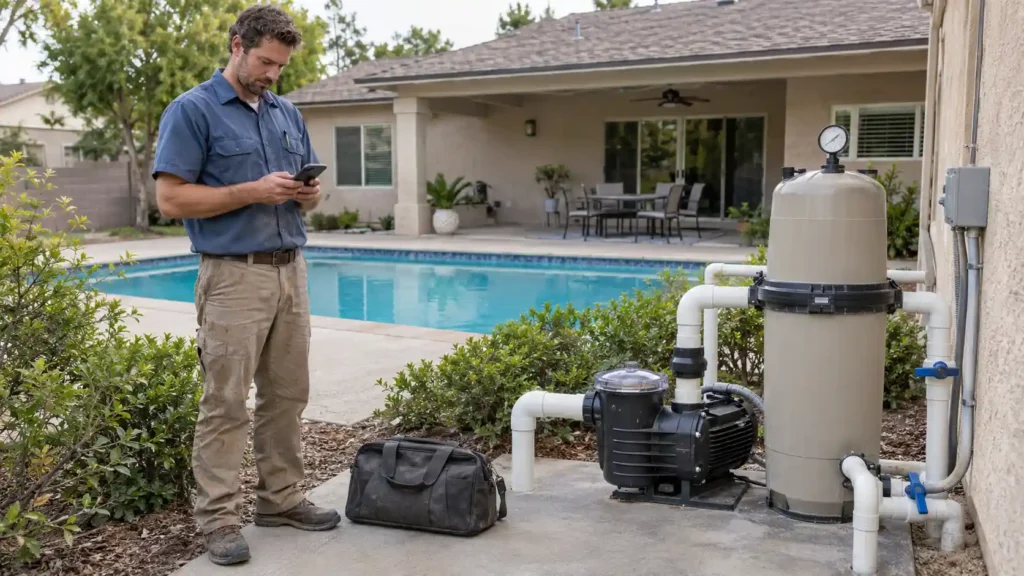
This flexibility matters in pool service because customers often aren’t on site when the work gets done, and some only visit the property on weekends or during certain seasons. Digital delivery lets them review the job and pay without waiting to cross paths with your tech.
For repeat customers, having a Customer Portal like Housecall Pro’s adds another level of convenience. Instead of combing through old emails or text messages, it gives customers one place to view invoices, payment history, and open balances.
For bigger projects—pool openings, closings, resurfacing, or major equipment replacements—use Progress Invoicing to bill at key milestones instead of waiting until the whole job wraps.
5. Keep cards on file (with permission)
Keeping saved cards on file is one of the best ways to avoid unpaid maintenance balances. With permission, you can save your client’s payment method and charge it after each visit without chasing the customer every time. That keeps your weekly and biweekly billing moving.
The consistency benefits your customers, too. They don’t have to remember to pay after every service visit or wonder whether they missed an invoice while they were away. It’s a simple, predictable billing process that fits the routine of ongoing pool maintenance well.
Housecall Pro’s Card on File feature lets you securely store payment details with customer permission, request a card on file by email or text, and charge that saved card from the job or customer record. If the scope of work changes during the visit—say you add an algae treatment or replace a worn pump motor—you can include those charges on the same invoice instead of requesting multiple payments.
Follow PCI Security Standards Council guidance: only retain card data for as long as it serves a legitimate business or legal purpose, tell the customer upfront that the card will only be charged for approved services, and let them update or remove it whenever they want.
6. Use pool service payment software to save hours every week
When you wrap up that last pool on your route for the day, the work isn’t over. Someone still has to build the invoices, account for any extra chemicals or repairs completed during the day’s visits, send them to the customers, track the payments, and follow up if they go unpaid.
The more pools you service each week, the more time you have to spend on admin to keep cash moving. Pool service software helps take that work off your plate.
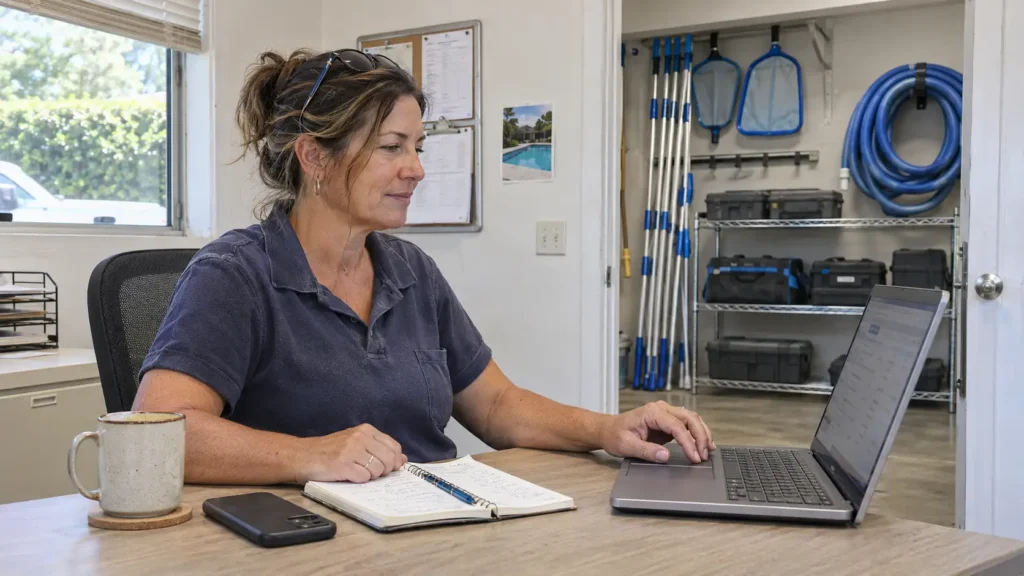
Housecall Pro helps you:
- Generate invoices automatically as soon as you mark the job complete, so billing doesn’t get pushed to the end of the day or week.
- Include extra work on the same invoice. Tack on services like algae treatment or filter deep cleans so add-ons don’t get lost.
- Send invoices by email, text, or Customer Portal so your clients can pay how they like.
- Sync with QuickBooks so you don’t have to manually enter payment records a second time.
- Send overdue reminders automatically so unpaid balances don’t sit untouched.
If you’re ready to send invoices, collect payments, and manage billing from anywhere, start your free Housecall Pro trial today.
Pro tip: Need funds faster? Instapay deposits eligible card and ACH payments in minutes instead of the standard two business days. Pros have collected $3.5B+ using Instapay.
Final tips for collecting on-time payments for pool service jobs
Pool service businesses have enough to keep track of between recurring maintenance routes, seasonal openings and closings, and unexpected equipment repairs. If you make customers guess about pricing, payment timing, or how to pay, you slow down cash flow and create more admin work for yourself.
A tighter process looks something like this:
- Set payment expectations before the first visit.
- Offer payment methods your customers already use.
- Send clean, detailed invoices right away.
- Keep cards on file for recurring jobs, with permission.
- Use reminders instead of manual follow-up.
Read more: How to collect unpaid invoices
FAQs
Can I keep a customer’s credit card on file for recurring pool service?
You can keep a customer’s credit card on file for recurring pool service as long as they give you permission. Keeping a card on file makes it easier to collect payment after recurring maintenance visits without asking customers to manually pay after every service. Be sure to use payment software that securely stores payment information and complies with industry security standards.
When should I send an invoice for pool service?
You should send invoices for pool services as soon as you finish the work. Prompt invoicing helps customers remember the service that was performed and can shorten the time between completing the job and receiving payment. Many pool service businesses use software that automatically generates invoices once a technician marks a job complete.
Should pool service companies require deposits?
For a pool service company, requiring a deposit can be a good idea when dealing with bigger jobs, such as pool openings, equipment installations, resurfacing, or major repairs. That can help cover material costs and reduce the risk of cancellations. For recurring pool maintenance, such as weekly cleanings or chemical treatments, a deposit usually isn’t necessary.
Can pool service software send automatic payment reminders?
Yes, pool service software can send automatic payment reminders. That way, you don’t have to worry about remembering to follow up manually after the job is done.
What if a customer disputes a card charge on a pool service invoice?
Start by pulling the signed estimate or service agreement, the completed invoice, and any before-and-after photos of the pool or equipment—most disputes get resolved once the customer sees the documented scope of work. If the charge still gets disputed with the card issuer (a chargeback), respond by the deadline in the notice and submit that same documentation. Processing it through a platform like Housecall Pro keeps job records, photos, and payment history in one place, which makes responding to a dispute faster.