Building Your Free Price Book: Template Walkthrough
Our Google Sheet template is a powerful calculator designed to make creating your flat rate price list simple and accurate. For your convenience, a copy of these instructions is also included on the ‘Instructions’ tab within the Google Sheet itself.
Important First Step: Make a Copy of the Template Before you begin, you must save a copy of the Google Sheet to your own Google Drive. The original template is view-only to ensure every user starts with a clean version. To make your own editable copy:
- Open the Google Sheet.
- Go to the File menu in the top-left corner.
- Select Make a copy. Your new, editable version will open, and you can now follow the steps below.
Step 1: Enter Your Company and Labor Details Open your copied Google Sheet and go to the “Company And Job Details” tab. Here, you can add your company logo and name. Most importantly, enter your unique business costs:
- Labor Cost per Hour
- After Hours Labor Cost per Hour
- After Hours Surcharge
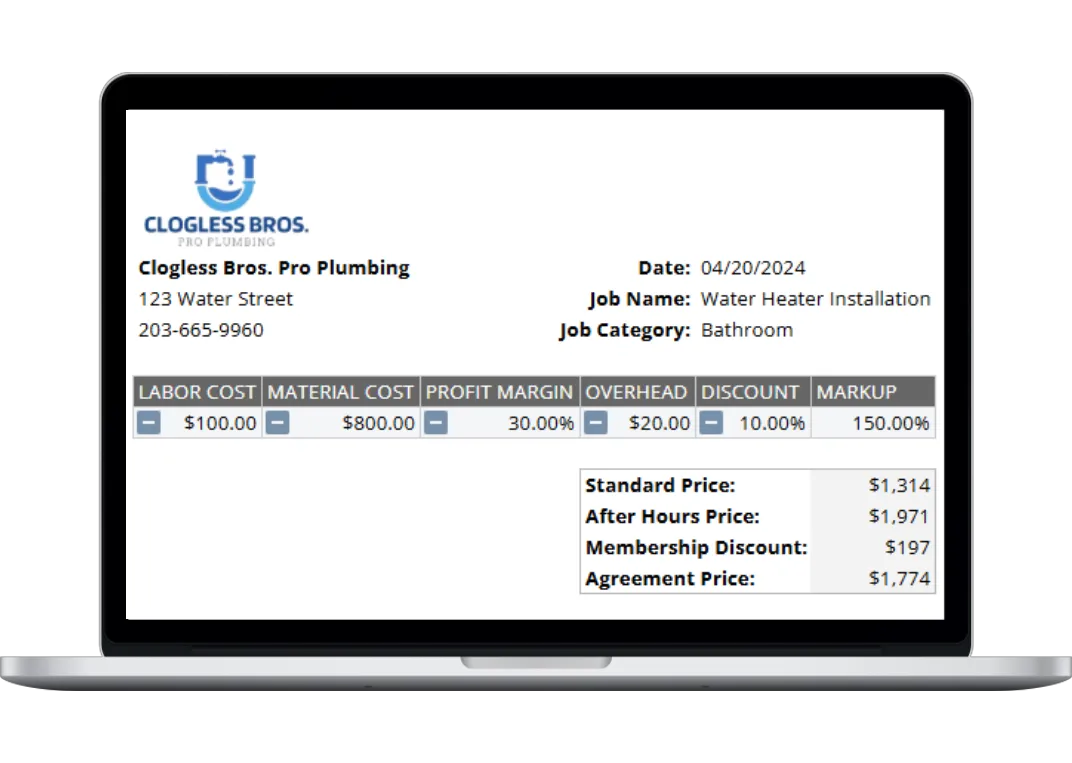
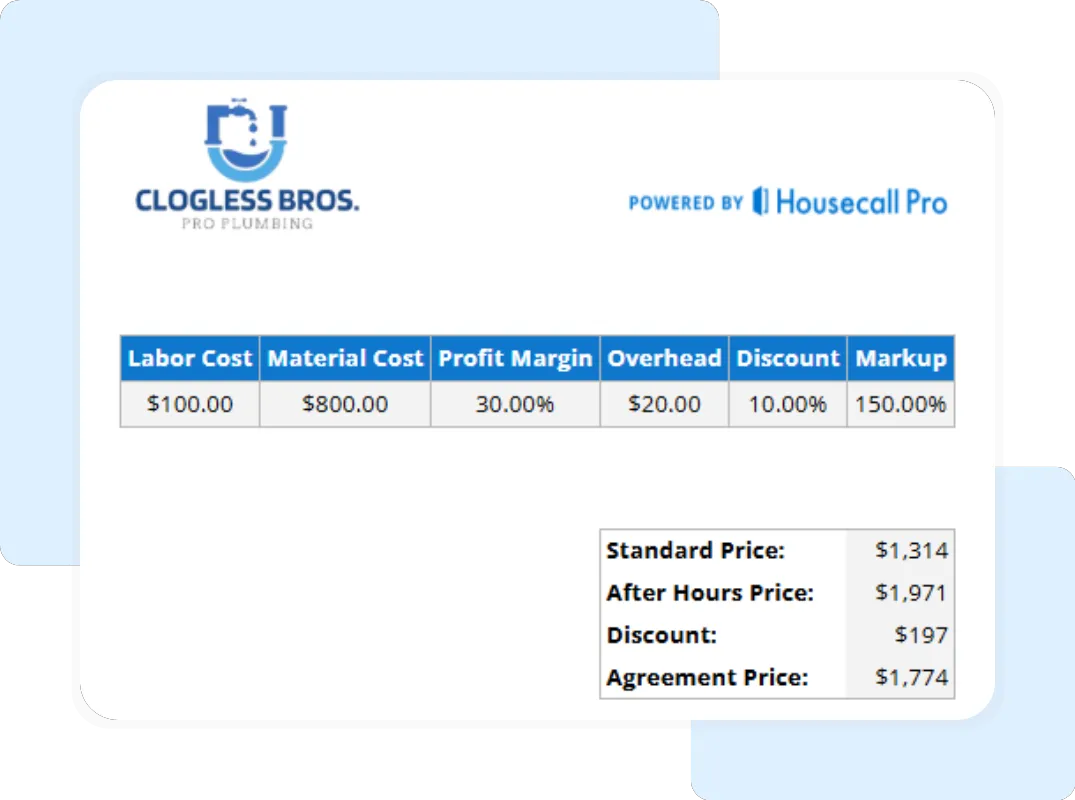
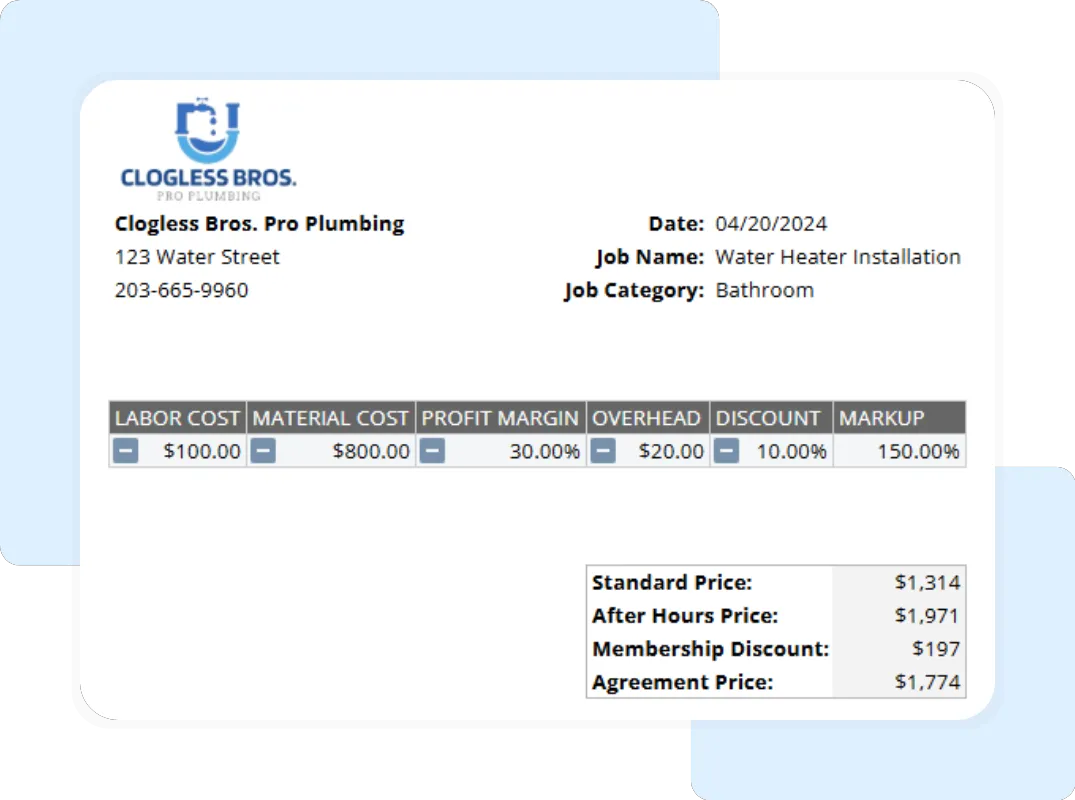
Step 2: Build Your Automated Price Navigate to the “Plumbing Flat Rate Pricing” tab to create your job. For each job, input the core financial data for a new row: Labor Cost, Material Cost, Desired Gross Margin, Markup, Overhead, Membership status, and any Membership Discount. The system will automatically calculate the final price.
Step 3: Get Your Automated Prices As you fill out Step 2, the template automatically performs the calculations for you. In the same row, you will instantly see two prices:
- STANDARD PRICE: This is the flat rate you should charge for this job during normal business hours.
- AFTER HOURS PRICE: This is the flat rate you should charge for the same job done after hours, including your premium rate and surcharge.
Continue this process for all the services you offer to build a complete, professional price list.