Why You Need a Residential Plumbing Inspection Template
A residential plumbing inspection template provides a structured framework for evaluating the condition of a home’s plumbing system. Plumbing inspections help uncover leaks, flow issues, system deficiencies, and safety concerns before they become costly problems. A standardized checklist ensures every inspection follows the same thorough process — no matter which technician completes the work.
Plumbing systems are complex and include fixtures, supply lines, drains, vents, water heaters, and outdoor components. A detailed residential plumbing inspection helps technicians evaluate each section systematically, improving accuracy and client confidence.
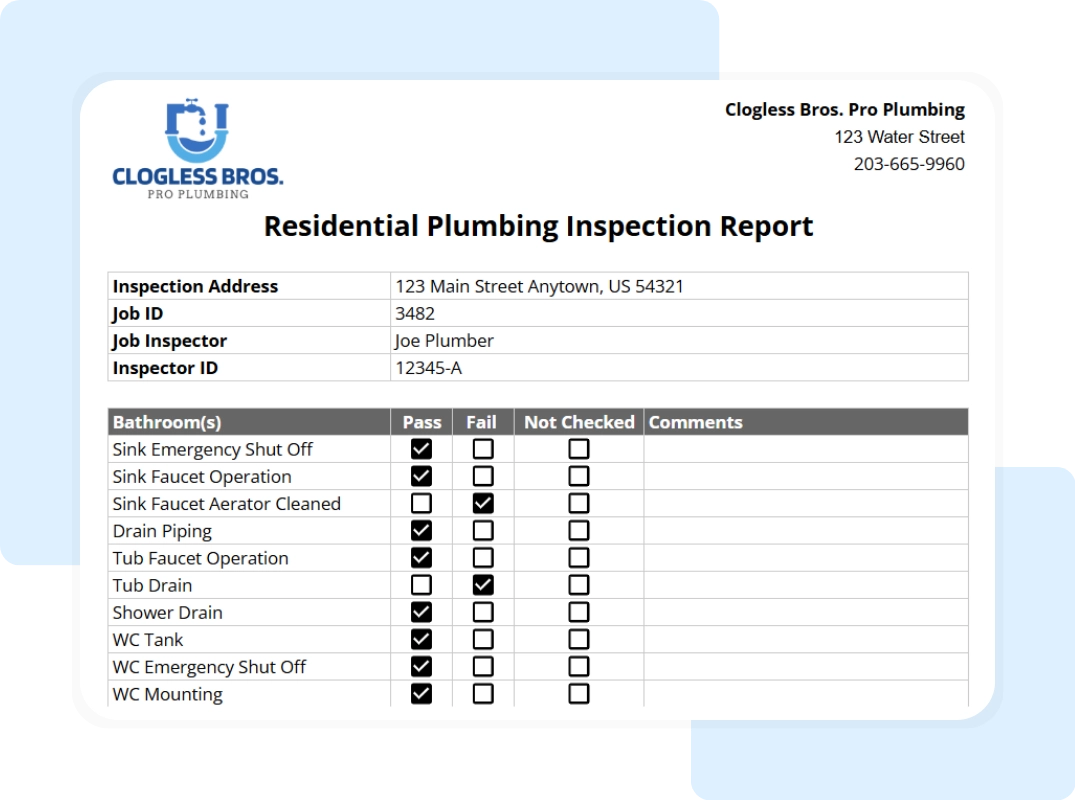
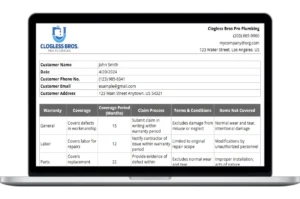
This free residential plumbing inspection checklist template gives your team a professional, printable form to document inspection results, recommend necessary repairs, and maintain detailed records.
What’s Included in the Residential Plumbing Inspection Template
This template is designed to be comprehensive yet easy to navigate, utilizing a tabbed structure in Excel or Google Sheets to separate administrative data from technical field findings.
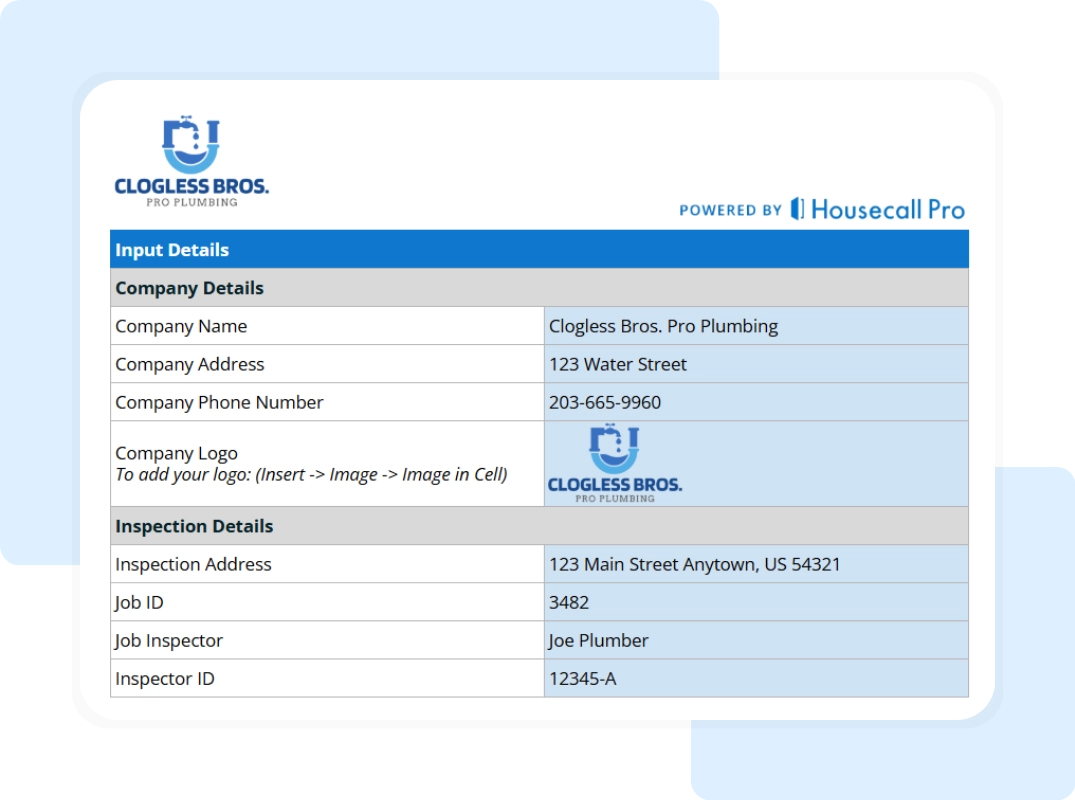
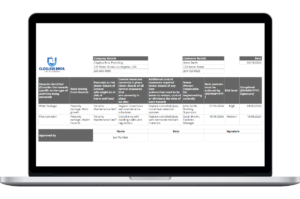
- Company and Inspection Information: This tab defines the report’s identity. It features fields for Company Name, Address, Phone, and Logo. It also captures the Inspection Address, Job ID, and Inspector details to ensure professional, audit-ready data.
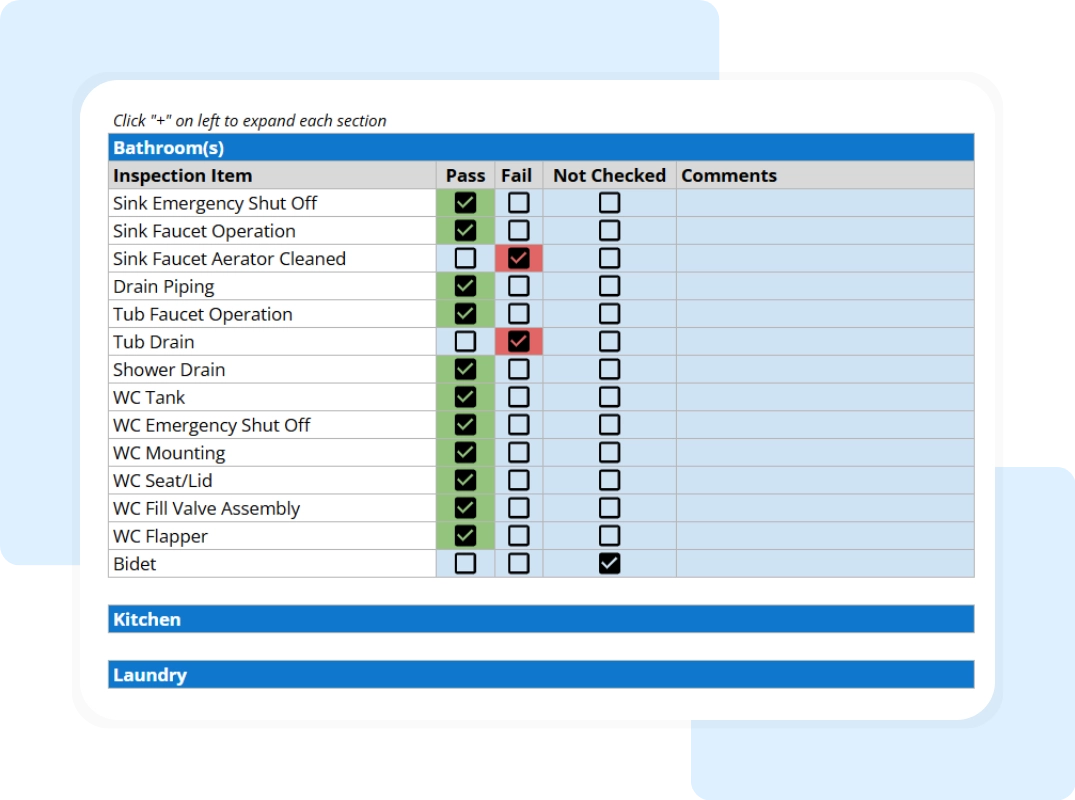
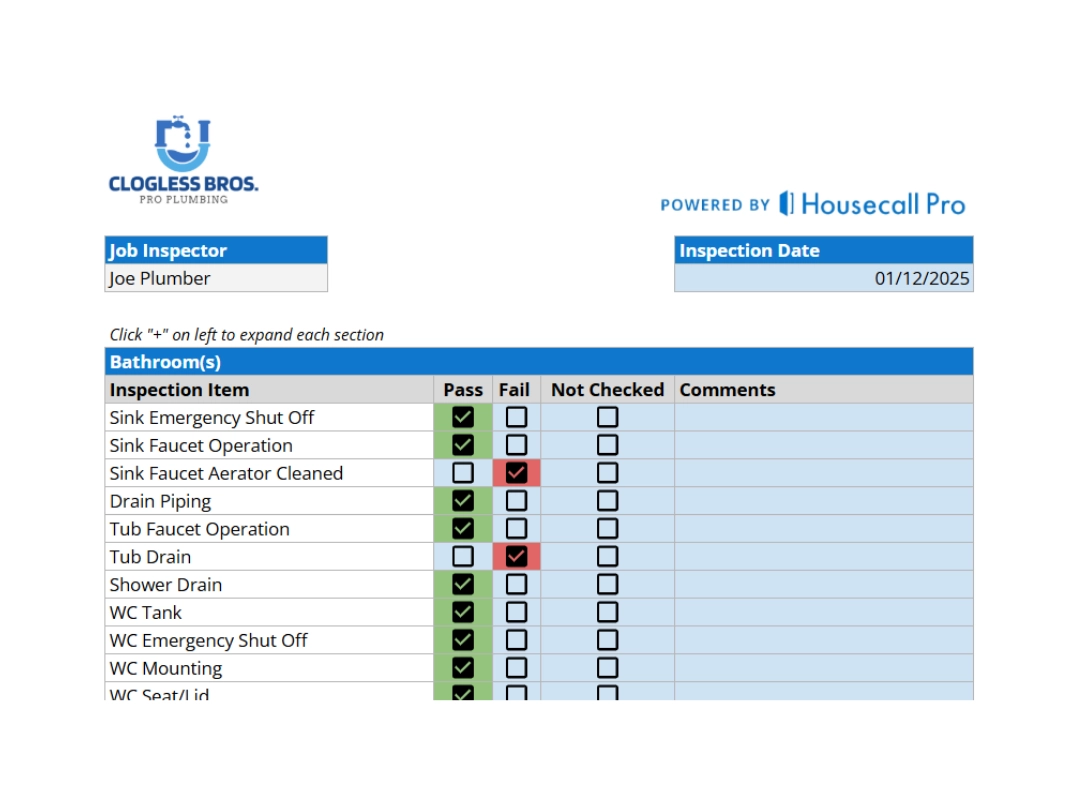
- Comprehensive Residential Checklist: The heart of the template is the Residential Inspection – Checklist tab. It is organized into logical zones:
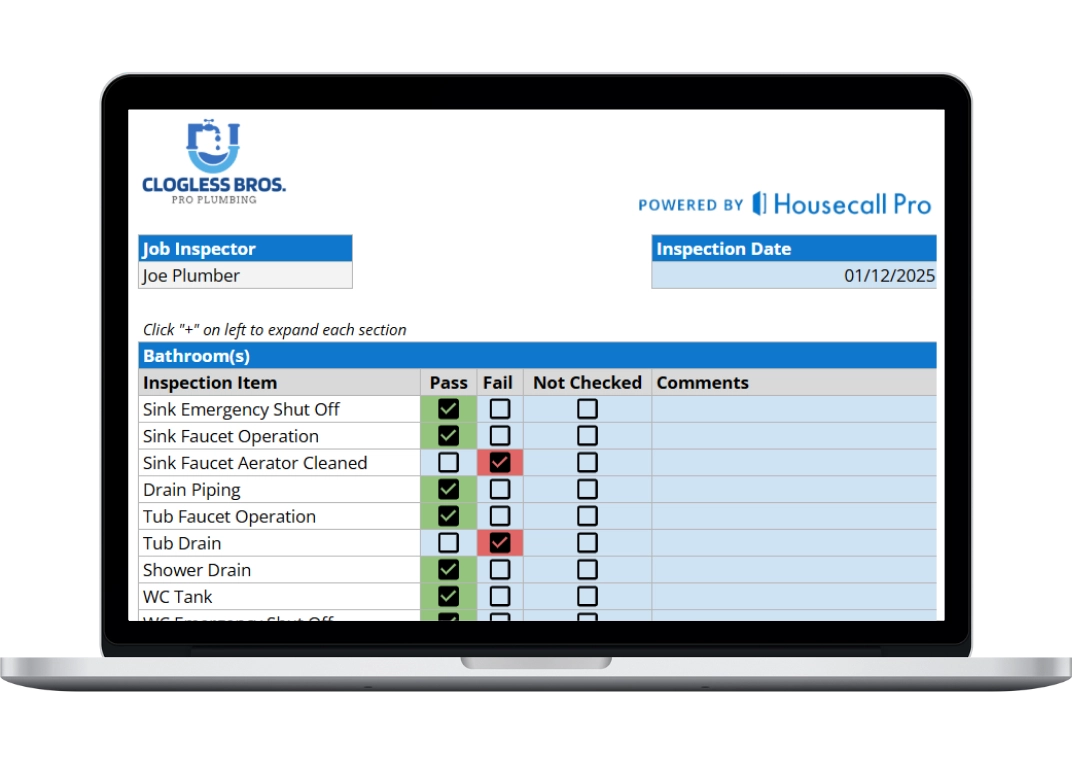
- Bathroom(s): Covers Sink Emergency Shut Off, Drain Piping, Tub Drain, and WC Mounting.
- Kitchen: Includes Sink Basket, Disposal, Dishwasher, and Ice Maker Supply Line Filter.
- Laundry: Tracks Washer Hoses, Drain, and Water Alarm Operation.
- Water Heater: A critical safety section for Flue Connection, Expansion Tank, and Sacrificial Anode Rod.
- Outside: Audits the Water Meter, Water Pressure (PSIG), Main Cut Off, and Main Clean-Out.
- Status Indicators (Pass/Fail/Not Checked): Each row features easy-to-use toggle fields. Technicians can mark an item as Pass, Fail, or Not Checked, allowing for a quick visual scan of the system’s health.