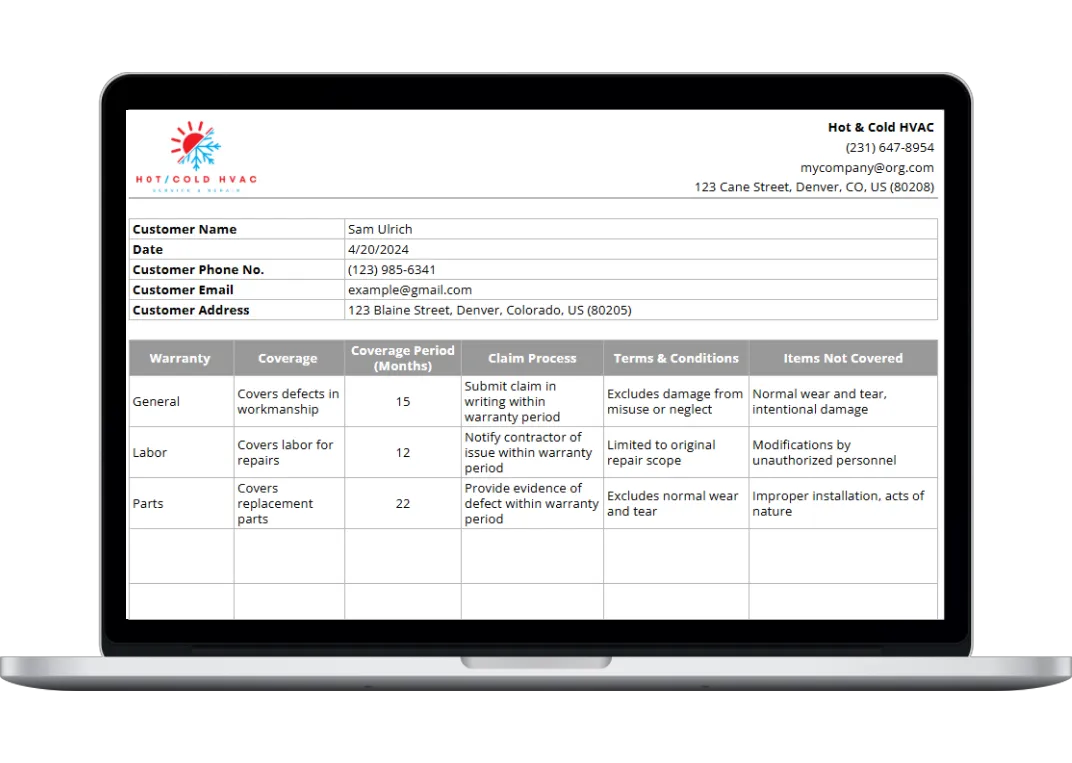
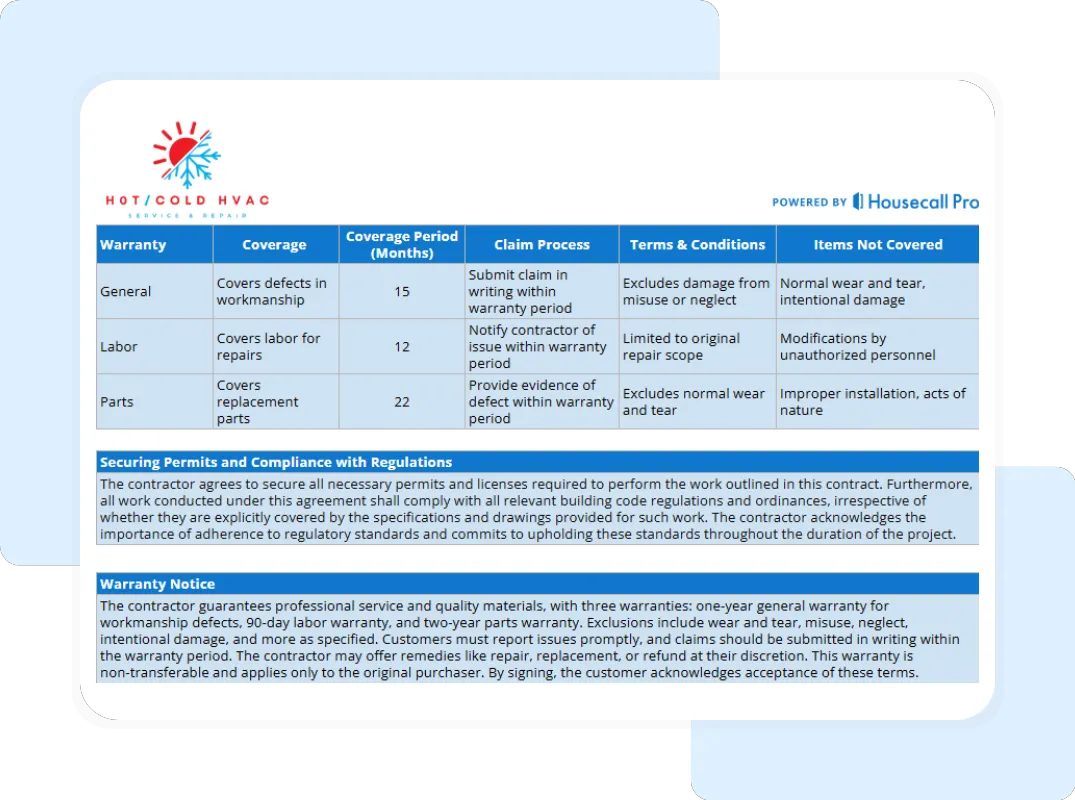
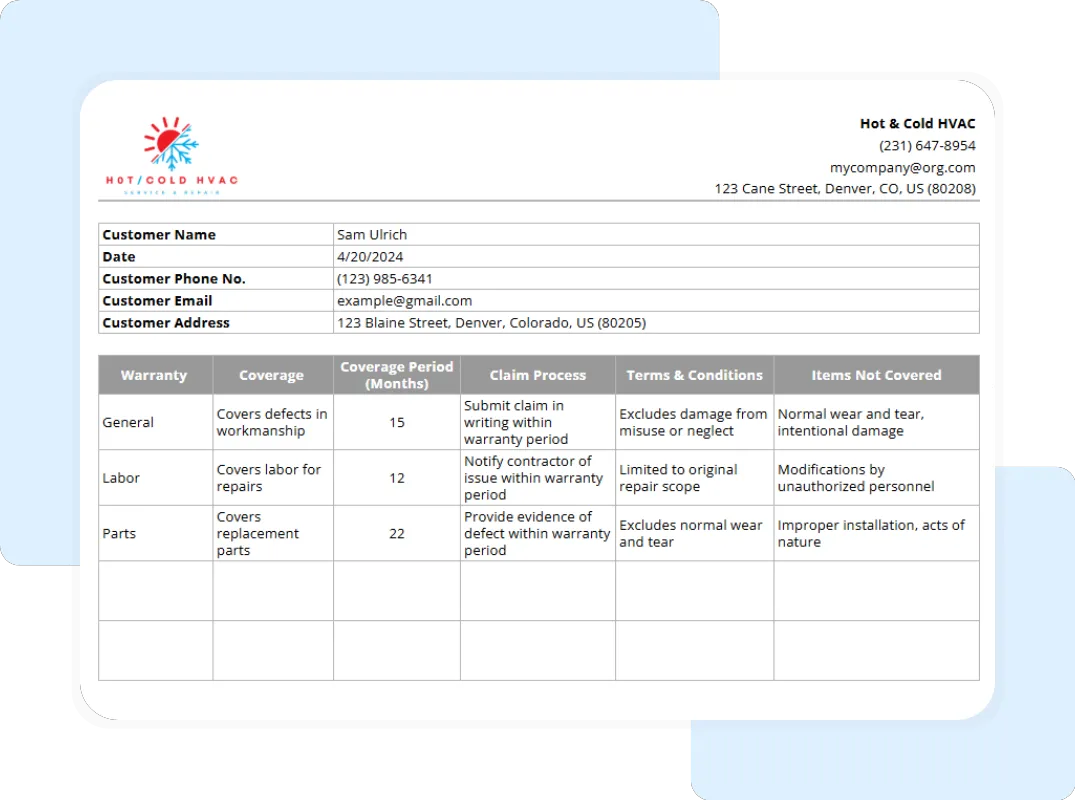
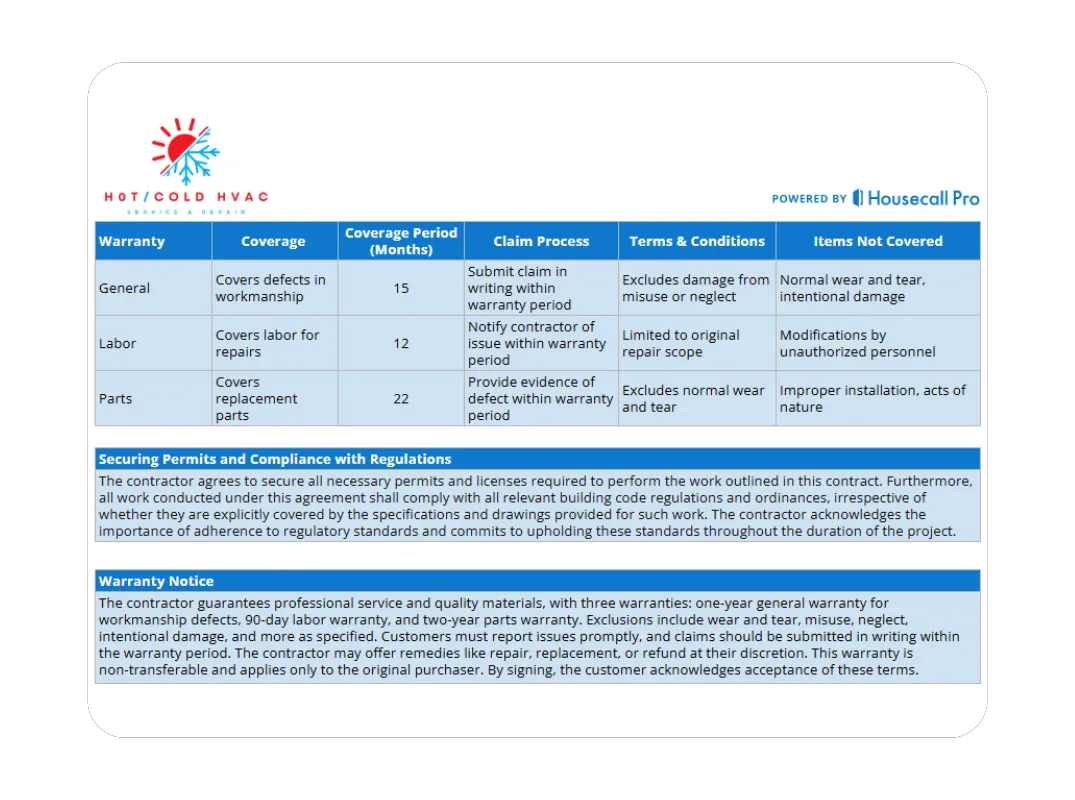
If a customer claims you didn’t explain the limits of the parts coverage, you can refer back to the signed Full Summary to prove they accepted the terms.
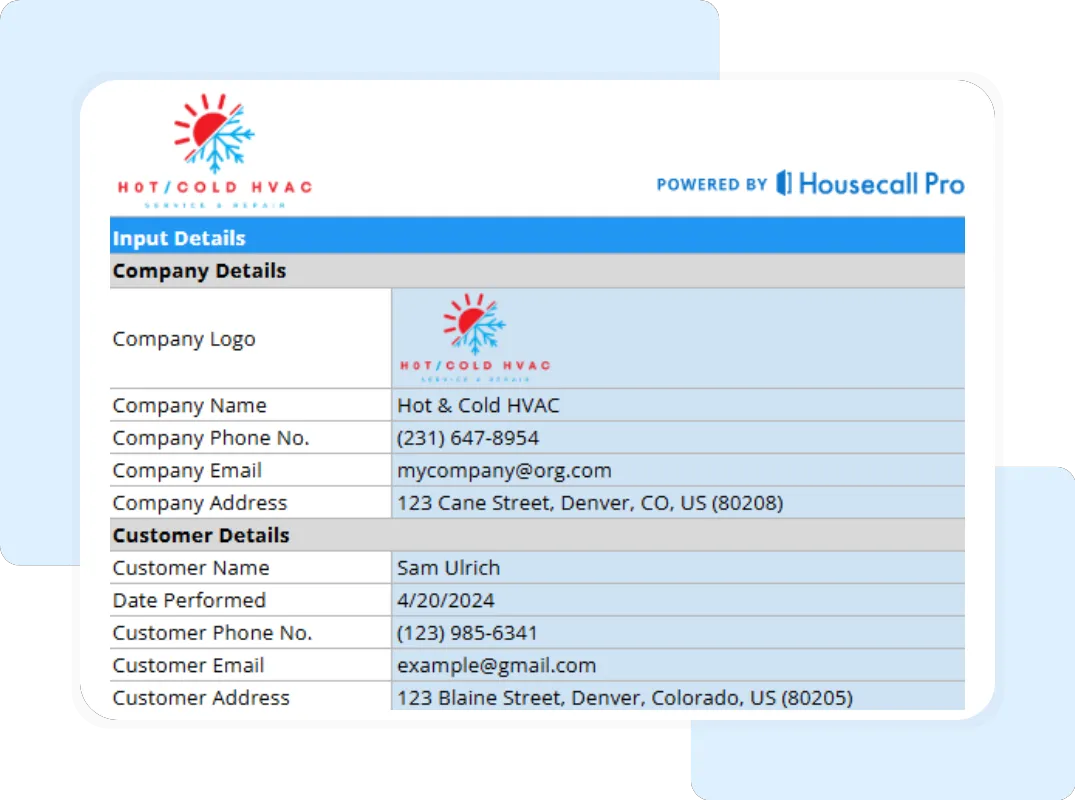
Accelerates the Service Cycle In the HVAC world, information is speed. The next time a customer calls with an issue, your dispatcher can look at the Company & Customer Details and the Warranty Details to know exactly if the system is still under a labor guarantee. This rapid access to data keeps your trucks moving efficiently and prevents arguments over billing for service calls.
What Is a Warranty?
In the HVAC industry, a warranty is a formal guarantee issued by the contractor or manufacturer regarding the performance and durability of a system or its components. It is a contractual promise that if certain failures occur within a specified timeframe, the responsible party will provide repairs, labor, or replacement parts at little to no cost to the owner.
For service-based HVAC businesses, warranties typically fall into three categories:
- Workmanship (General) Warranty: A guarantee that the installation or repair was performed correctly and according to industry standards.
- Labor Warranty: A specific commitment to cover the cost of the technician’s time if a covered part fails or if the system requires adjustment within a set period (e.g., 90 days or 12 months).
- Manufacturer Parts Warranty: A guarantee from the equipment brand (like Carrier or Trane) covering the replacement cost of mechanical parts, often tracked by the unit’s serial number.
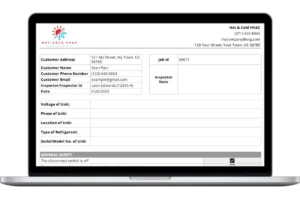
A comprehensive warranty document like this template transforms these concepts into a clear “Warranty Notice” that outlines the Claim Process, Terms & Conditions, and Items Not Covered, ensuring there is no ambiguity when a system requires attention months or years later.
How to Use the HVAC Warranty Template
This template is designed to be user-friendly for both office staff and field technicians. Follow these steps to ensure your documentation is consistent and professional:
- Create a Master Copy: Per the Instructions, navigate to File > Make a Copy in Google Sheets to save a master version. This ensures you have a clean template for every new job.