What should be included in an electrical recruitment checklist?
A hiring strategy or electrical recruitment checklist template is more than just a list of names and phone numbers. It is a powerful tool that organizes your evaluation process into a clear, standardized system. By laying out all the details, this approach ensures consistent, unbiased hiring across the same type of roles and eliminates guesswork.
When reviewing electrical recruitment checklist template examples to build your own, your process should ideally include:
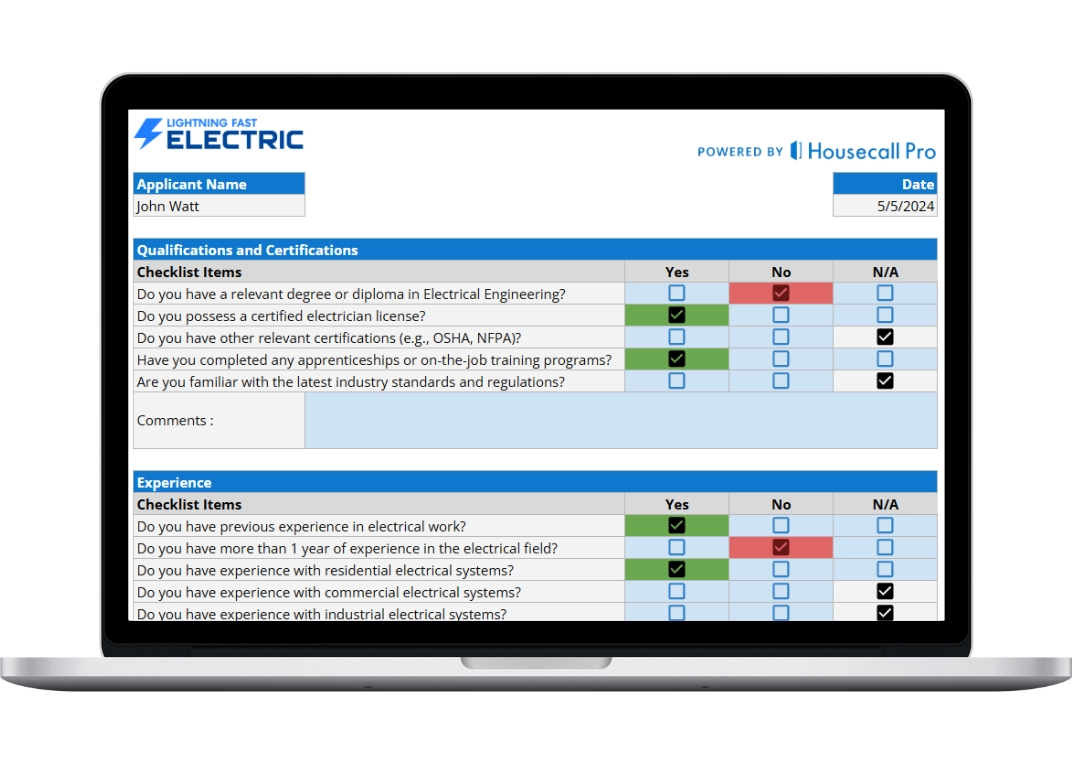
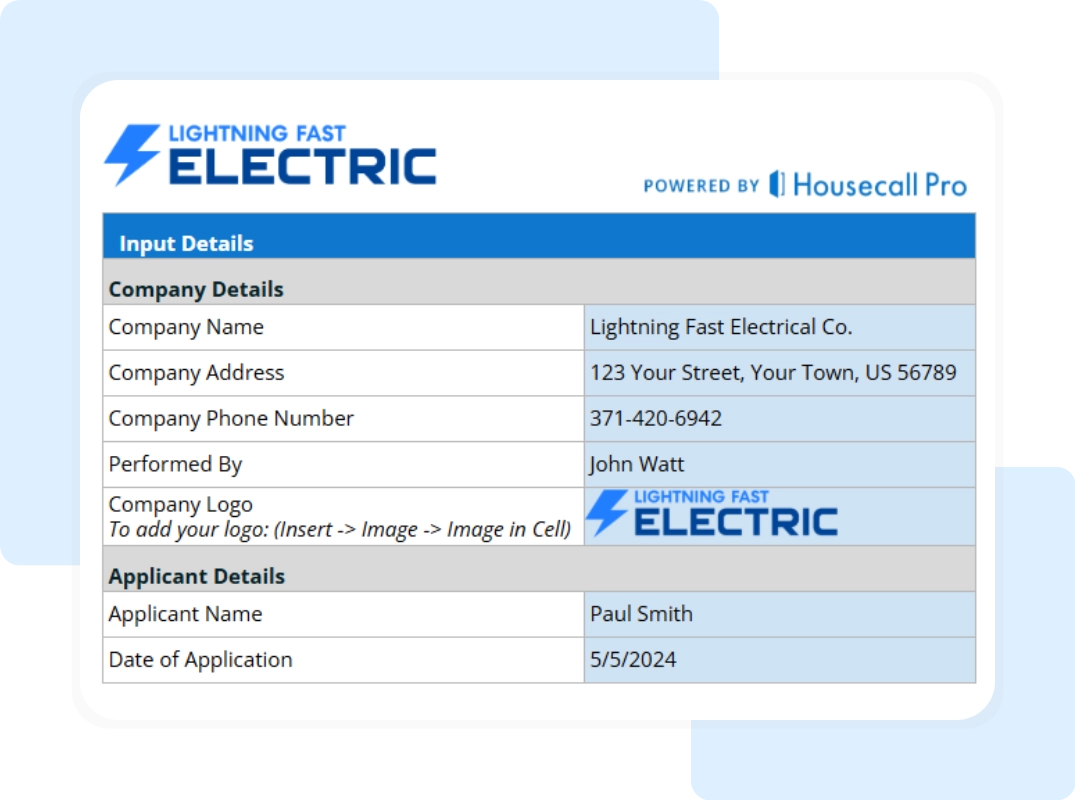
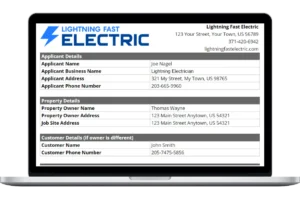
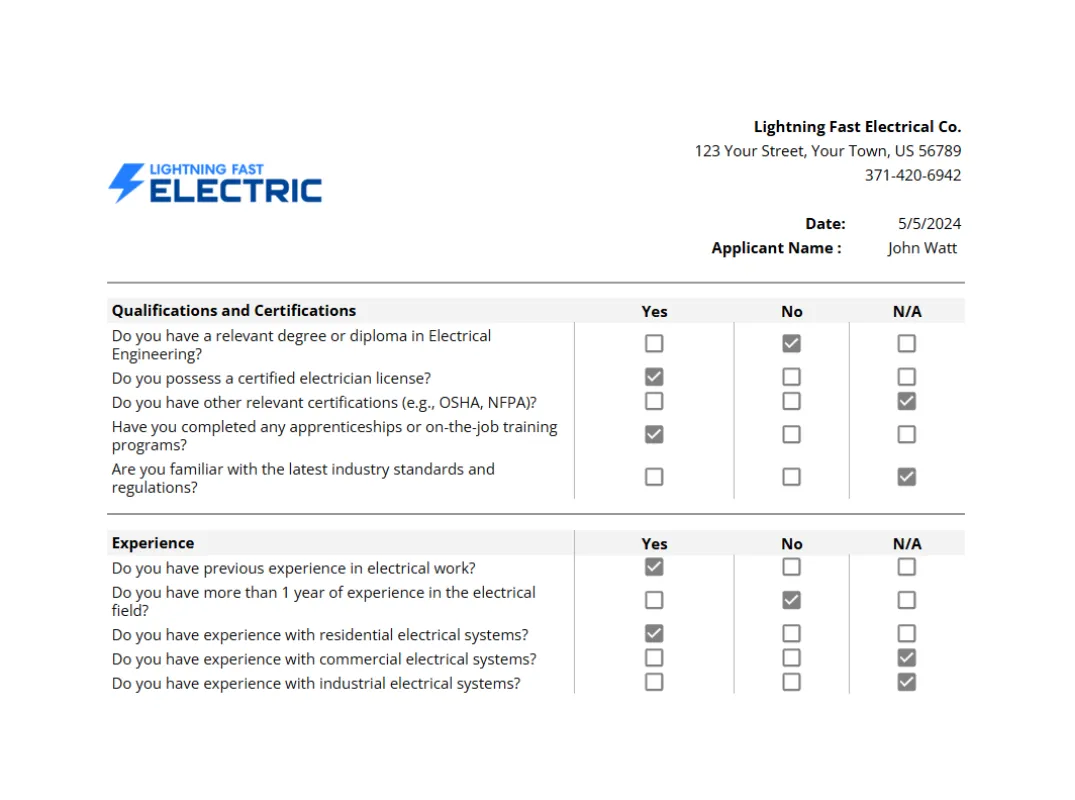
Company and Candidate Details: Set accurate expectations by inputting your specific “Company Name” and “Applicant Name” right at the start. This section ensures you have a centralized record of contact information, including email addresses and phone numbers, alongside the current “Date” to track exactly where the applicant stands in your pipeline.
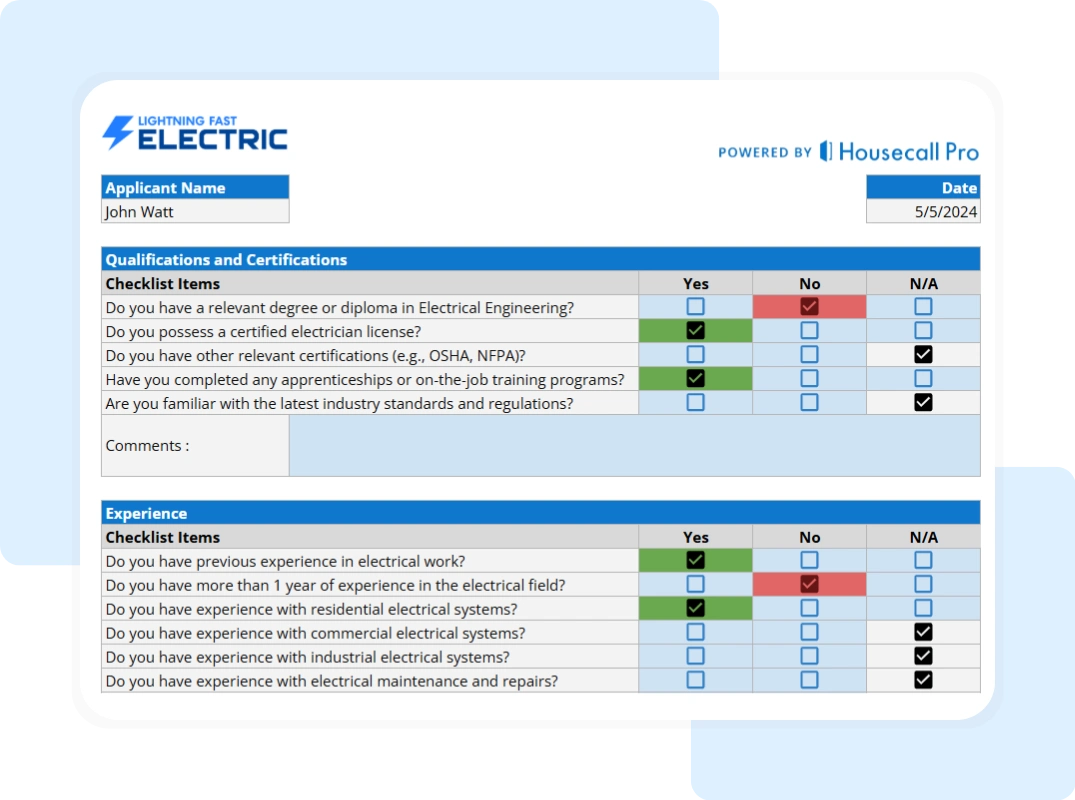
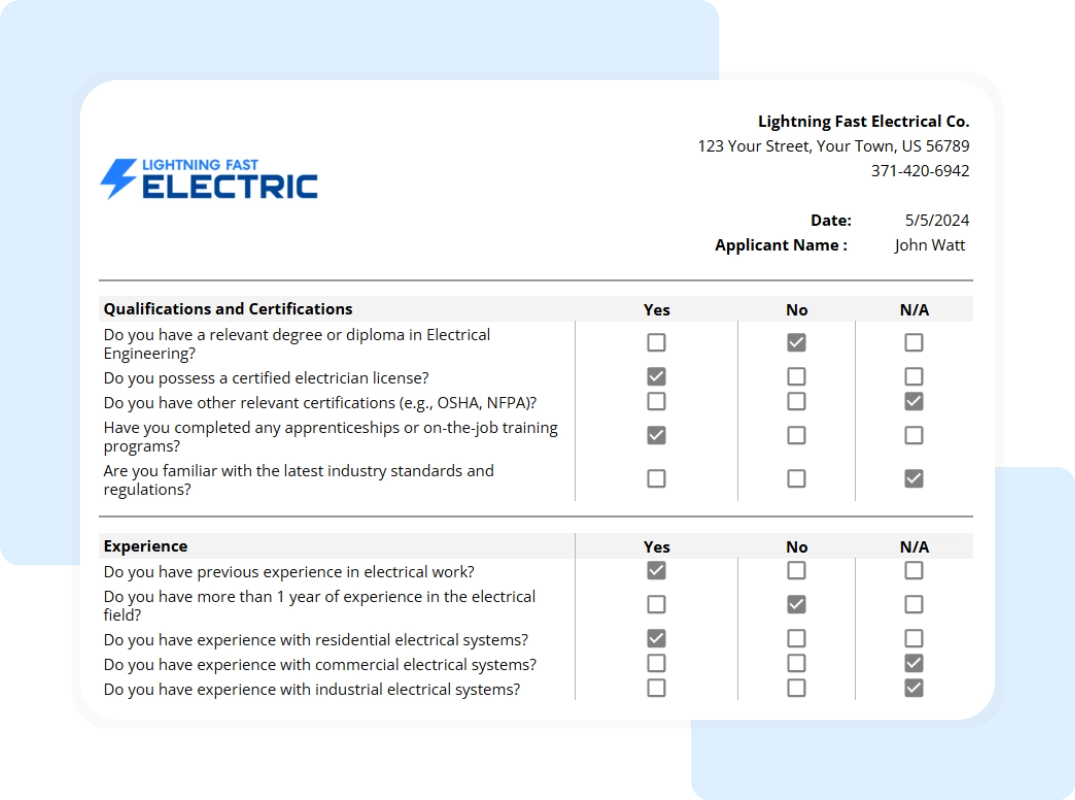
Pre-Screening Checklist: Before testing technical skills, you need to verify the non-negotiables. A robust checklist requires you to mark the blue checkboxes and select an input from the “Yes,” “No,” or “N/A” columns for critical items like “Legal Work Eligibility” and “Reliable Transportation.” It should also confirm if the candidate possesses the necessary “Electrical Certification/License” and “Owns Hand Tools,” saving you from interviewing unqualified applicants.
Technical Skills Assessment: This is the core of your assessment. Your template should allow you to rate specific trade skills on a clear scale. Essential categories include “Residential Wiring Knowledge,” “Commercial Wiring Knowledge,” and “Blueprint Reading.” Crucially, it must include a check for “Code Compliance (NEC)” and “Conduit Bending” to ensure the candidate can handle the physical and mental demands of the job.
Soft Skills & Final Review: An electrician does more than just pull wire; they interact with your team. Your checklist must evaluate “Punctuality & Reliability,” “Teamwork & Collaboration,” and “Safety Awareness.” Finally, the document should conclude with a “Final Review” section that records “Reference Checks,” and your final “Hiring Decision”.