Getting Started with Your Free Electrical Bid Template
Our Google Sheet bid template helps you create professional, standardized proposals. Follow these steps to customize and use the template for your business.
To get started, fill out the form on this page and hit download. You will receive an email containing a link to the Google Sheet, then you can follow the next steps.
Important First Step: Make a Copy of the Template Before you begin, you must save a copy of the Google Sheet to your own Google Drive. The original template you receive is view-only. This ensures every user starts with a clean, original version.
To make your own editable copy, simply:
- Open the Google Sheet.
- o to the File menu in the top-left corner.
- Select Make a copy. Your new, editable version will open, and you can now follow the steps below.
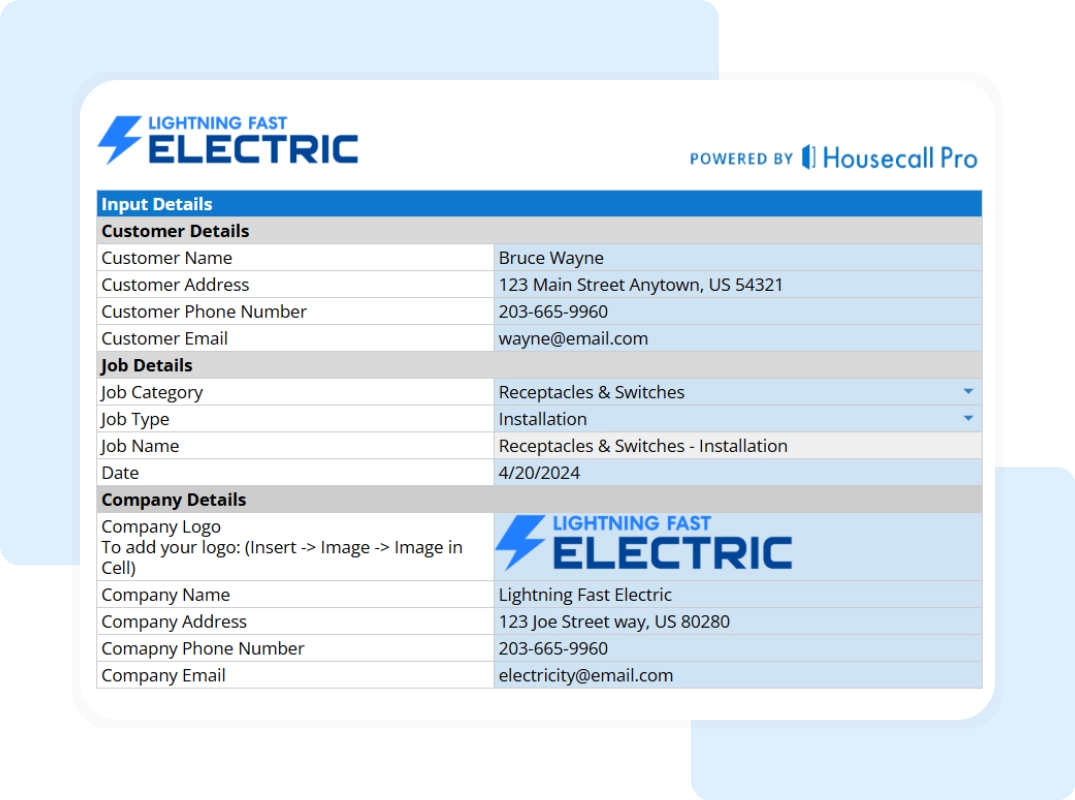
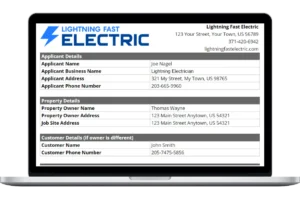
Step 1: Enter Company, Customer, and Job Details Open the “Customer and Company Details” tab to set up the entire project. First, brand the document by entering your Company Name, Address, Phone, and Email. Next, input the client’s name, address, and contact info in the Bill To section. Finally, define the project context by filling in the Job Category, Job Type, and Date to keep your records organized.
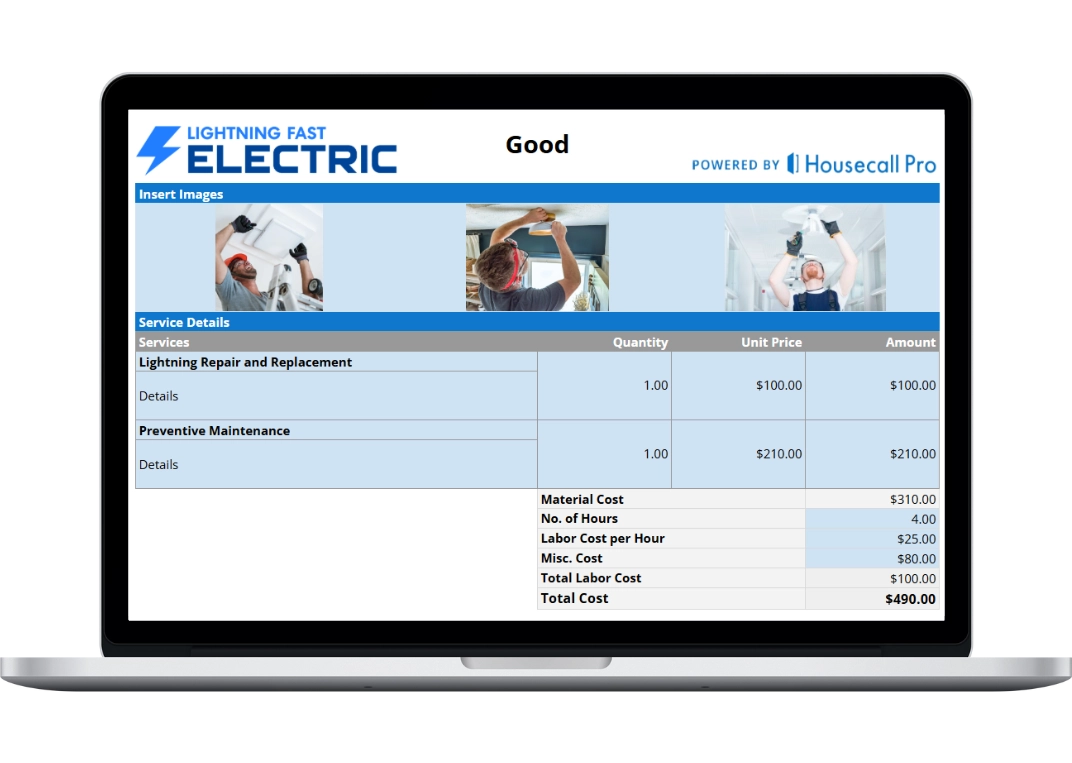
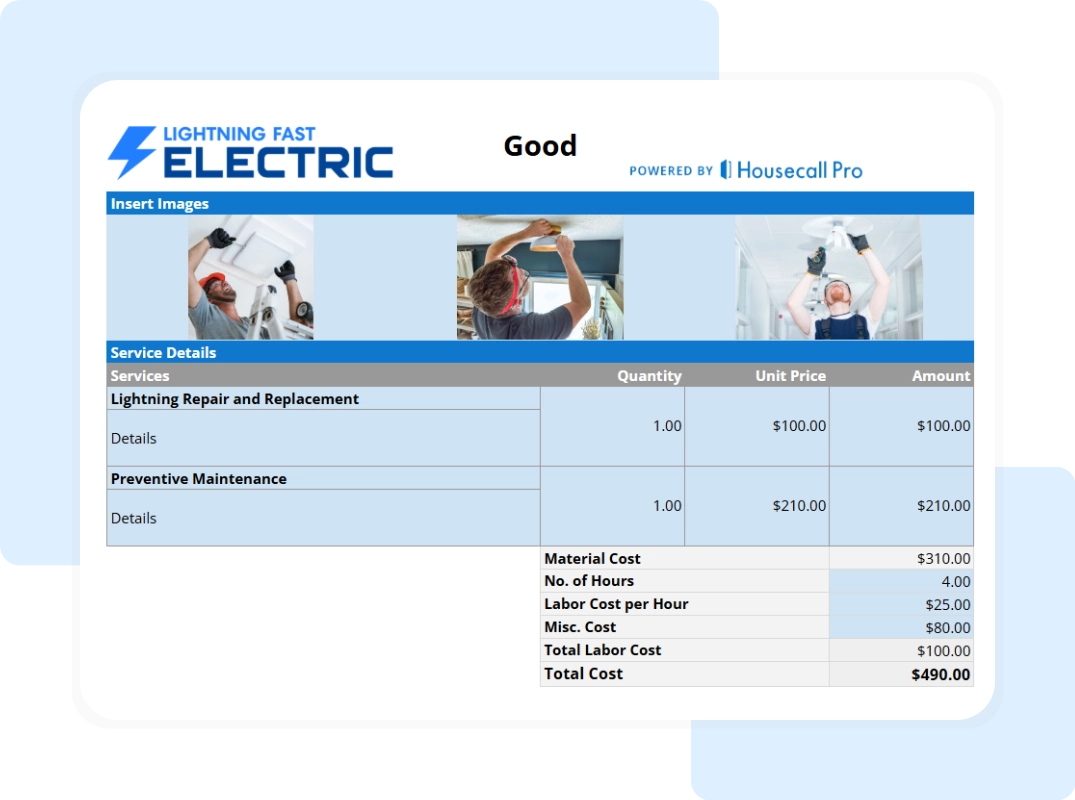
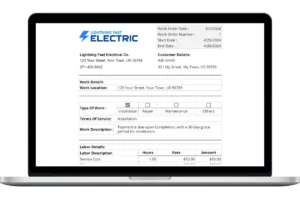
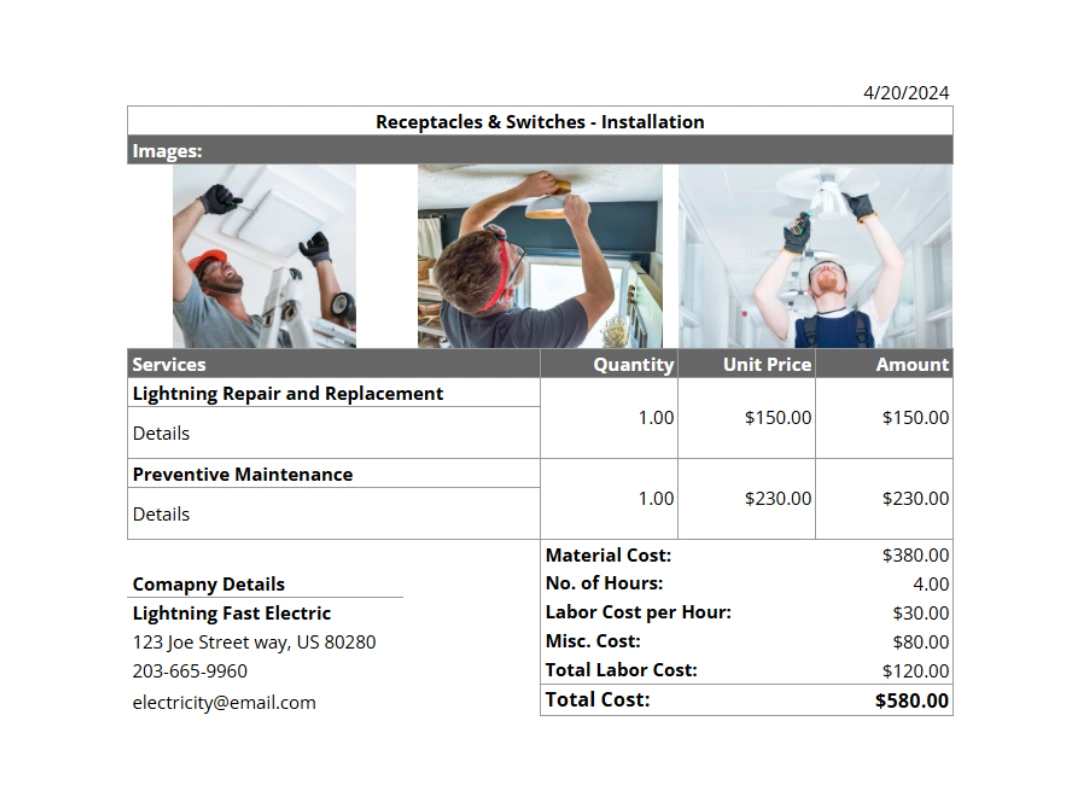
Step 2: Outline the Job Scope Navigate to the “Electrical Bid” tab to build your proposal. Enter the details of the work to be performed in the description fields and input the associated pricing for each line item. This tab serves as the main workspace where you define the scope and value of the project for your client.
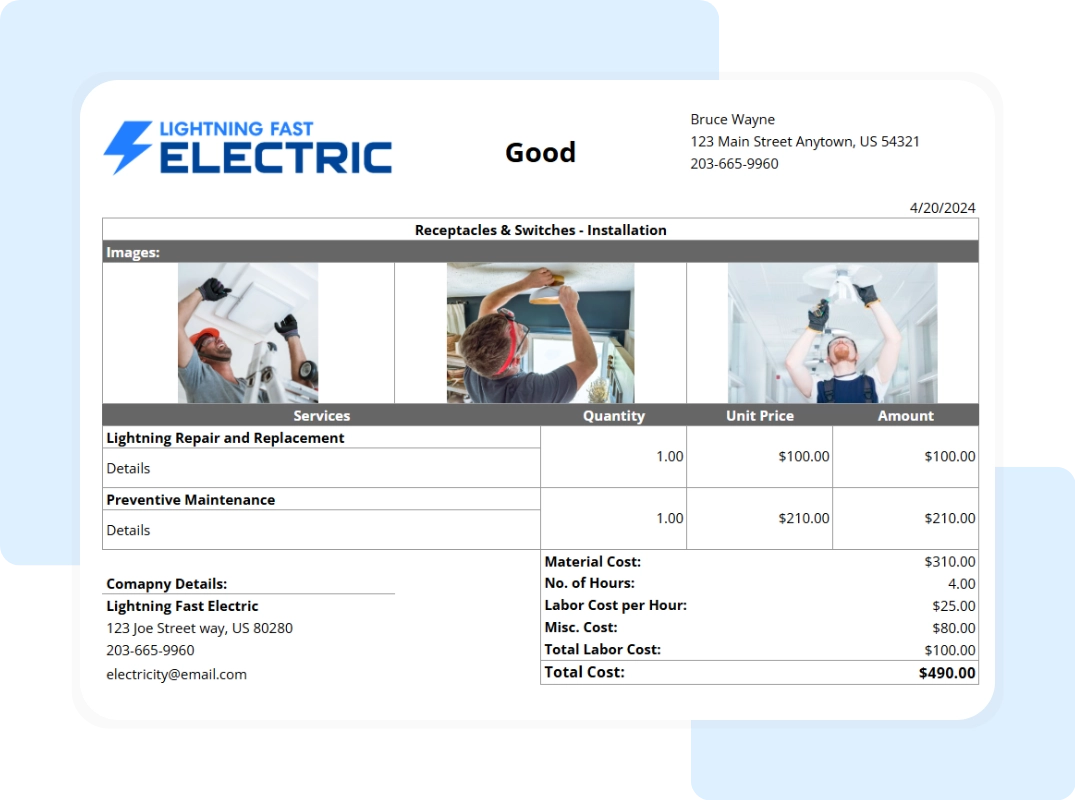
Step 3: Save and Share Your Bid Review the “Printable Report – Full Summary” tab to see your finalized proposal. To send it to a client, go to “File” > “Download” and select “PDF Document (.pdf)”. This generates a clean, non-editable document perfect for emailing to homeowners or general contractors.
Step 4 (Optional): Use the Field Copy If you need to take notes on a walkthrough, navigate to the “Printable Report – Blank Summary” tab. Print this sheet to have a professional, pre-formatted grid ready for hand-written notes and calculations while you are on the job site.