Want to win more jobs with less effort?
Grow your business and send quick quotes with our home service software.

Want to see your potential revenue?
See what businesses like yours earn with Housecall Pro in 1 - 2 minutes.
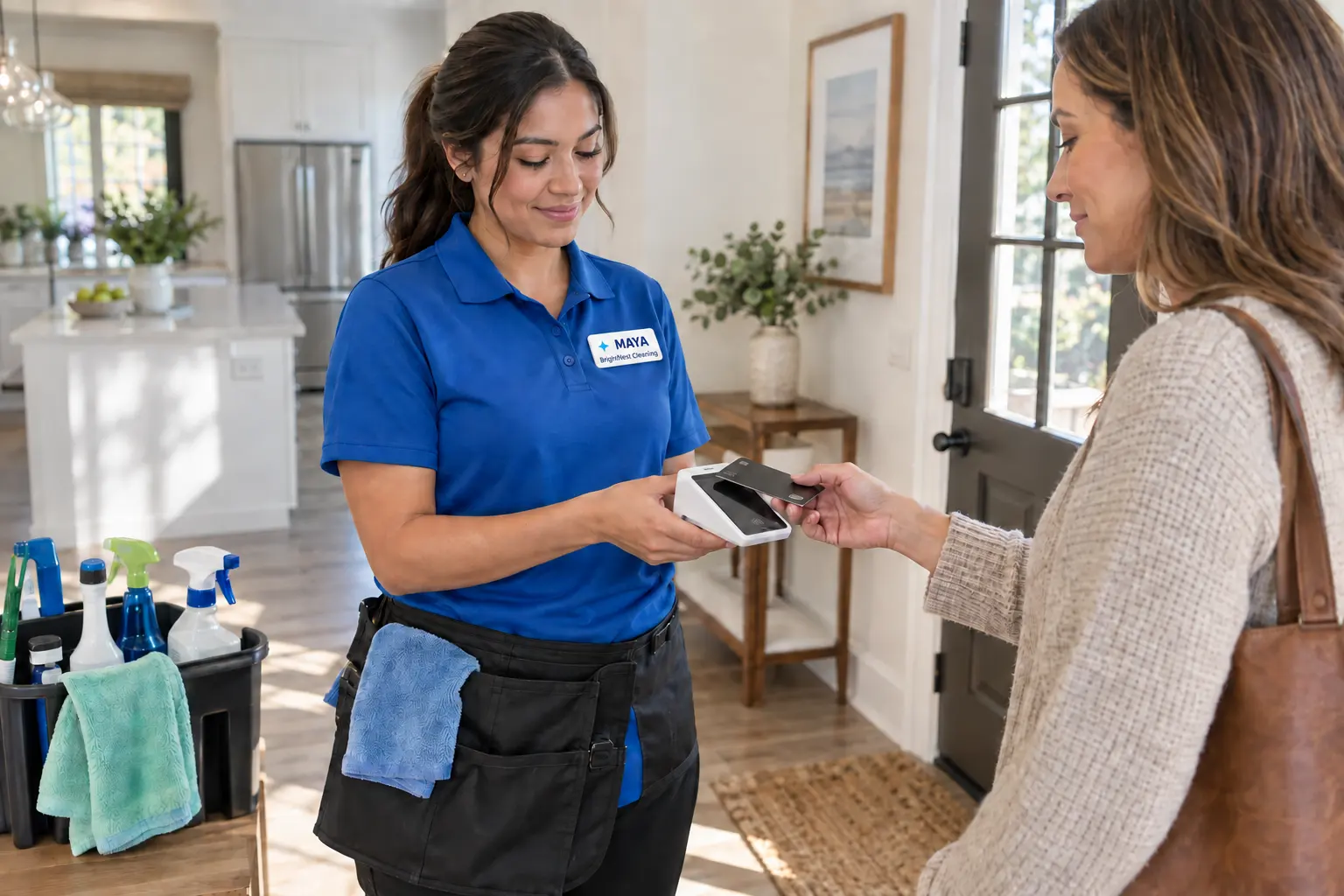
Running a cleaning business means keeping crews on schedule, supplies stocked, and customers happy, while still finding time to send invoices and book the next job. The right apps take admin off your plate so you can spend more time on the work itself.
Below, we’ll walk through nine cleaning business apps, what each one does best, and the costs to consider before you sign up.
Quick answer: What are the best apps for cleaning businesses?
The best app is the one that fixes the task costing you the most time. Swept manages commercial cleaning operations and inspections. Sortly tracks supplies. CompanyCam organizes before-and-after photos. QuickBooks Online and Square handle accounting and payments. NiceJob and Broadly bring in reviews and leads. Homebase and When I Work schedule your crew.
Table of contents
- What to look for in a cleaning business app
- Cleaning business apps at a glance
- Cleaning business apps for quality control, supplies, and documentation
- Cleaning business apps for accounting and payments
- Cleaning business apps for marketing and reputation
- Cleaning business apps for team scheduling
- How Housecall Pro brings it all together for cleaning businesses
What to look for in a cleaning business app
A good cleaning business app makes your work easier, fits how your team works in the field, and fits your budget.
Look for these four things before committing to a new app:
- It solves the problems you need help with. Start with the problem costing you the most, whether that’s missed shifts, supplies running out mid-job, late payments, or too few reviews, and pick an app your cleaners will actually use.
- It works on your phone. Crews move between homes, offices, and job sites. Check how easily cleaners can find job details, update progress, and reach the office from their phones. Offline mode helps in buildings with weak signal or unreliable Wi-Fi.
- The pricing fits a small team. Find out whether the app charges per user, per location, or by tier. A low starting price grows as you add people. For example, a $2.50-per-user plan costs $30 a month for 12 cleaners and $50 for 20, while a flat $30-per-location plan stays at $30.
- It still works as your cleaning business grows. Think about how the app will fit with software you may add later. An inventory app can stay useful for years. A separate invoicing tool may become an extra cost if you later move to a platform that already includes billing.
Cleaning business apps at a glance
Use this table to compare what each app handles, what it costs to start, and who it fits. Prices are in USD. Billing is per plan, per user, per location, or per transaction depending on the app, so your total depends on team size.
| App | Category | Price* | Best for |
| Swept | Janitorial operations | Starts at $24/month, billed annually | Commercial cleaning companies managing cleaners across multiple locations |
| Sortly | Inventory management | Free for 100 items and one user. Paid plans start at $24/month, billed annually | Tracking cleaning supplies, equipment, and stock levels |
| CompanyCam | Job site documentation | Core starts at $63/month when billed annually or $79 month-to-month | Before-and-after photos and proof of completed work |
| QuickBooks Online | Accounting | Simple Start is $38/month before promotional discounts | Bookkeeping, expense tracking, invoicing, and financial reporting |
| Square | Payment processing | Free plan. In-person card processing starts at 2.6% + $0.15 | Accepting card payments with no required monthly fee |
| NiceJob | Reputation marketing | Starts at $75/month | Requesting reviews and building an online reputation |
| Broadly | Customer communication and marketing | AI Workforce Package at $799/month. Lower for individual tools. | Lead response, review management, listings, and marketing |
| Homebase | Employee scheduling and time tracking | Free: 1 location, up to 10 employees. Paid from $30/location/month. | Small teams that need schedules, time tracking, and team messaging |
| When I Work | Employee scheduling | Starts at $2.50/user/month for single-location teams | Staff schedules, shift swaps, and crew communication |
*Cleaning business app pricing and details as of October 2026. Plans, features, promotions, and availability can change, so confirm current information with each provider before you sign up.
Get In Touch: 858-842-5746
Let us earn your trust
On average, Pros increase monthly revenue generated through Housecall Pro by more than 35% after their first year.
See plan options and feature breakdown on our pricing page.
Cleaning business apps for quality control, supplies, and documentation
Missing supplies and incomplete job records create extra work fast. These apps help you track inventory, give crews clear instructions, and keep a record of finished jobs so you can catch problems early.
Swept for commercial cleaning inspections and crew management
Swept is built for commercial cleaning companies that need scheduling, time tracking, location instructions, inspections, and crew communication.
- Best for: Managing cleaners across multiple client locations.
- Standout feature: Location-based tools, including cleaning instructions, inspections, checklists, translation, and supply requests on higher plans.
- Pricing: Launch starts at $24/month when billed annually or $30 monthly for up to 15 locations.
- Watch out for: Inspections, geofenced timekeeping, checklists, supply requests, and client-facing tools require higher-priced plans.
Sortly for tracking cleaning supplies and equipment
Sortly helps cleaning companies track chemicals, equipment, paper products, and other supplies across vehicles, storage areas, and job sites.
- Best for: Inventory and equipment tracking.
- Standout feature: Barcode and QR scanning, low-stock alerts, photos, and offline inventory updates.
- Pricing: Free for up to 100 unique items and one user. Advanced starts at $24/month when billed annually for the first year.
- Watch out for: Purchase orders, QuickBooks integration, and advanced permissions require higher tiers, and introductory pricing increases after the first year.
CompanyCam for before-and-after job photos
CompanyCam organizes job-site photos and videos by project, giving cleaning crews a clear record of work completed.
- Best for: Before-and-after documentation for move-outs, post-construction cleanups, commercial cleaning, and restoration work.
- Standout feature: Photos can include timestamps, location data, notes, annotations, and reports, and crews can capture images offline.
- Pricing: Core starts at $63/month when billed annually or $79/month with monthly billing.
- Watch out for: It doesn’t replace scheduling, accounting, payroll, or inventory software, and costs rise as you add more users.
Read more: The ultimate house cleaning checklist
Cleaning business apps for accounting and payments
When you’re busy cleaning homes or managing crews, bookkeeping often waits until the end of the day. Accounting and payment apps help you track income, organize expenses, send invoices, and accept payments—with fewer records to sort through at tax time.
QuickBooks Online for cleaning business bookkeeping and invoicing
QuickBooks Online helps cleaning business owners keep track of their money, from daily expenses and unpaid invoices to financial reports.
- Best for: Bookkeeping, expense tracking, invoicing, and financial reporting.
- Standout feature: Automated transaction categorization and bank account syncing, plus invoicing and payment tracking.
- Pricing: Simple Start is $38/month before introductory discounts.
- Watch out for: Simple Start supports one billable user, and payment processing, payroll, and some other services cost extra.
Square for card payments without a monthly fee
Square gives cleaning companies a way to accept card payments in person, online, or through invoices without a required monthly software fee.
- Best for: Small cleaning companies that want payment processing without a required monthly software fee.
- Standout feature: Square Free includes payment tools and invoicing, with in-person card processing starting at 2.6% + $0.15 per transaction.
- Pricing: Square Free costs $0/month per location. Online and invoice payments start at 3.3% + $0.30.
- Watch out for: Processing rates vary by payment method, and manually entered or card-on-file payments cost more.
Cleaning business apps for marketing and reputation
A happy customer can be your next source of new business, but asking for reviews takes time. These apps help you follow up after jobs, collect customer feedback, and stay visible online when people search for cleaning services.
NiceJob for automated review requests
NiceJob helps cleaning businesses collect more customer reviews and share them on their websites and social media.
- Best for: Collecting customer reviews and helping potential customers feel confident booking with you.
- Standout feature: Automated review requests by text and email, plus website review widgets and social sharing.
- Pricing: Starter begins at $75/month. Pro starts at $125/month and adds referrals, repeat campaigns, broadcasts, and AI review replies.
- Watch out for: Website services cost extra, and some marketing features require the Pro plan.
Broadly for lead response and review management
Broadly combines review management with lead communication, business listings, social media, and other marketing tools for local service businesses.
- Best for: Cleaning companies that want help responding to leads, managing reviews, and keeping up with online marketing.
- Standout feature: Its AI Workforce Package combines lead response, review management, social posting, listings, and a website.
- Pricing: The 24/7 AI Workforce Package is $799/month. Lower-priced individual tools are also available.
- Watch out for: The full package is a bigger investment. Consider how many of its tools you’ll use, especially if your main goal is collecting reviews.
Read more: How home service companies automate customer follow-up after every job
Cleaning business apps for team scheduling
A last-minute callout or shift change can throw off the day’s schedule. Scheduling apps give you and your cleaners one place to check shifts, share availability, and manage time-off requests, so you spend less time sorting through texts and making calls.
Homebase for cleaner schedules and time tracking
Homebase combines employee scheduling, time tracking, team communication, and payroll add-ons for small businesses.
- Best for: Small cleaning teams that want scheduling and time tracking in the same app.
- Standout feature: Employees can view schedules, request time off, trade shifts, and clock in from their phones.
- Pricing: Basic is $0/month for one location and up to 10 employees. Essentials starts at $30/location/month, or $24 with annual billing.
- Watch out for: Advanced scheduling, team communication, and multi-location tools require paid plans.
When I Work for shift scheduling and shift swaps
When I Work focuses on employee scheduling, attendance, and team communication for shift-based businesses.
- Best for: Cleaning companies coordinating crews across changing shifts and job sites.
- Standout feature: Essentials includes auto scheduling, multi-week schedules, shift swapping, OpenShifts, team messaging, and payroll integrations.
- Pricing: Essentials starts at $2.50/user/month for single-location teams. Multi-location pricing starts at $5 per user per month.
- Watch out for: Pricing is per user, so monthly costs rise as your cleaning crew grows.
How Housecall Pro brings it all together for cleaning businesses
As you take on more cleaning jobs, switching between apps to check schedules, send invoices, and follow up on payments can eat into your day. Housecall Pro brings those tasks together so you can keep customer details, recurring appointments, and billing in one place. 98% of Pros save time on admin work using Housecall Pro.
Here are a few ways our cleaning business software can help:
- Recurring job scheduling: Set up weekly, biweekly, or monthly cleaning appointments without rebuilding the schedule each time.
- Auto invoicing and cards on file: Send invoices and collect payment with less manual follow-up, especially for the same customers you clean for regularly.
- Review management: Send review requests after completed jobs so customers can easily leave feedback.
You can also keep specialized tools like Swept for cleaning quality control or Sortly for detailed inventory tracking while using Housecall Pro to manage scheduling, invoicing, and payments.
Ready to spend less time juggling apps? Try Housecall Pro with a free 14-day trial, no credit card required, and see how it works for your cleaning business.
Cleaning business app FAQ
What’s the best app for a cleaning business?
The best software for a small cleaning business is usually affordable, easy to learn, and focused on the tasks the owner handles most often. Larger cleaning companies often need stronger scheduling, permissions, reporting, multi-location support, and crew oversight. For example, Homebase’s free plan covers one location and up to 10 employees, while Swept’s Launch plan starts at $24/month when billed annually and covers up to 15 locations. Small teams may use separate apps, while growing, midsize, and larger operations often benefit from a larger management platform like Housecall Pro.
What software do cleaning companies use for scheduling?
Cleaning companies use scheduling software such as Homebase, When I Work, Swept, and Housecall Pro. Homebase and When I Work focus on employee shifts and availability, while Swept adds cleaning-specific crew management. Housecall Pro is useful when you also want scheduling that connects to customer records, recurring jobs, invoicing, and payments.
Is there a free app to run a cleaning business?
Yes, but free apps usually handle specific tasks, so you may need more than one. Homebase offers a free plan for one location and up to 10 employees, Sortly has a free inventory plan, and Square offers payment tools without a monthly software fee. Check plan limits and processing fees to understand what you’ll pay as your business grows.
How much do cleaning business apps cost in total?
A basic stack can start at $0 if you stay within the free plans: Homebase (one location, up to 10 employees), Sortly (100 items, one user), and Square (no monthly fee, but processing fees apply). Adding QuickBooks Online at $38/month, NiceJob at $75/month, and CompanyCam at $63/month billed annually brings the total to about $176 a month before payment processing fees and discounts. Prices are as of October 2026, so confirm current rates with each provider.
What app helps with recurring cleaning appointments and client billing?
Housecall Pro helps you manage recurring cleaning appointments alongside invoicing and payments. You can set up weekly, biweekly, or monthly jobs, send invoices, and keep cards on file so there’s less to set up each time a regular customer books.
How do cleaning businesses track employees and job checklists?
Cleaning businesses can use apps to track attendance, share cleaning instructions, and record completed tasks. Swept is built for commercial cleaning and includes location instructions, inspections, checklists, and attendance tools on qualifying plans. Homebase and When I Work focus more on shift scheduling, time tracking, and employee availability.
What's the best software for a small cleaning business vs. a large one?
Small cleaning businesses do well with free or low-cost apps that are easy to learn, such as Homebase, Sortly, and Square. Larger companies usually need multi-location support, permissions, reporting, and crew oversight. Swept’s per-location pricing and inspection tools fit that stage.
How do customers book a cleaning online?
Most of the apps above run your operations, and few handle customer booking directly. For booking, look for an online booking form, automatic confirmations and reminders, and a link to your calendar so new requests don’t double-book your crew. Confirm how booking connects to your invoicing before you choose.