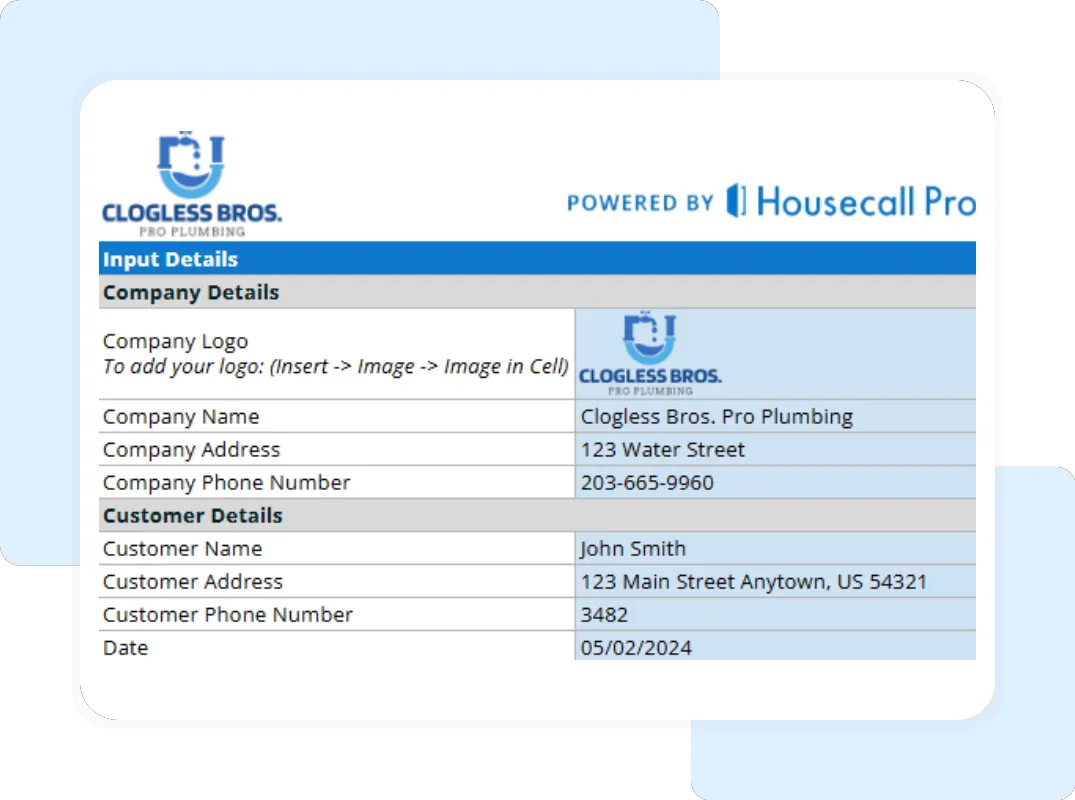
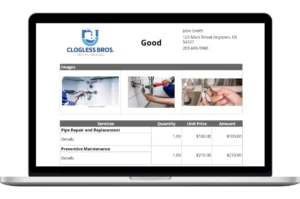
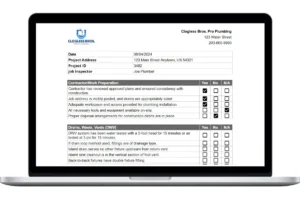
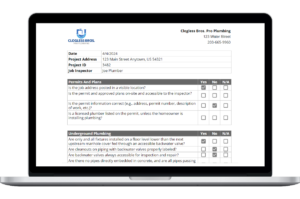
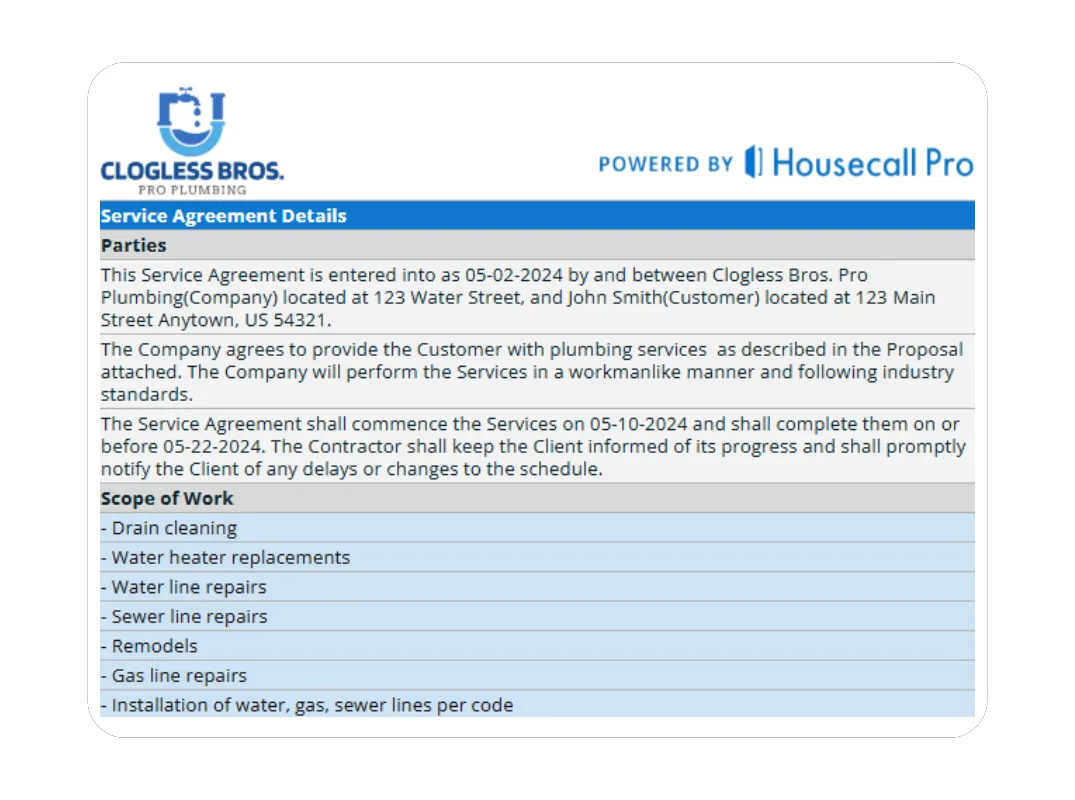
Step 3: Detail the Scope of Work and Payment Schedule On the “Service Agreement Details” tab, use the “Scope of Work” and “Payment Information” tables to provide a detailed outline of the services and the payment terms, including milestones and due dates.
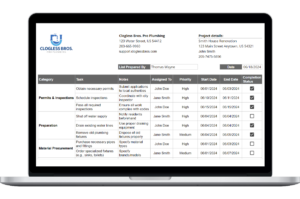
Step 4: Review the Automated Document The template will automatically pull all your entered information into a clean, professional layout on the “Printable Report – Full Summary” tab. This automation prevents errors and ensures a consistent look for every contract.
Step 5: Save and Send Your Professional Agreement Once everything is filled out, review the “Printable Report – Full Summary” tab. To send it, go to “File” > “Download” and select “PDF Document (.pdf)”. A PDF is a non-editable format that is perfect for sending to clients for review and signature.
3 Ways a Better Agreement Protects Your Plumbing Business
A well-crafted agreement does more than just outline work; it sets the stage for a successful project and a protected business.
- Builds Customer Trust Through Transparency: When a customer sees a detailed breakdown of the work and terms, it eliminates suspicion. They understand exactly what to expect, which builds immediate trust and makes them more confident in choosing you over a competitor with a vague handshake deal.
- Prevents Scope Creep and Unpaid Work: The detailed scope of work acts as a firm boundary for the project. When a customer asks for “one more thing,” you can professionally refer back to the agreement and initiate a change order, ensuring you get paid for all the work you do.
- Provides Legal and Financial Protection: A signed agreement is your best defense in a dispute. It clearly outlines your warranties, limits your liability, and defines the payment terms, giving you a legally binding document to rely on if a client refuses to pay.
Beyond the Template: Automate Your Agreements with Housecall Pro
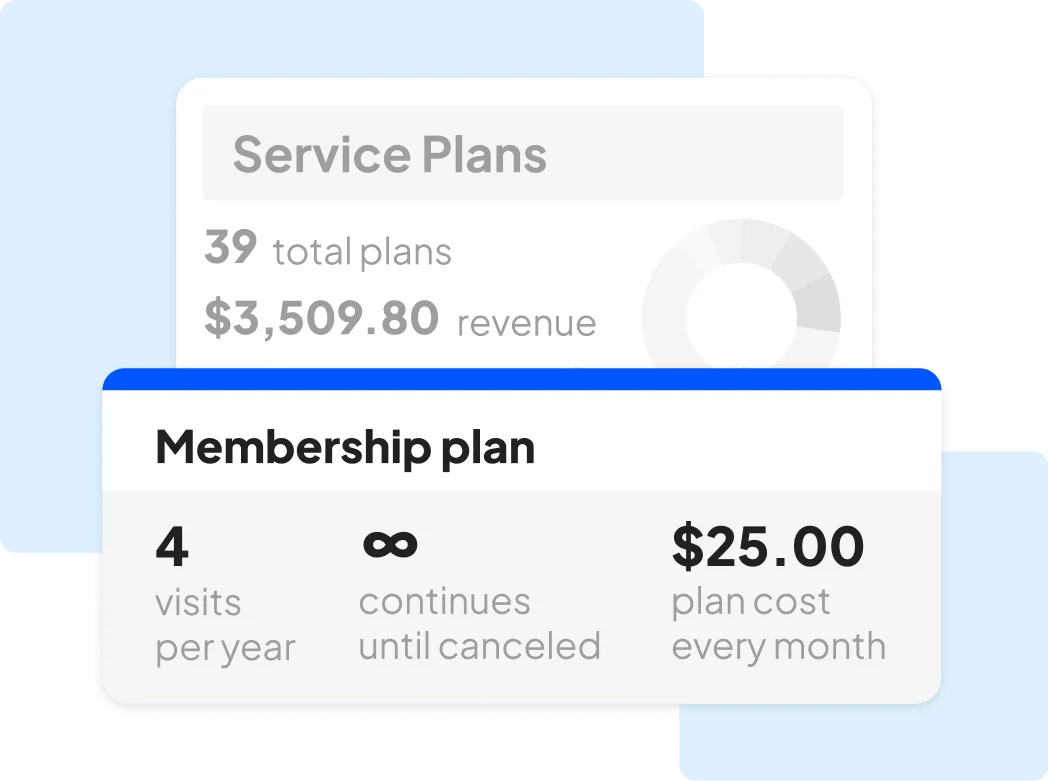
A template is a huge step up from verbal agreements, but it’s still a manual process. You have to enter data, save files, and manually chase signatures. Housecall Pro’s software automates your entire agreement process, turning contracts into a seamless part of your job management workflow.